
Simple and easy to use
Conversation, preview, recipients, and sending are all on-screen actions — chat a little and click a few times, and you are done. Simple to use, which is exactly what the "Easy" in EasyAImail means.
Start with who you're writing to and why. EasyAImail asks for the missing details, then creates a polished HTML email that sounds like you—not a generic AI template.
30 emails/month on the free plan · No credit card required
Browser extensionIn testing: handle email beside Gmail, Outlook, and other supported webmail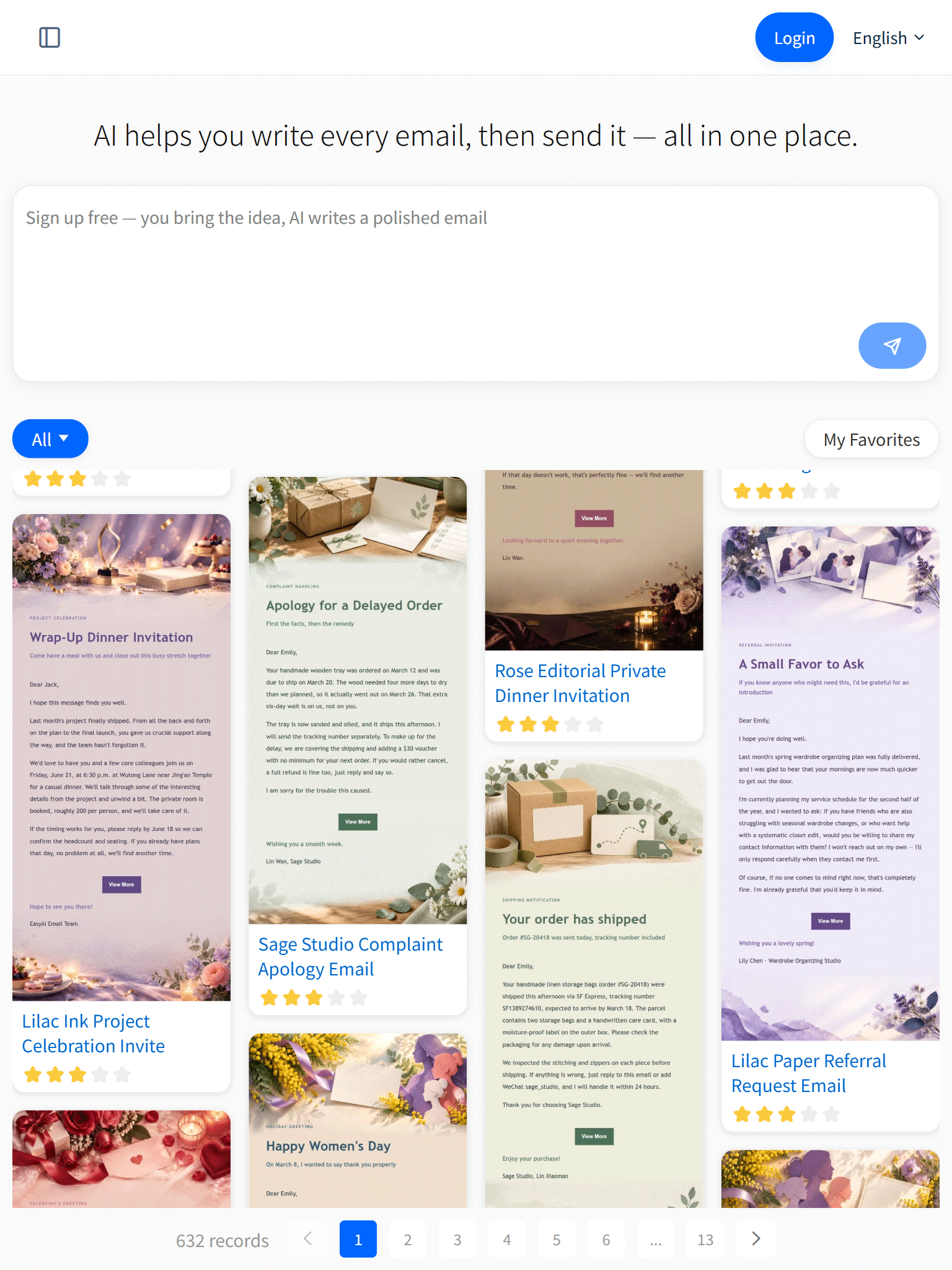
Start with one rough request, then watch AI recommend a template, ask for missing details, and build a complete HTML email you can revise by chat.
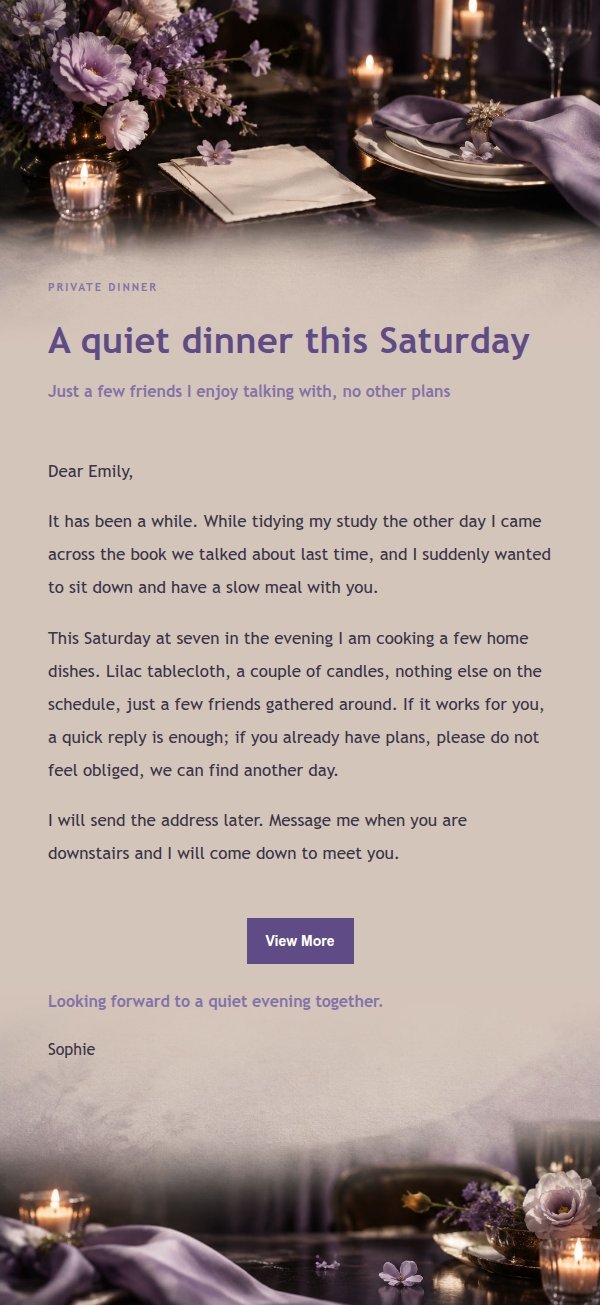
Lilac ink with warm ivory for a quiet, intimate private dinner invitation. Lay out the reason, time and RSVP in a gentle tone, then review the AI-generated draft before sending.
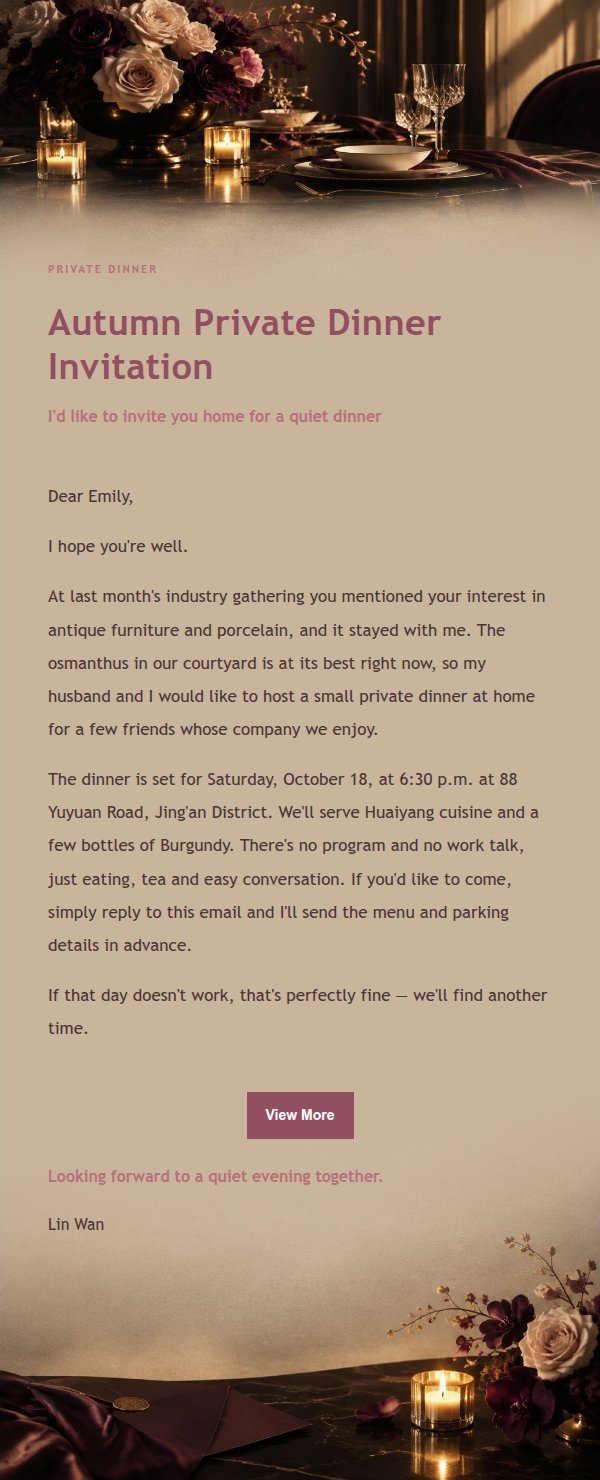
A private dinner worth inviting people to properly. The rose editorial style lays out the time, place and sentiment clearly, and after AI conversation generates it you can review and confirm before sending.
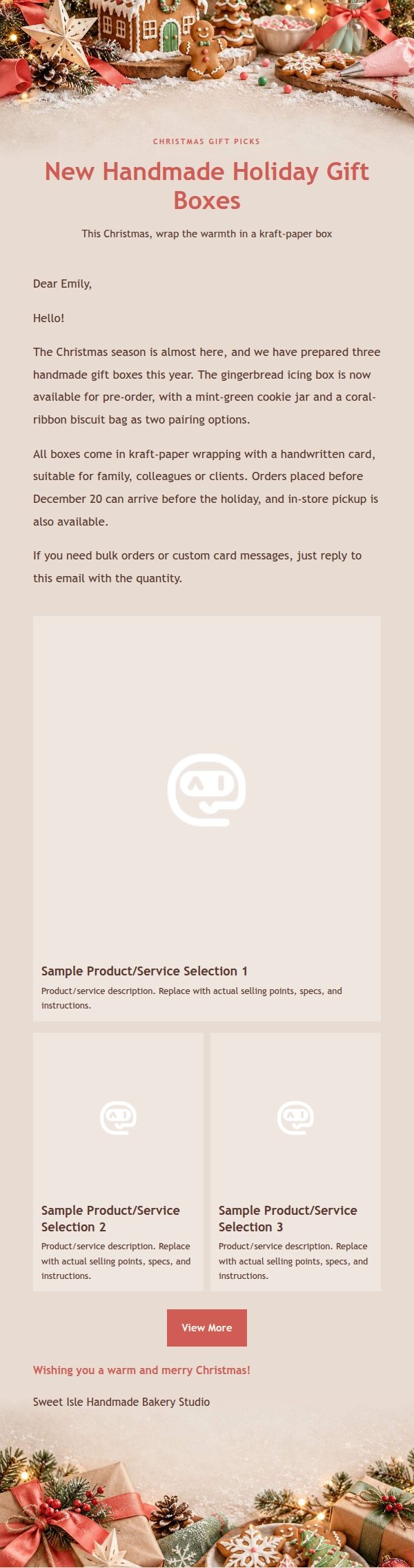
Coral red and gingerbread brown create a warm handmade Christmas feel, great for small shops promoting products, service schedules and customer thank-you notes during the holidays. Generated by AI, ready to review and send.
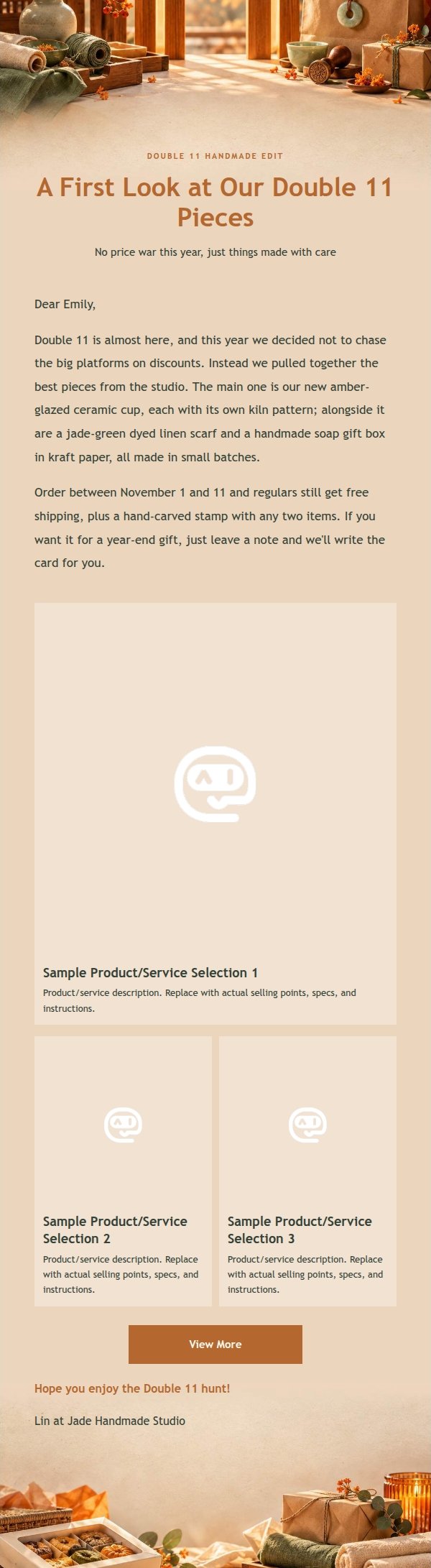
Amber orange and jade green, kraft paper and wooden bars set a local maker's workbench. For small shops promoting handmade goods, bookings or thanking regulars this Double 11. AI-generated, ready to review and send.
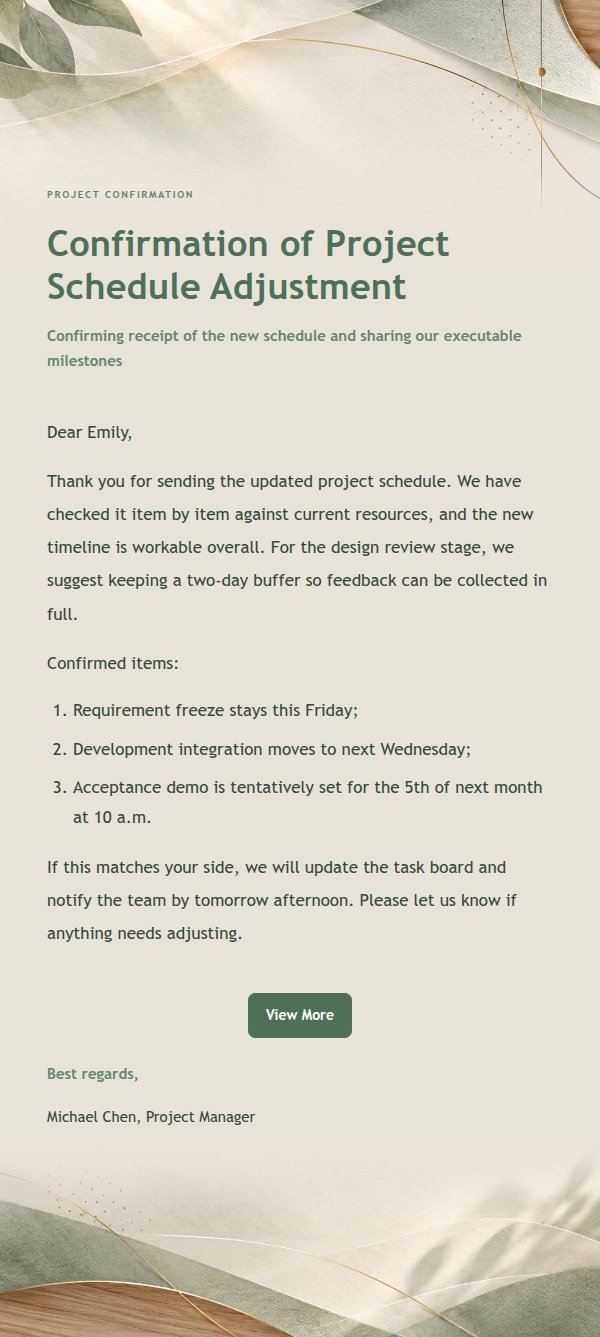
A professional concise email template for browser-extension replies, with sage green natural white space and a measured tone. It covers agreement, polite decline and schedule negotiation, generated by AI and ready to review before sending.
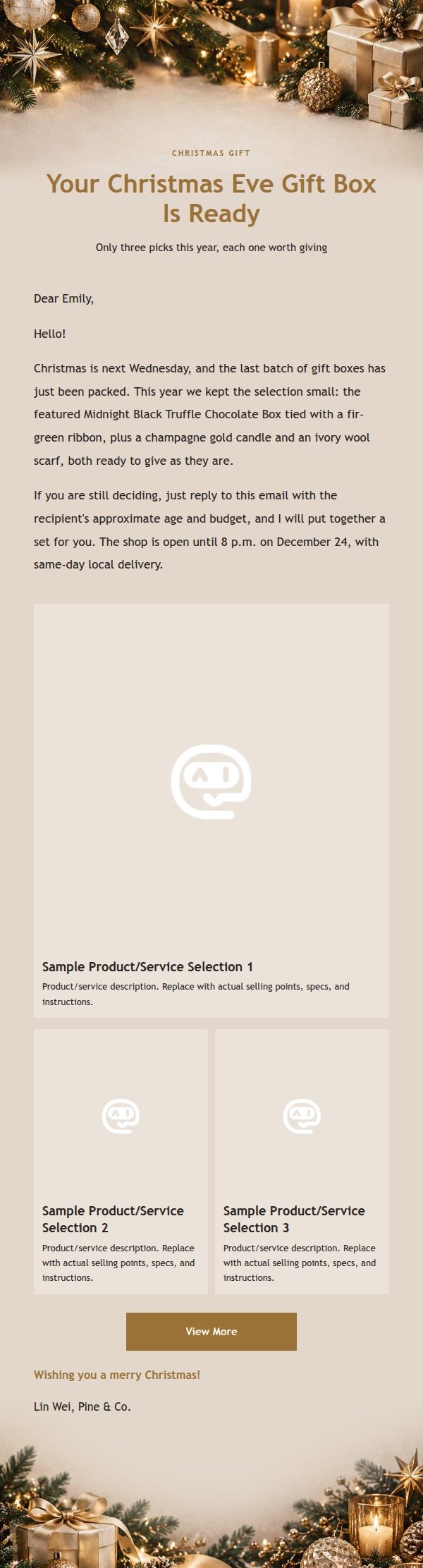
A Christmas marketing email in midnight black and champagne gold, with a full-row main product and two-column secondary products. AI-generated, ready to review and send.
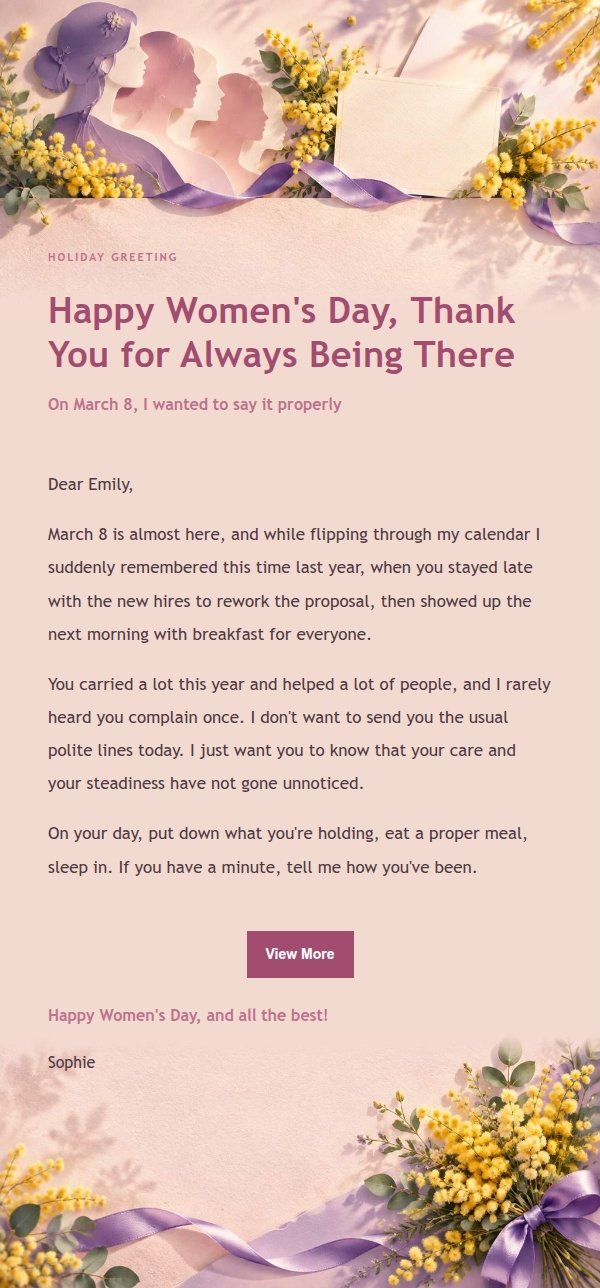
Tired of mass Women's Day blasts? This soft light template pairs violet ribbons with mimosa bouquets so you can send a March 8 note that actually feels personal.
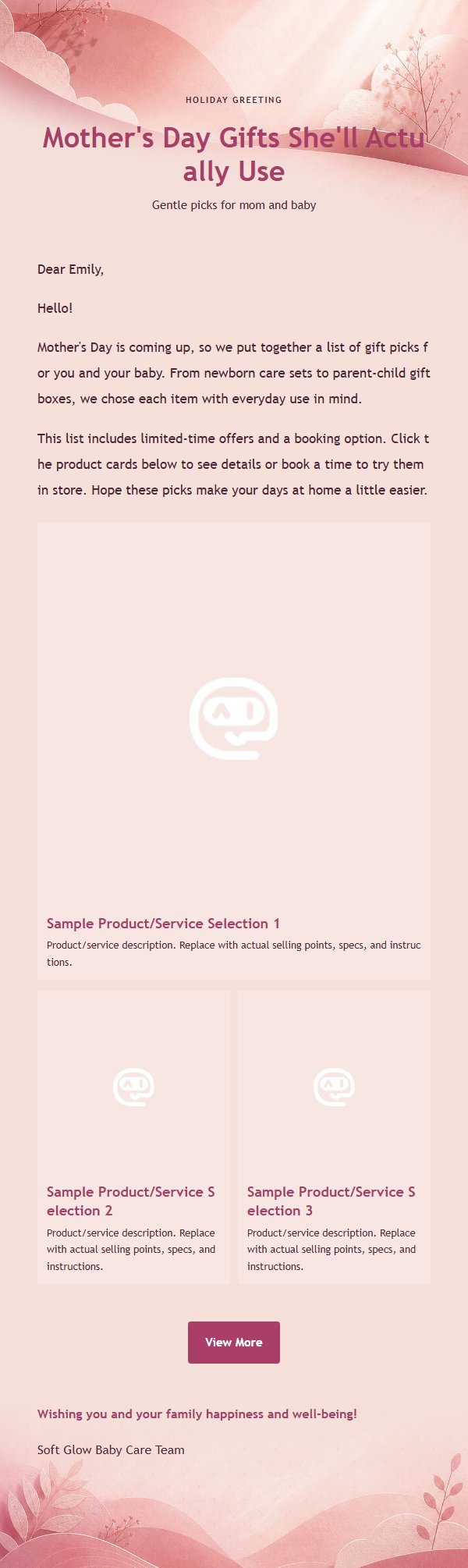
Soft rose berry gradient baby marketing email template with flexible product cards to easily guide bookings and purchases.
The writing, tone, details, and layout come together, with less checking and formatting work. Give names, dates, links, and other facts a quick review before sending.
Conversation, preview, recipients, and sending are all on-screen actions — chat a little and click a few times, and you are done. Simple to use, which is exactly what the "Easy" in EasyAImail means.
Write in a formal, friendly, or custom tone, avoiding empty clichés and mechanical phrasing, so each sentence feels like something you wrote yourself.
AI recommends a design for the purpose of your email, so the message and layout start in sync.
Not just plain text, but a clear, responsive HTML email with the key points laid out, ready for you to review and send.
AI helps reduce common spelling, tone, and wording mistakes. You still review the final email before sending.
Spend less time drafting, revising, and formatting an email that used to take real effort.
No complicated prompt and no need to think through every detail first. The AI fills the gaps as you talk.
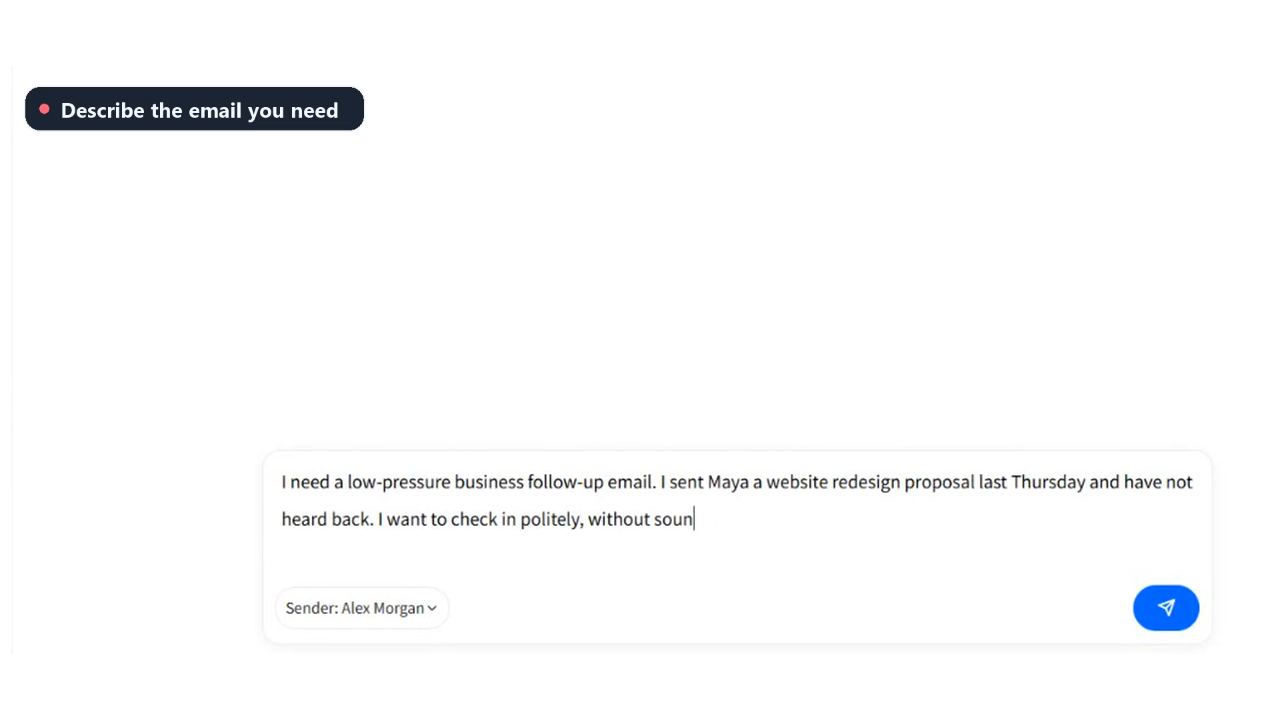
EasyAImail is for people writing to real people. It understands the brief, fills in missing details, recommends a template, and builds the HTML layout. To make changes, tell the AI what to adjust in chat.
Describe the need in plain language. No complicated prompting required.
Match the structure to the purpose, recipient, and tone of the email.
Copy, hierarchy, and responsive design become one complete email.
Ask for a small change or a full rewrite in the same natural way.
Templates are made independently for EasyAImail with AI assistance, are not copied from third-party template libraries, and may be used in commercial email under our Terms of Service.
Free credits, plan prices, and sending limits come from the live app. Credits are the billing unit; the page also estimates how many new emails a plan can create.
After creating an email, add a recipient in the app to send it now or schedule it. EasyAImail can send emails in Chinese, English, or Spanish on your behalf. When you use EasyAImail delivery, the reply address you selected is CC'd on the message. The copy you receive includes the recipient's email address, so you have a record of the send. Paid users can also connect their own SMTP server.
Explain who it is for and why you are writing. EasyAImail prepares the draft and layout; you review the final details.