
Amber Orange Business Hours Update Notice
Amber Orange business hours update notice template helps stores quickly communicate time changes and guide customers to book and confirm — formal yet eye-catching.
Create a free account and this template opens in the writing screen. Tell AI who the email is for and why you are writing; it asks for the missing details and creates your complete email.
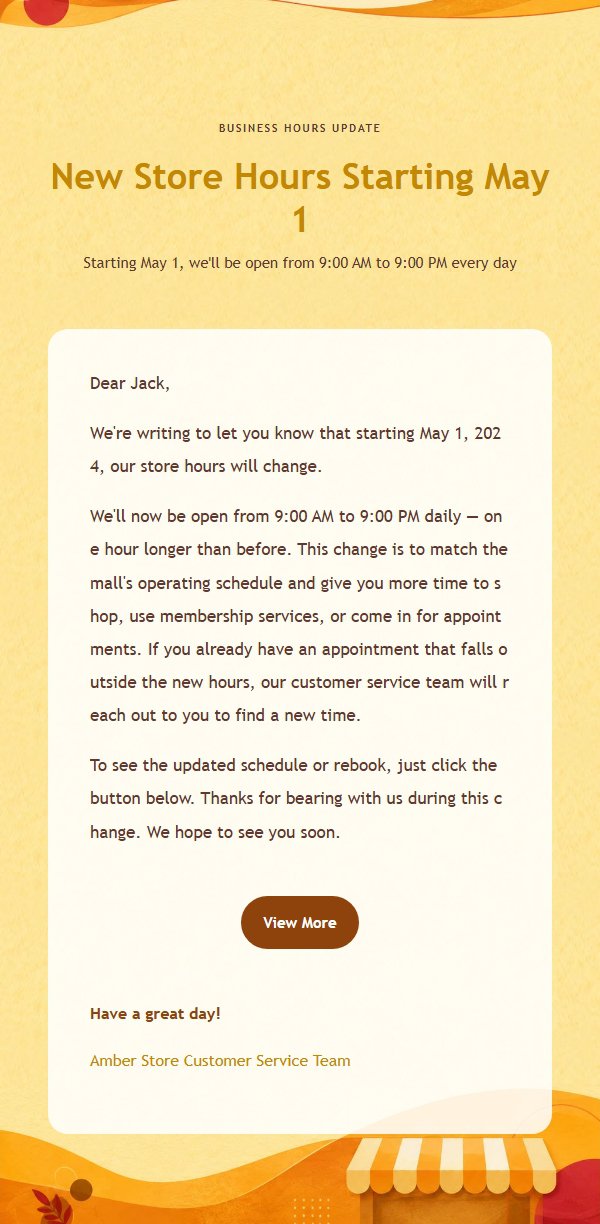
About this template
This is a formal business hours adjustment notification email template featuring an amber orange color scheme, designed for physical service locations such as retail stores, restaurants, beauty salons, and service businesses. Built on a 600-pixel email canvas, the template establishes a clear reading entry point at the top through an eyebrow, main title, and subtitle, carries change information in a clean body area in the middle, and places a closing greeting, signature, and external link button at the bottom. The overall palette uses amber orange, warm yellow, cream white, cocoa brown, and raspberry red to highlight new time information, helping customers quickly understand changes and complete bookings or confirmations. The template retains placeholders for title, eyebrow, subtitle, body, greeting, signature, external links, and footer, making it easy to auto-translate.
Email previews
2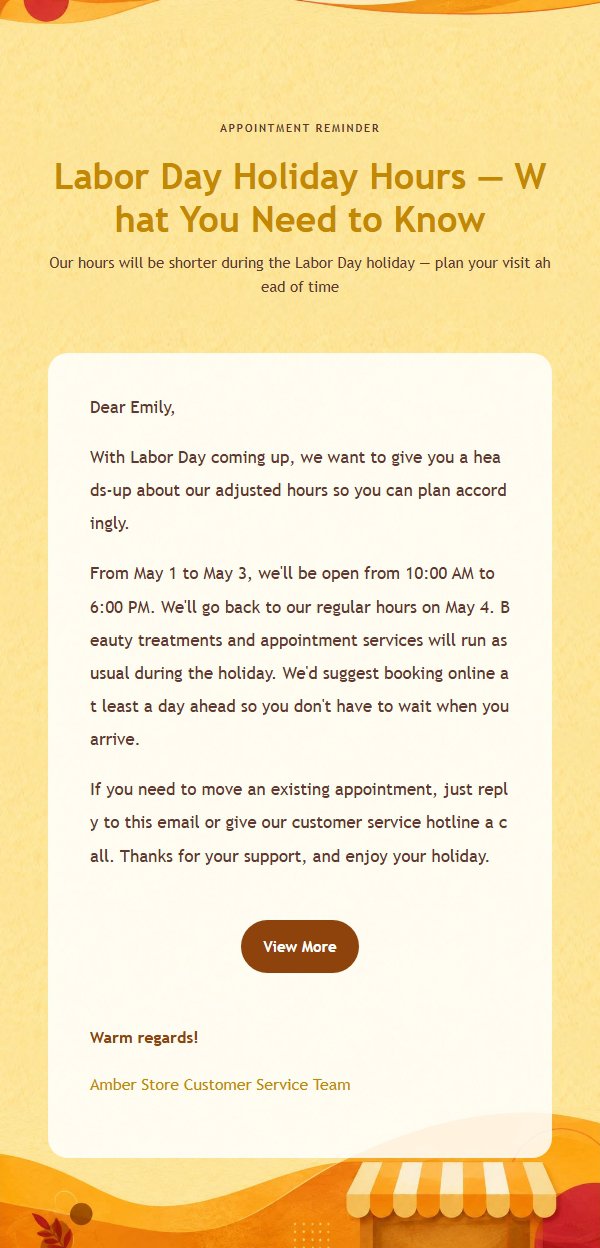
Use this template in three steps
No downloads and no HTML editing. After you sign in, this template opens automatically; just tell AI who the email is for and why you are writing.
- 1
Open this template
Click the button and sign in or create a free account. The writing screen opens with this template already selected.
- 2
Tell AI the essentials
In your own words, share the recipient, purpose, and tone. If dates, locations, links, or other details are missing, AI asks for them.
- 3
Preview, revise, and send
Review the complete email and ask AI for changes. Then enter the recipient and choose to send now or schedule it.
Version history
- v1.0First Created
Turn this template into your own email
Create a free account and this template opens automatically. Tell AI who you are writing to, why, and what matters; then preview the complete email, revise it, and decide how to send it.