
Amber Workbench Cold Outreach Email
An amber workbench cold outreach template that lays out the context, the next step and the recipient's right to choose. AI drafts it, you review it, then send.
Create a free account and this template opens in the writing screen. Tell AI who the email is for and why you are writing; it asks for the missing details and creates your complete email.
About this template
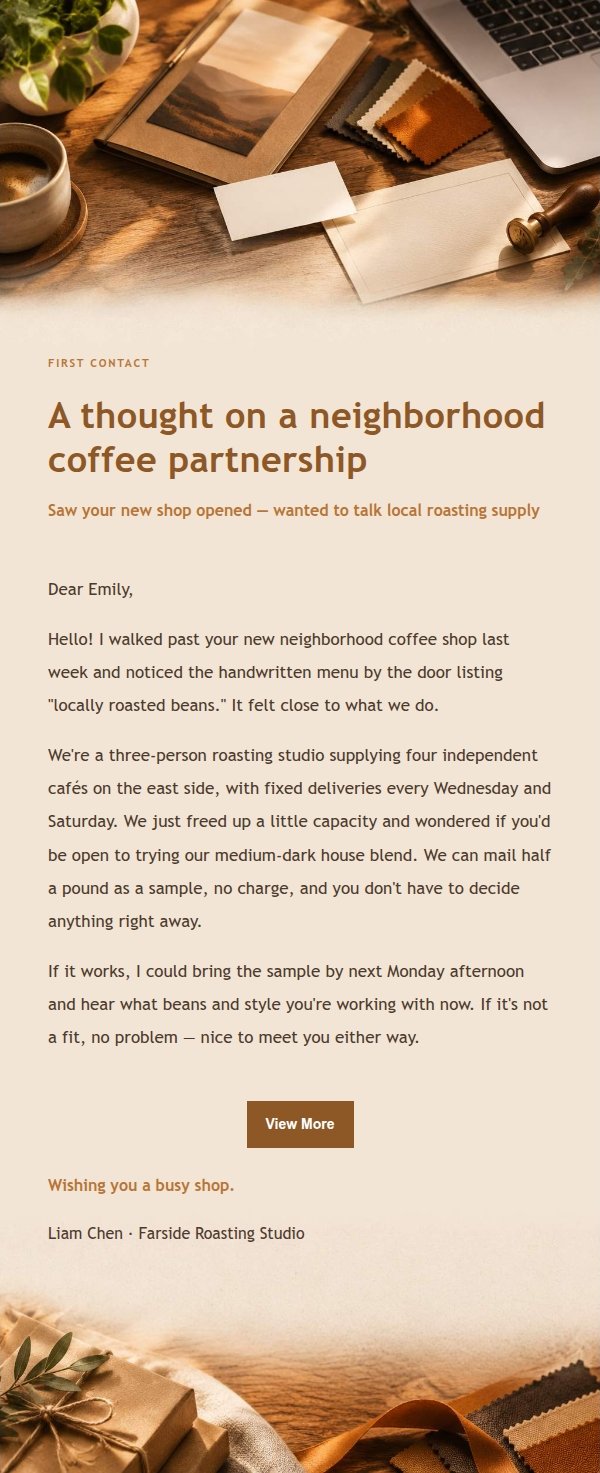
A client-relationship email template built for cold outreach and new-client development. It is made for solo operators, independent professionals, small shops and anyone who has to keep client relationships warm. The layout turns the real parts of a first conversation — context, tone, next step and the recipient's right to say no — into an email people will actually finish reading. The visual direction is an amber workbench: warm amber, espresso, cream and kraft-paper texture, with paper grain, card layering and generous white space. The top area carries recognition elements tied directly to cold outreach so the recipient understands at a glance what the email is about. The body area holds longer service descriptions, background notes or forwarding prompts, mobile-first, with desktop media queries widening type and reading width. Dynamic body, greeting, signature, external link button and compliance footer all keep stable injection slots.
Email previews
2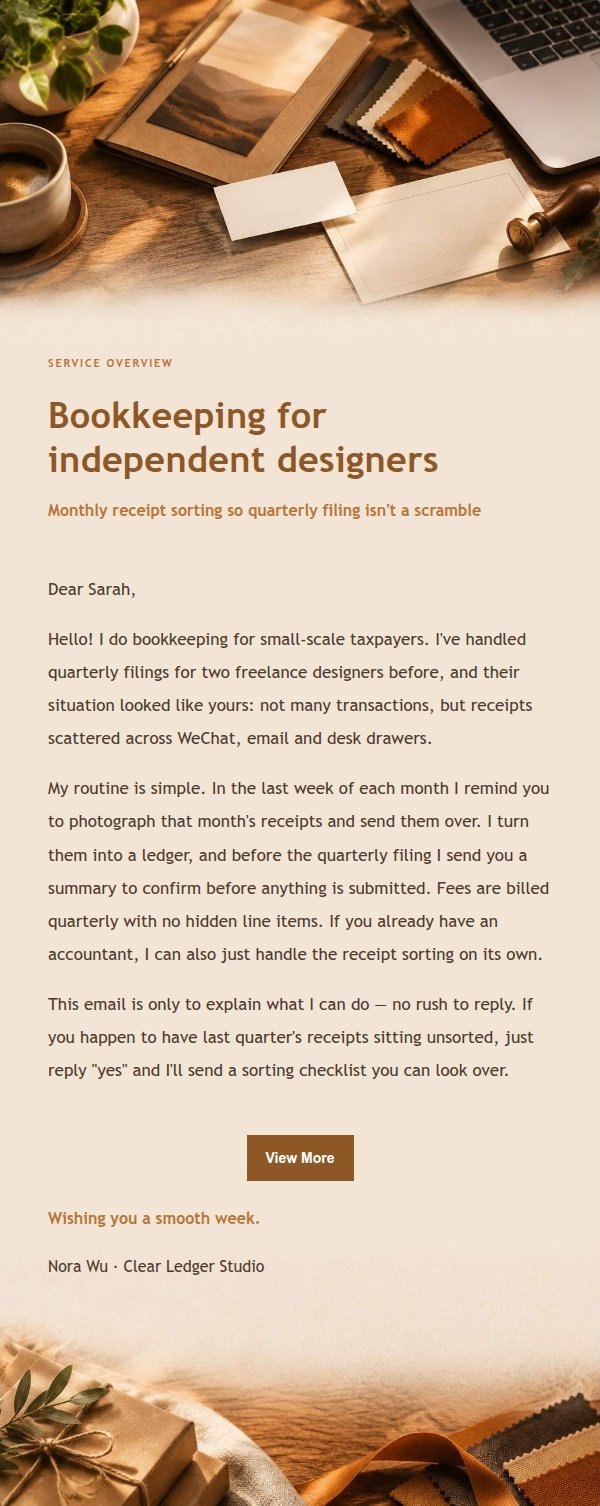
Use this template in three steps
No downloads and no HTML editing. After you sign in, this template opens automatically; just tell AI who the email is for and why you are writing.
- 1
Open this template
Click the button and sign in or create a free account. The writing screen opens with this template already selected.
- 2
Tell AI the essentials
In your own words, share the recipient, purpose, and tone. If dates, locations, links, or other details are missing, AI asks for them.
- 3
Preview, revise, and send
Review the complete email and ask AI for changes. Then enter the recipient and choose to send now or schedule it.
Version history
- v1.0First Created
Turn this template into your own email
Create a free account and this template opens automatically. Tell AI who you are writing to, why, and what matters; then preview the complete email, revise it, and decide how to send it.