
Amber Workbench Quote & Inquiry Reply Email
A transactional email template for replying to quote requests and inquiries, built for freelancers, small shops, and service providers who need to send pricing, confirm orders, or answer customer questions. The amber workbench look uses warm amber, espresso, cream, and kraft paper tones to keep the message grounded and approachable. The top identification area tells the recipient what the email is about at a glance, while the quiet paper texture and card layers hold order details, amounts, dates, shipping notes, or service terms without clutter. Mobile-first spacing with desktop scaling keeps long details readable, and stable containers for the dynamic body, signature, link button, and theme footer support real business communication.
This template was made for EasyAImail with AI assistance and was not copied from a third-party template library. No separate template license is required, and it may be used in commercial email under our Terms of Service.
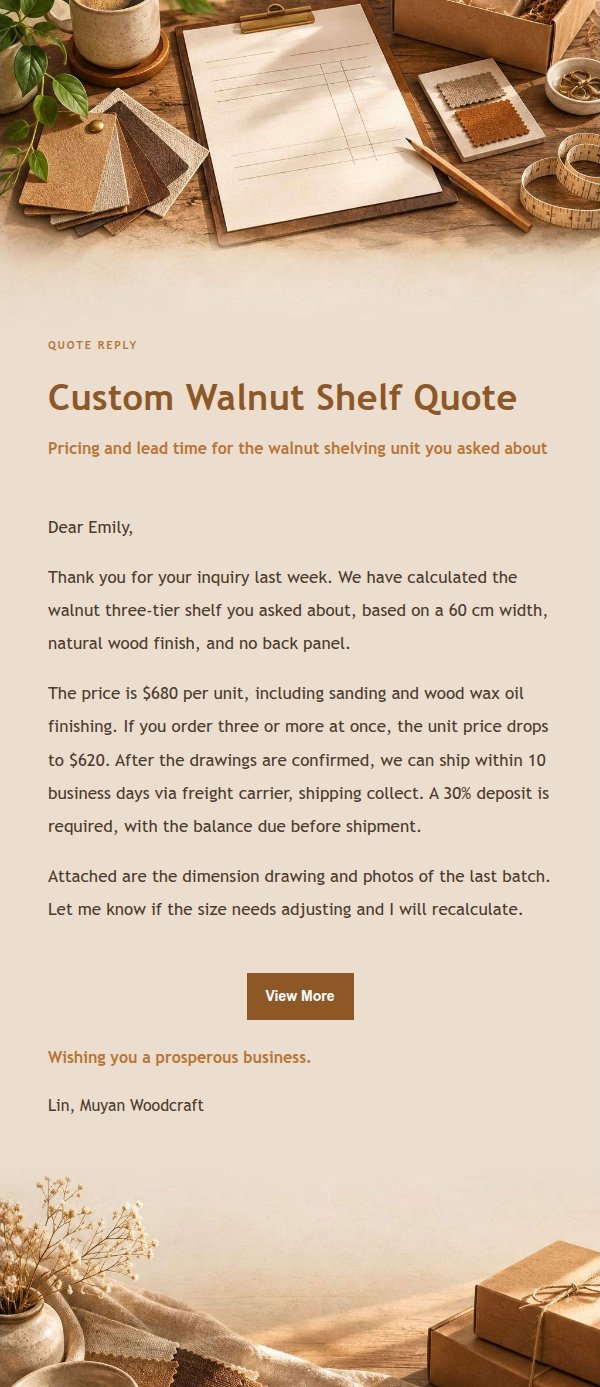
Email previews
2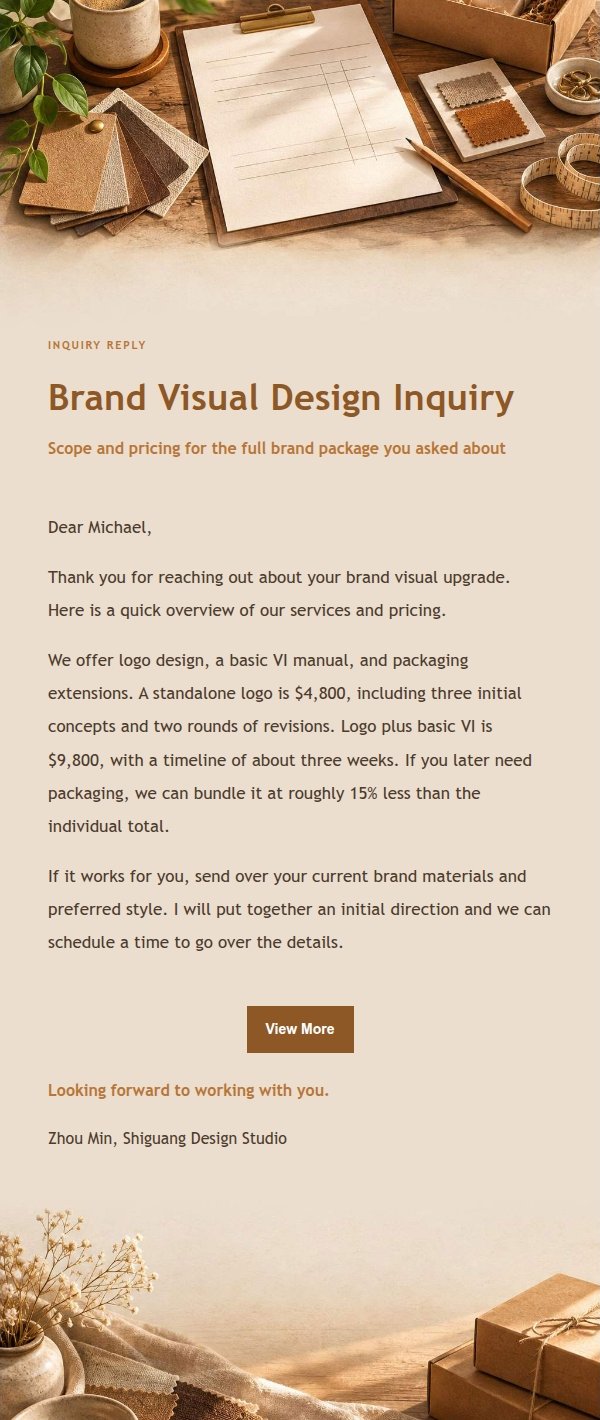
Use this template in three steps
No downloads and no HTML editing. After you sign in, this template opens automatically; just tell AI who the email is for and why you are writing.
- 1
Open this template
Click the button and sign in or create a free account. The writing screen opens with this template already selected.
- 2
Tell AI the essentials
In your own words, share the recipient, purpose, and tone. If dates, locations, links, or other details are missing, AI asks for them.
- 3
Preview, revise, and send
Review the complete email and ask AI for changes. Then enter the recipient and choose to send now or schedule it.
Version history
- v1.0First Created
Turn this template into your own email
Create a free account and this template opens automatically. Tell AI who you are writing to, why, and what matters; then preview the complete email, revise it, and decide how to send it.