
Burgundy & Gold Ribbon Formal Request Email
A formal business email template built around a burgundy and antique gold ribbon visual. It suits proposals, partnership follow-ups, formal requests, signature reminders and key client communication. The design uses wine red, antique gold and parchment tones with satin drapery, gilded light and pearl accents to create a luxurious feel, without relying on documents, pens or stamps, so the body text can be freely swapped for proposals, thanks, invitations or notices. Fixed decorations sit at the top and bottom, while the middle uses a low-distraction, vertically repeating sheen so longer copy never stretches the ribbon. The message card uses soft rounded corners, a translucent paper surface and restrained metallic edges, mobile-first with desktop media queries enhancing type size and spacing.
This template was made for EasyAImail with AI assistance and was not copied from a third-party template library. No separate template license is required, and it may be used in commercial email under our Terms of Service.
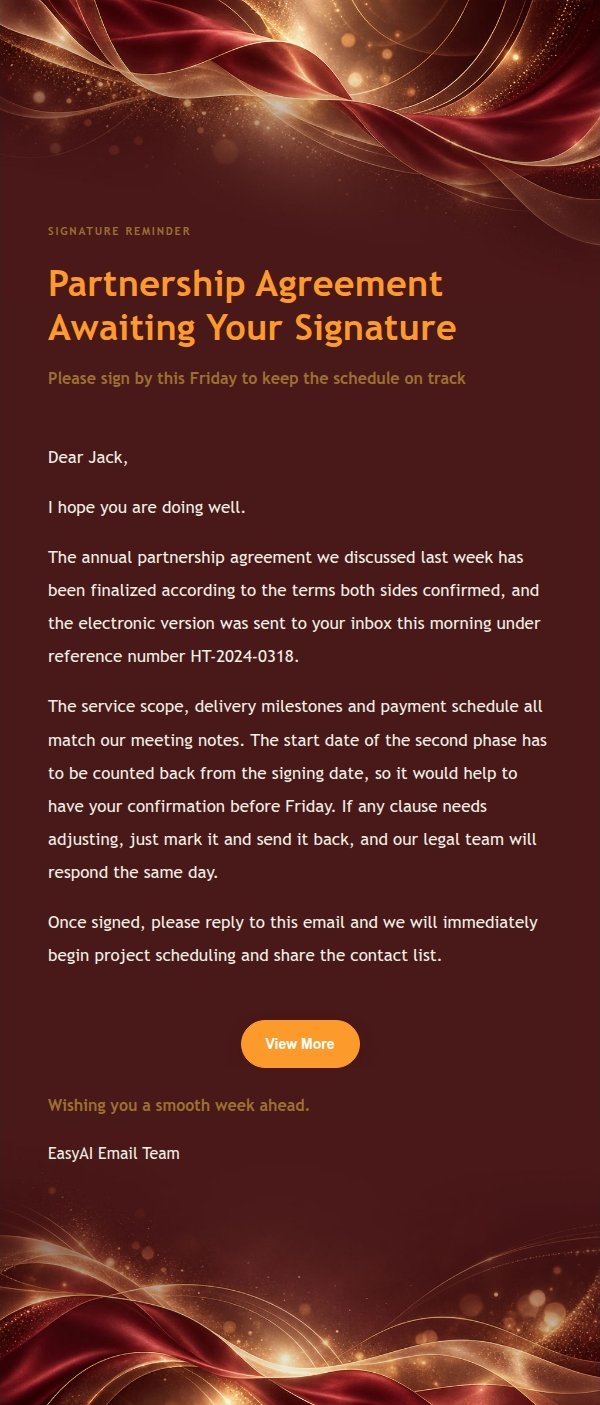
Email previews
2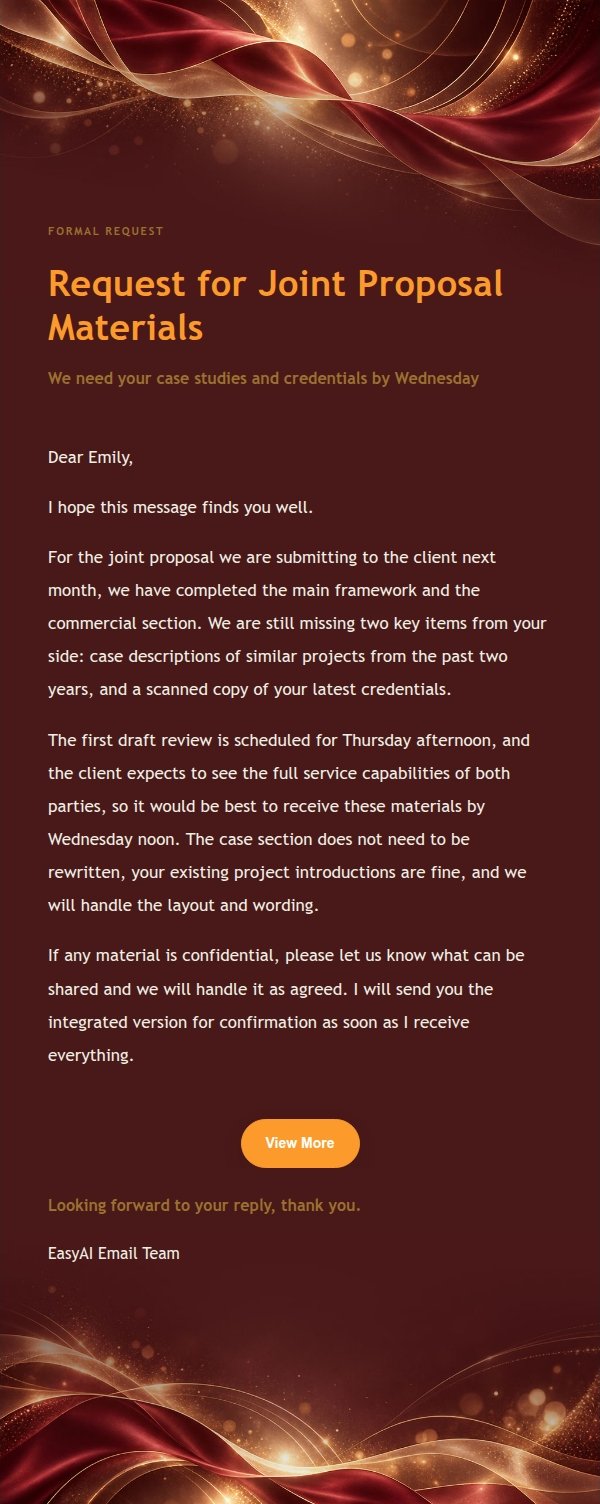
Use this template in three steps
No downloads and no HTML editing. After you sign in, this template opens automatically; just tell AI who the email is for and why you are writing.
- 1
Open this template
Click the button and sign in or create a free account. The writing screen opens with this template already selected.
- 2
Tell AI the essentials
In your own words, share the recipient, purpose, and tone. If dates, locations, links, or other details are missing, AI asks for them.
- 3
Preview, revise, and send
Review the complete email and ask AI for changes. Then enter the recipient and choose to send now or schedule it.
Version history
- v1.0First Created
Turn this template into your own email
Create a free account and this template opens automatically. Tell AI who you are writing to, why, and what matters; then preview the complete email, revise it, and decide how to send it.