
Classic Red & Gold Christmas Greeting Card
Classic red and gold Christmas greeting card template, a solemn and warm holiday greeting. Send it to clients and partners to convey sincere wishes and brand warmth.
Create a free account and this template opens in the writing screen. Tell AI who the email is for and why you are writing; it asks for the missing details and creates your complete email.
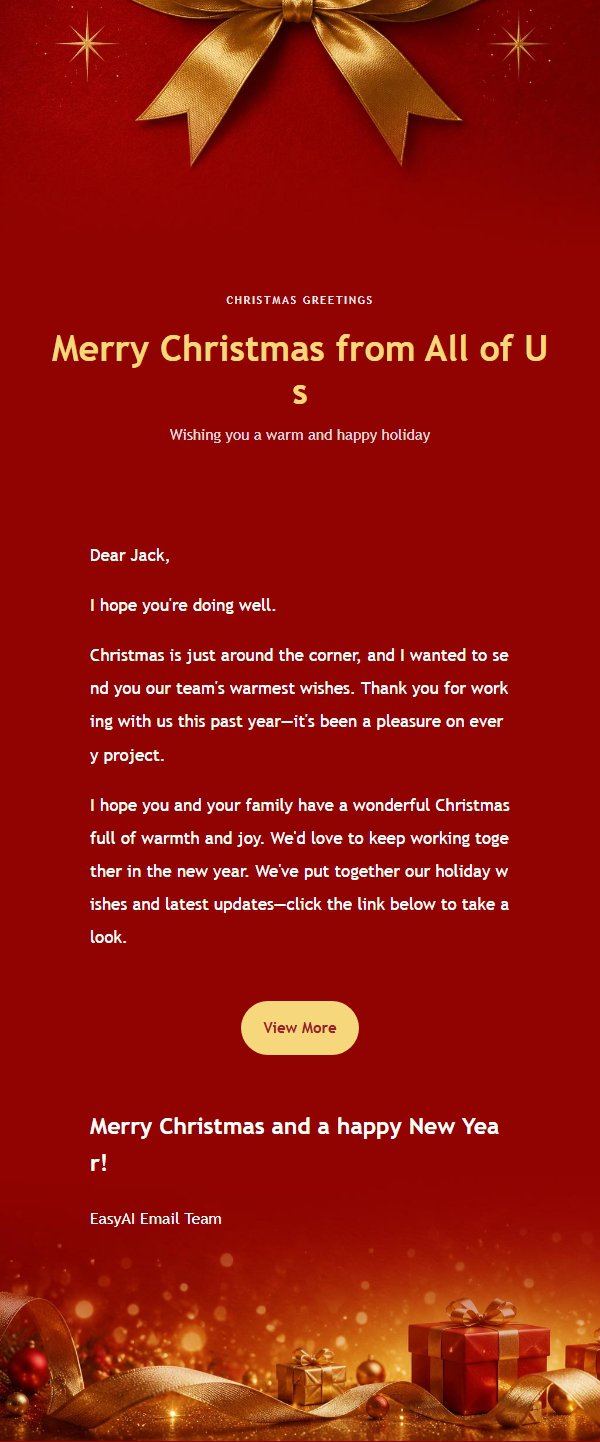
About this template
This is a classic red and gold Christmas greeting email template designed for businesses to send warm and formal holiday greetings to clients, partners, and friends during the Christmas season. The template uses a 600-pixel email canvas, with an eyebrow, main title, and subtitle at the top to establish a clear reading entry point. The middle section holds the body content, while the bottom sequentially places the closing greeting, signature, and external link button. The overall color scheme features Christmas red, warm gold, cream white, and deep burgundy, creating a solemn and warm atmosphere with a strong festive feel. The body container has stable font sizes, line heights, and link colors, allowing long content to extend naturally while maintaining visual continuity. The template retains placeholders for title, eyebrow, subtitle, body, greeting, signature, external links, and footer, making it easy for batch editing and export.
Email previews
2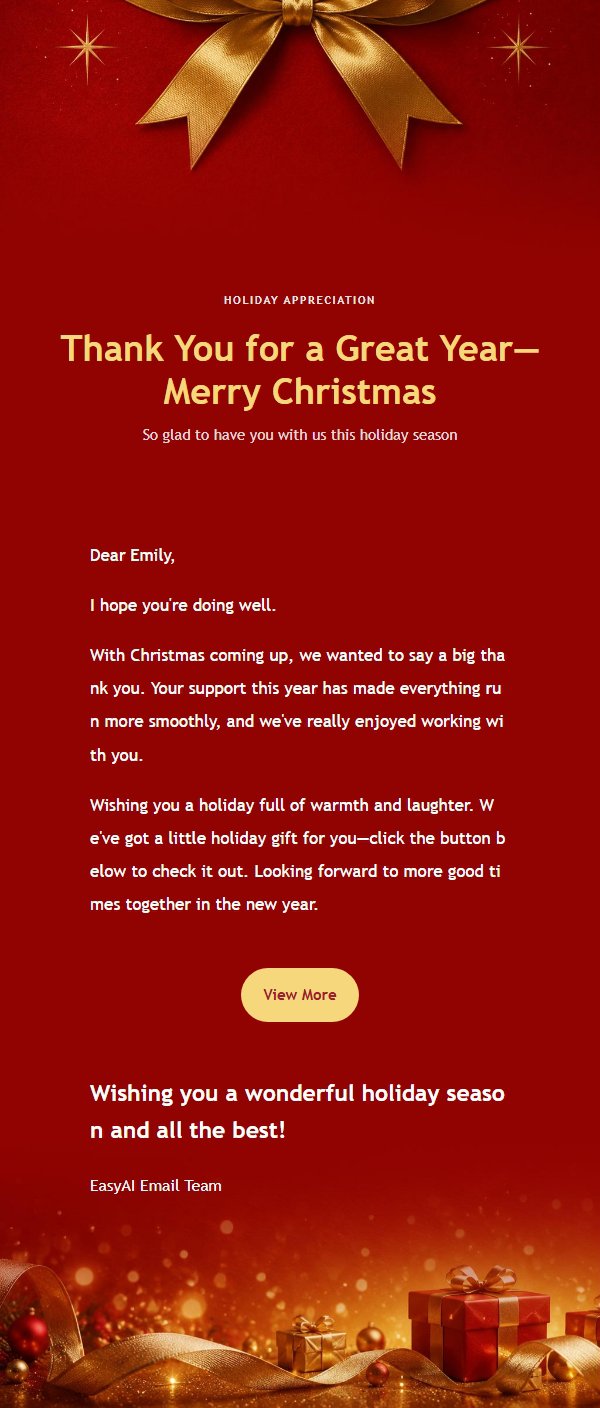
Use this template in three steps
No downloads and no HTML editing. After you sign in, this template opens automatically; just tell AI who the email is for and why you are writing.
- 1
Open this template
Click the button and sign in or create a free account. The writing screen opens with this template already selected.
- 2
Tell AI the essentials
In your own words, share the recipient, purpose, and tone. If dates, locations, links, or other details are missing, AI asks for them.
- 3
Preview, revise, and send
Review the complete email and ask AI for changes. Then enter the recipient and choose to send now or schedule it.
Version history
- v1.0First Created
Turn this template into your own email
Create a free account and this template opens automatically. Tell AI who you are writing to, why, and what matters; then preview the complete email, revise it, and decide how to send it.