
Cobalt Cyan Tech Radar Briefing Email
Cobalt cyan tech radar briefing template with radar arcs and circuit dot patterns for a futuristic tech feel. Great for AI trend newsletters and product updates, with effortless long-form content extension.
Create a free account and this template opens in the writing screen. Tell AI who the email is for and why you are writing; it asks for the missing details and creates your complete email.
About this template
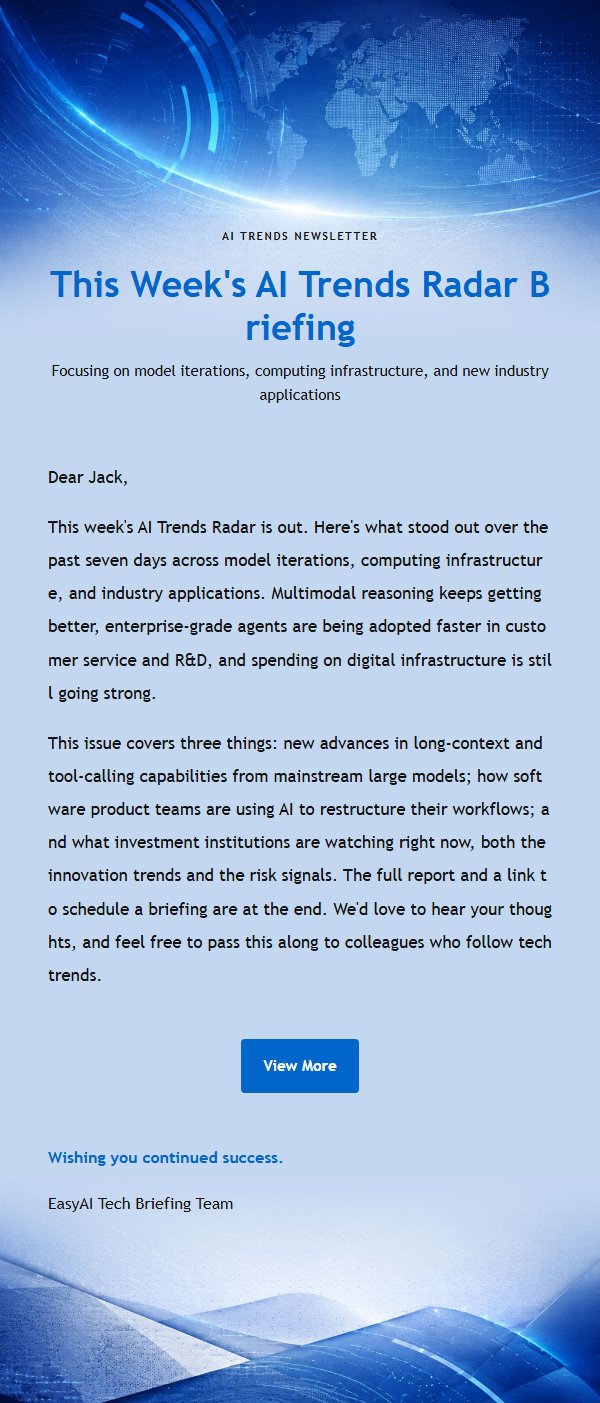
A formal briefing email template featuring a cobalt-cyan tech radar as its core visual. Great for AI trend newsletters, software product updates, technology analysis, and investment insights. The design uses radar arcs and circuit dot patterns to create a futuristic tech feel. The top section establishes a clear reading entry with an eyebrow, main title, and subtitle. The middle section accommodates long-form body content with modular editing support. The bottom section places the closing greeting, signature, and external link button in sequence. The color palette combines cobalt blue, bright cyan, white, and deep ink blue. The body container features stable font sizes, line heights, and dividers, allowing long content to extend vertically while maintaining visual continuity. Marketing scenarios also support single-column primary products and dual-column secondary products on desktop with vertical stacking on mobile, facilitating backend batch editing and automatic translation.
Email previews
2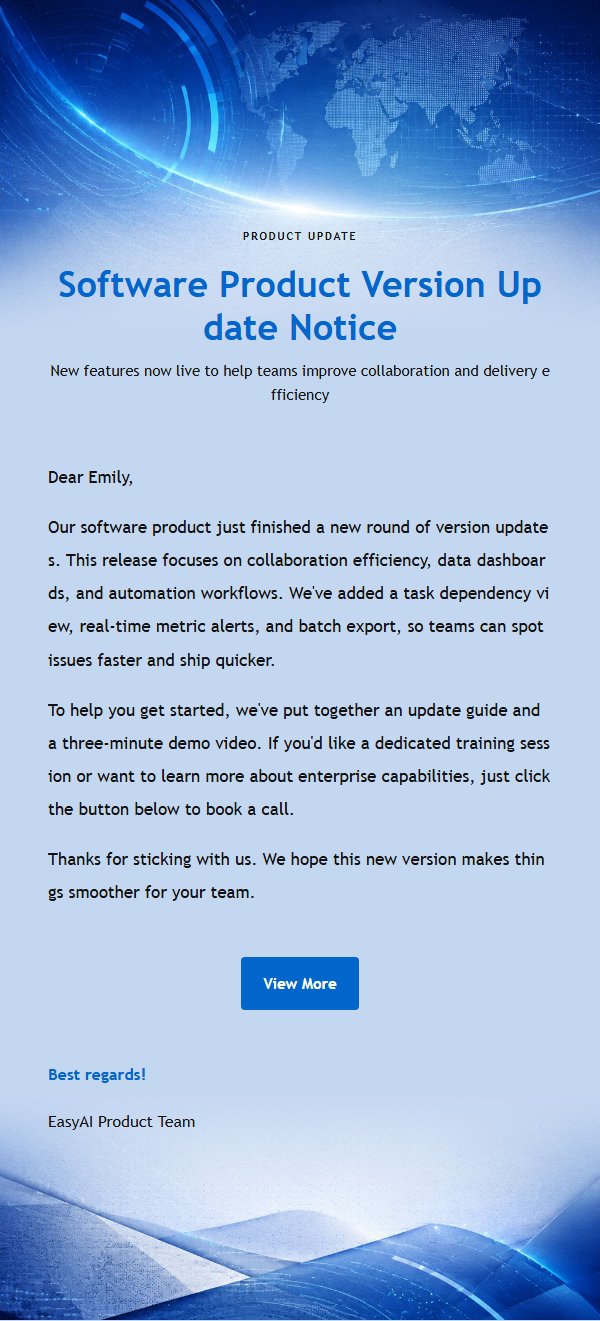
Use this template in three steps
No downloads and no HTML editing. After you sign in, this template opens automatically; just tell AI who the email is for and why you are writing.
- 1
Open this template
Click the button and sign in or create a free account. The writing screen opens with this template already selected.
- 2
Tell AI the essentials
In your own words, share the recipient, purpose, and tone. If dates, locations, links, or other details are missing, AI asks for them.
- 3
Preview, revise, and send
Review the complete email and ask AI for changes. Then enter the recipient and choose to send now or schedule it.
Version history
- v1.0First Created
Turn this template into your own email
Create a free account and this template opens automatically. Tell AI who you are writing to, why, and what matters; then preview the complete email, revise it, and decide how to send it.