
Cobalt Editorial Apology Reconnect Email
An original email template built for the moment you reach back out to a friend after a long silence. It opens with an eyebrow label, headline and short summary so the recipient understands the intent at a glance, then lays out the body, closing wish, signature and a single action link in a steady reading order. The look is saturated cobalt blue, porcelain white, cool silver and restrained cyan, like considered editorial stationery with crisp geometric framing. Fixed scene elements sit at the top and bottom, while the middle uses a low-distraction repeating texture, so the layout holds even when the body runs two or three times longer than usual. Links, signature email and buttons are defined mobile-first, then scaled up on desktop. Made for drafting with AI, then editing, previewing and exporting.
This template was made for EasyAImail with AI assistance and was not copied from a third-party template library. No separate template license is required, and it may be used in commercial email under our Terms of Service.
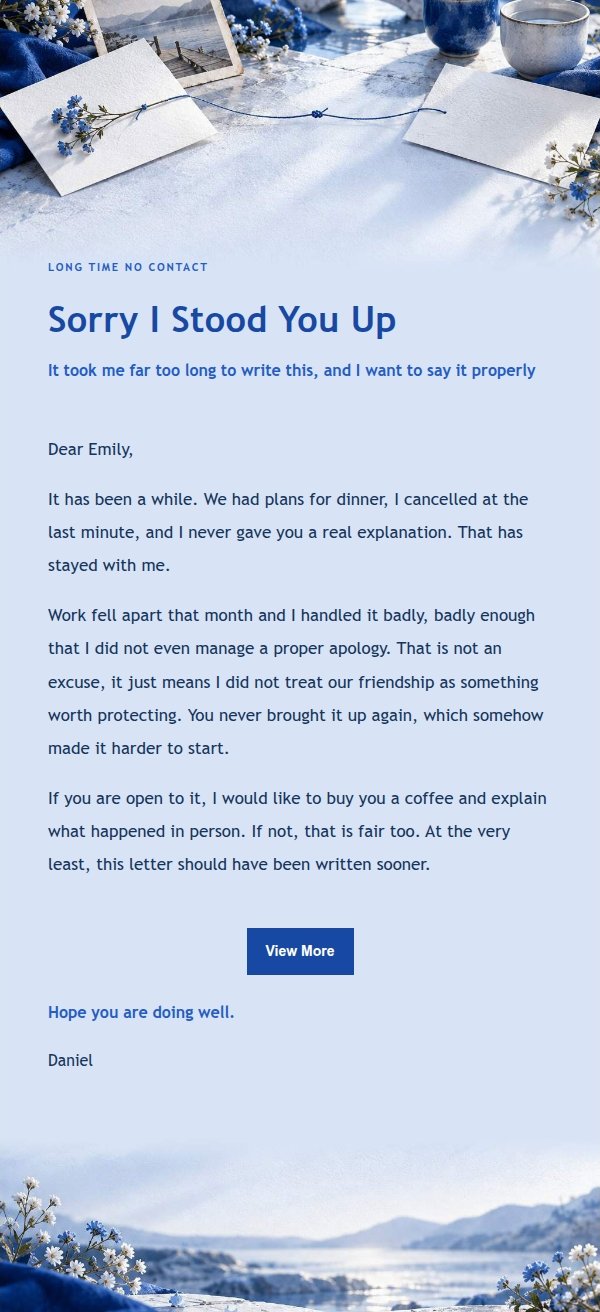
Email previews
2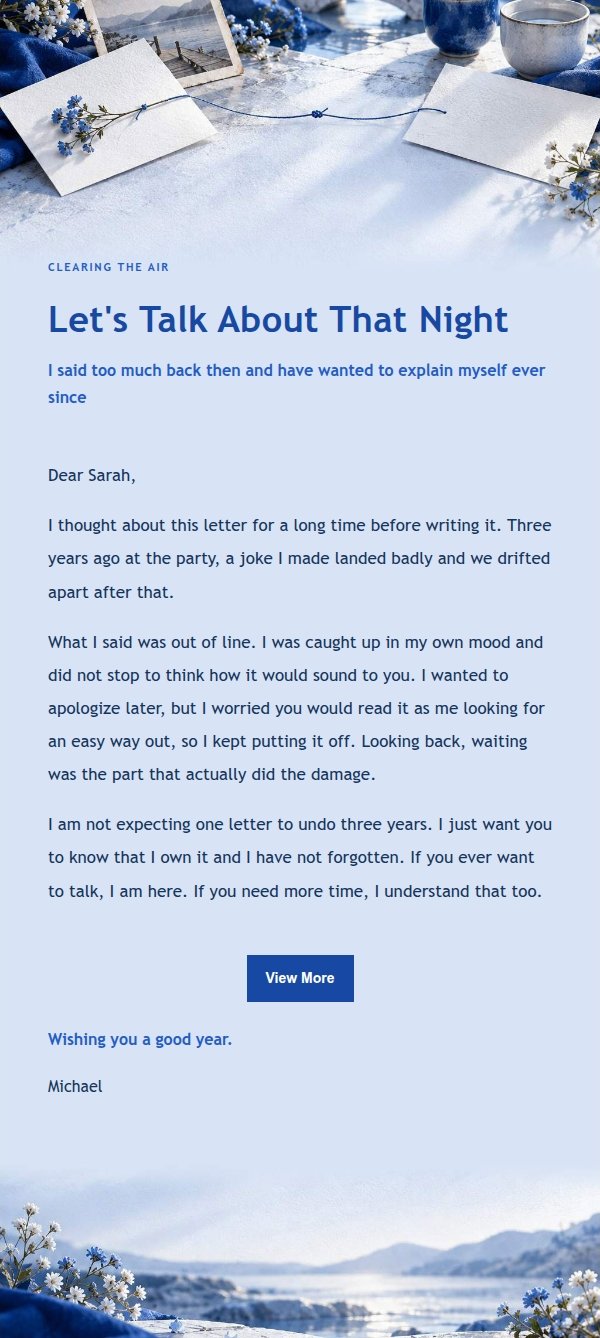
Use this template in three steps
No downloads and no HTML editing. After you sign in, this template opens automatically; just tell AI who the email is for and why you are writing.
- 1
Open this template
Click the button and sign in or create a free account. The writing screen opens with this template already selected.
- 2
Tell AI the essentials
In your own words, share the recipient, purpose, and tone. If dates, locations, links, or other details are missing, AI asks for them.
- 3
Preview, revise, and send
Review the complete email and ask AI for changes. Then enter the recipient and choose to send now or schedule it.
Version history
- v1.0First Created
Turn this template into your own email
Create a free account and this template opens automatically. Tell AI who you are writing to, why, and what matters; then preview the complete email, revise it, and decide how to send it.