
Deep Blue & Gold Partnership Follow-Up Email
This is a professional business follow-up email template designed for partnership communication scenarios. It helps you transform emails that could easily sound stiff or verbose into clear, respectful, and engaging relationship expressions. The template features a deep blue and gold visual style, using a #071b3d deep blue color scheme as the base, combined with low-contrast gradients, fine borders, and paper-like whitespace to create a composed and professional business character. The main reading area is stable and clear, with distinct hierarchy for titles, paragraphs, closing greetings, and signatures, and external link buttons that naturally conclude the message. For corporate clients, managers, consultants, and professional service practitioners, it can be used for post-meeting follow-ups, partnership confirmations, project reports, thank-you notes, referrals, reminders, apologies, proposal submissions, and other real communication scenarios. Mobile-first structure, with desktop enhancements through media queries for font size and whitespace, compatible with mainstream email clients.
This template was made for EasyAImail with AI assistance and was not copied from a third-party template library. No separate template license is required, and it may be used in commercial email under our Terms of Service.
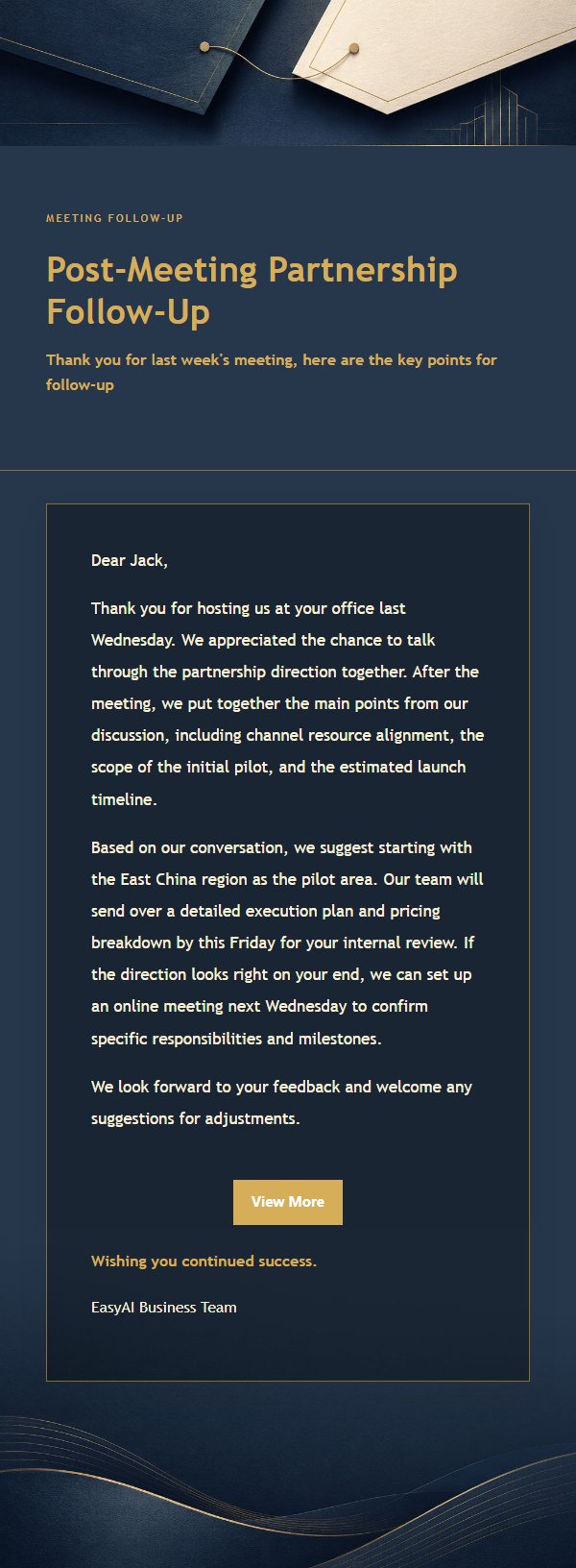
Email previews
2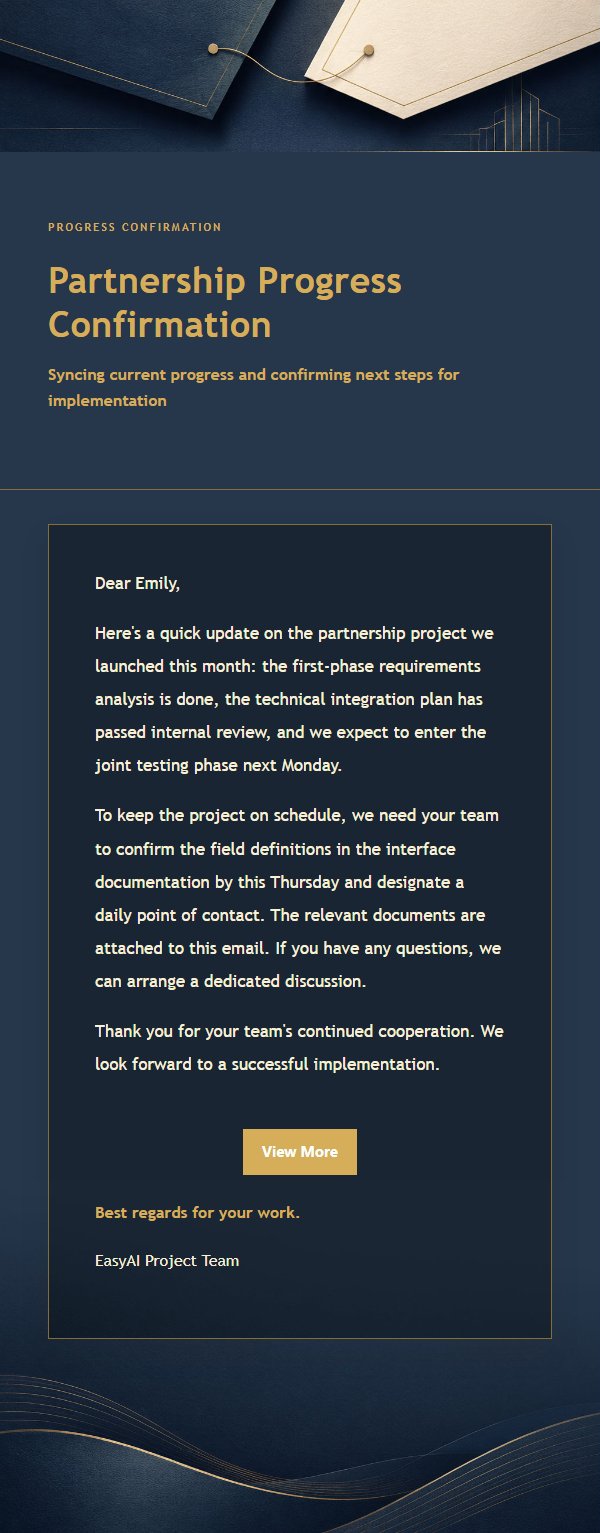
Use this template in three steps
No downloads and no HTML editing. After you sign in, this template opens automatically; just tell AI who the email is for and why you are writing.
- 1
Open this template
Click the button and sign in or create a free account. The writing screen opens with this template already selected.
- 2
Tell AI the essentials
In your own words, share the recipient, purpose, and tone. If dates, locations, links, or other details are missing, AI asks for them.
- 3
Preview, revise, and send
Review the complete email and ask AI for changes. Then enter the recipient and choose to send now or schedule it.
Version history
- v1.0First Created
Turn this template into your own email
Create a free account and this template opens automatically. Tell AI who you are writing to, why, and what matters; then preview the complete email, revise it, and decide how to send it.