
Forest Copper Business Follow-Up Email
A forest-copper business communication template that keeps follow-up emails clear, respectful, and personable—great for post-meeting follow-ups, partnership confirmations, and relationship management.
Create a free account and this template opens in the writing screen. Tell AI who the email is for and why you are writing; it asks for the missing details and creates your complete email.
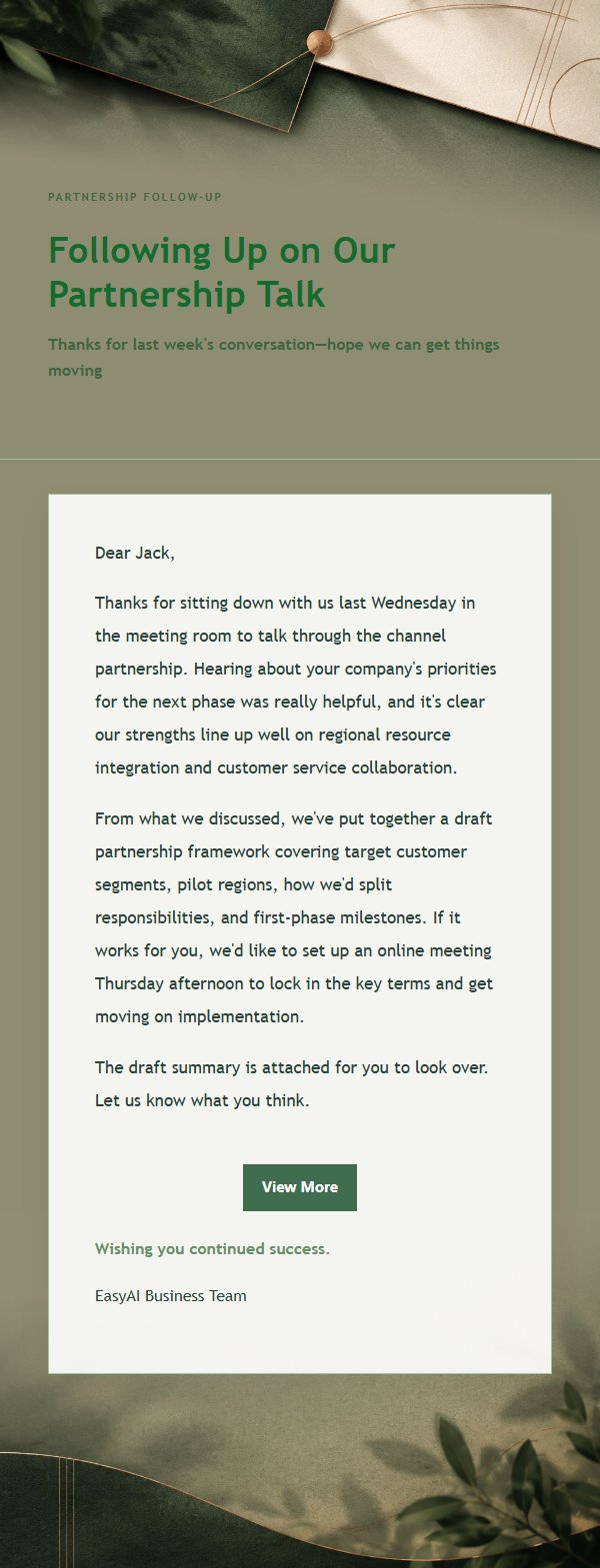
About this template
A polished business follow-up email template designed for partnership communication and relationship management. Featuring a forest-copper visual style with a soft #e7eee8 base, low-contrast gradients, fine borders, and generous paper-like whitespace, it creates a calm and warm tone. The layout emphasizes a courteous subject line, well-paced body paragraphs, a natural closing greeting, and a clean signature, with external link buttons that close the message gracefully. Great for post-meeting follow-ups, partnership confirmations, project updates, thank-you notes, referrals, reminders, apologies, and proposal delivery, helping senders write clear, respectful emails that recipients actually want to read.
Email previews
2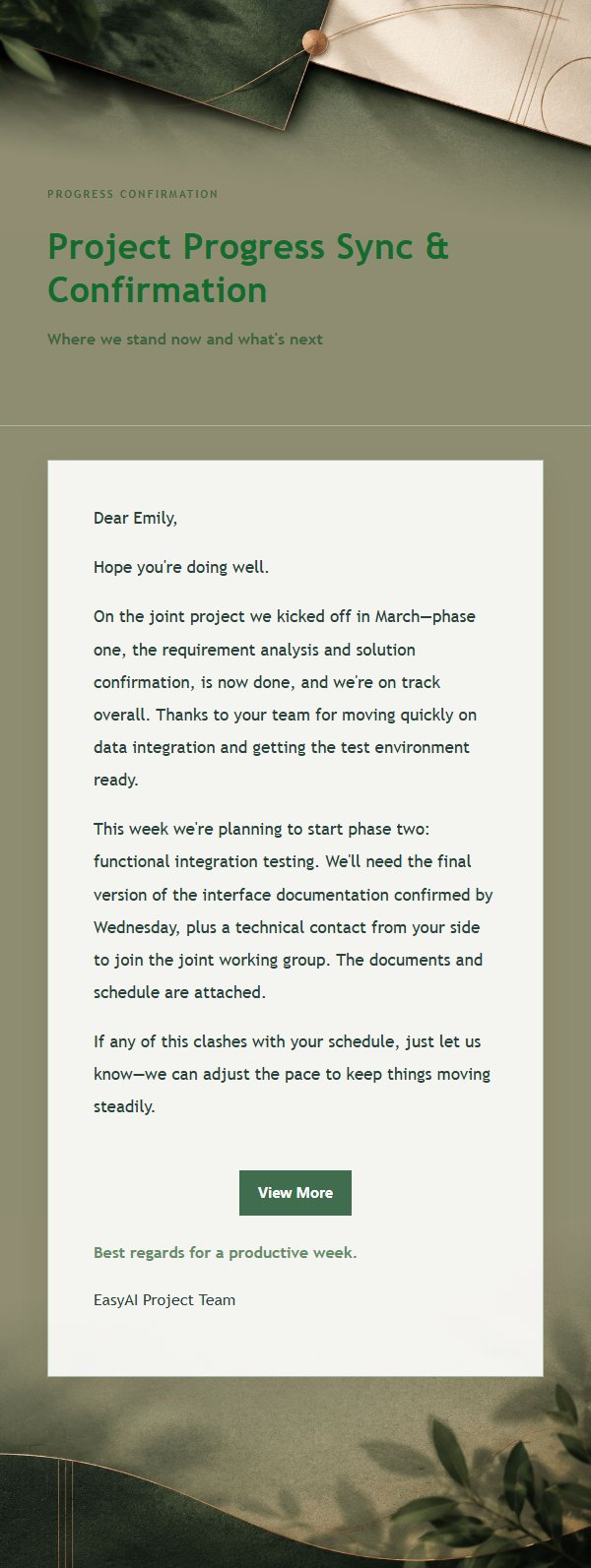
Use this template in three steps
No downloads and no HTML editing. After you sign in, this template opens automatically; just tell AI who the email is for and why you are writing.
- 1
Open this template
Click the button and sign in or create a free account. The writing screen opens with this template already selected.
- 2
Tell AI the essentials
In your own words, share the recipient, purpose, and tone. If dates, locations, links, or other details are missing, AI asks for them.
- 3
Preview, revise, and send
Review the complete email and ask AI for changes. Then enter the recipient and choose to send now or schedule it.
Version history
- v1.0First Created
Turn this template into your own email
Create a free account and this template opens automatically. Tell AI who you are writing to, why, and what matters; then preview the complete email, revise it, and decide how to send it.