
Forest Copper Farewell Email
A forest-copper farewell email template that turns hard-to-say goodbyes into a thoughtful letter. Great for colleague departures, friends moving away, and retirements. Generated by AI, ready to review and send.
Create a free account and this template opens in the writing screen. Tell AI who the email is for and why you are writing; it asks for the missing details and creates your complete email.
About this template
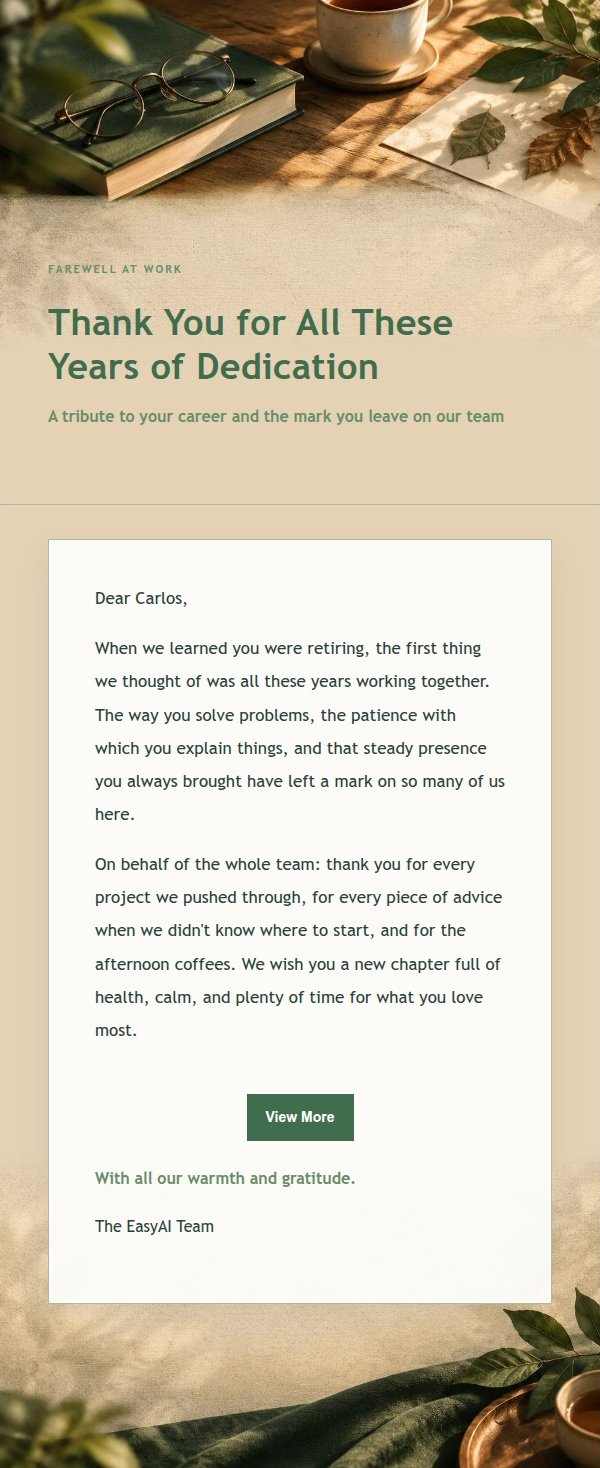
A heartfelt email template designed for farewell and retirement send-off moments, using forest green and copper tones with paper texture and warm light to create an intimate yet dignified atmosphere. Ideal for a colleague's retirement, a friend's departure, or the start of a new life chapter, to express gratitude and good wishes. The structure first states the reason for writing, then recalls the recipient's years of dedication and companionship, followed by specific yet measured wishes, and finally leaves a replaceable closing and signature so the recipient feels truly seen. Mobile-first with desktop media queries enhancing font size and spacing, providing basic compatible styles for body, signature, and footer links for stable sending after backend inlining.
Email previews
2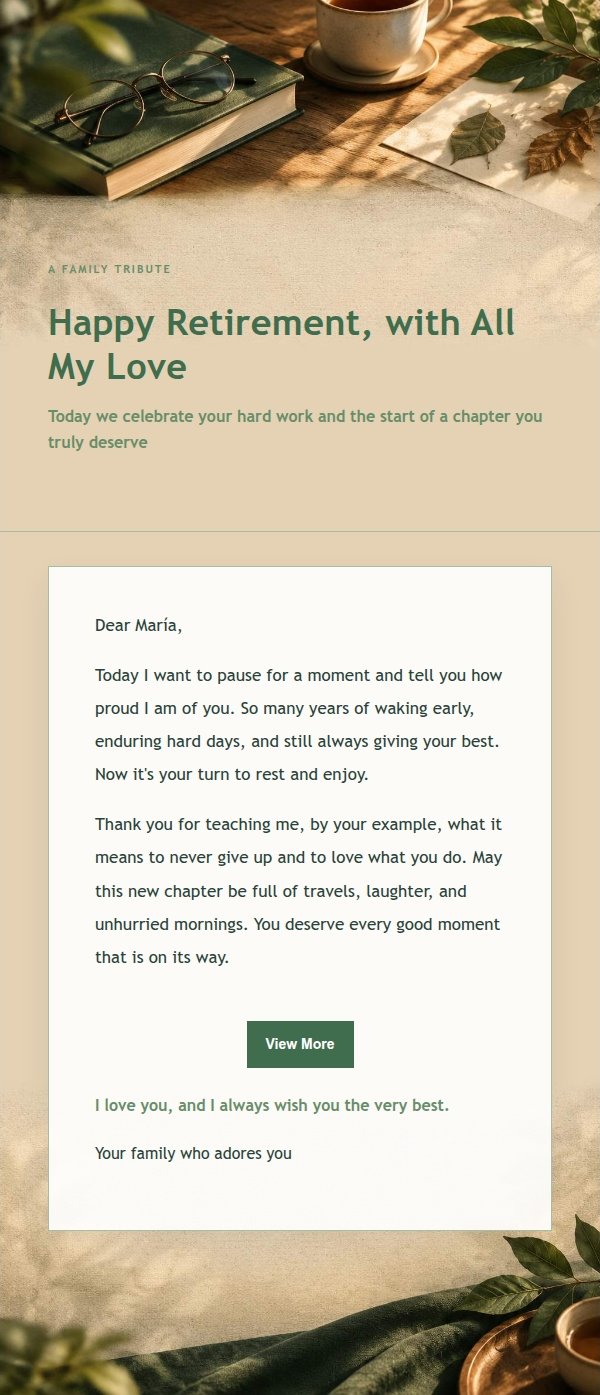
Use this template in three steps
No downloads and no HTML editing. After you sign in, this template opens automatically; just tell AI who the email is for and why you are writing.
- 1
Open this template
Click the button and sign in or create a free account. The writing screen opens with this template already selected.
- 2
Tell AI the essentials
In your own words, share the recipient, purpose, and tone. If dates, locations, links, or other details are missing, AI asks for them.
- 3
Preview, revise, and send
Review the complete email and ask AI for changes. Then enter the recipient and choose to send now or schedule it.
Version history
- v1.0First Created
Turn this template into your own email
Create a free account and this template opens automatically. Tell AI who you are writing to, why, and what matters; then preview the complete email, revise it, and decide how to send it.