
Forest Copper Graduation Congratulation Letter
A graduation congratulation email template in a forest copper palette, built around paper, fabric, window light and low-contrast decoration to create a quiet, warm mood. It treats graduation as a letter with breathing room rather than a loud poster: the title opens the emotional entry, scene tags set the context, the body keeps generous spacing, and the blessing sits at a measured distance from the signature. The copy first explains why you are writing, then acknowledges the years of effort and growth, offers a specific but restrained wish, and leaves a replaceable closing blessing. Suited to family, friends, classmates and teachers writing to a graduate, or graduates congratulating each other. Mobile-first, with larger type and spacing on desktop.
This template was made for EasyAImail with AI assistance and was not copied from a third-party template library. No separate template license is required, and it may be used in commercial email under our Terms of Service.
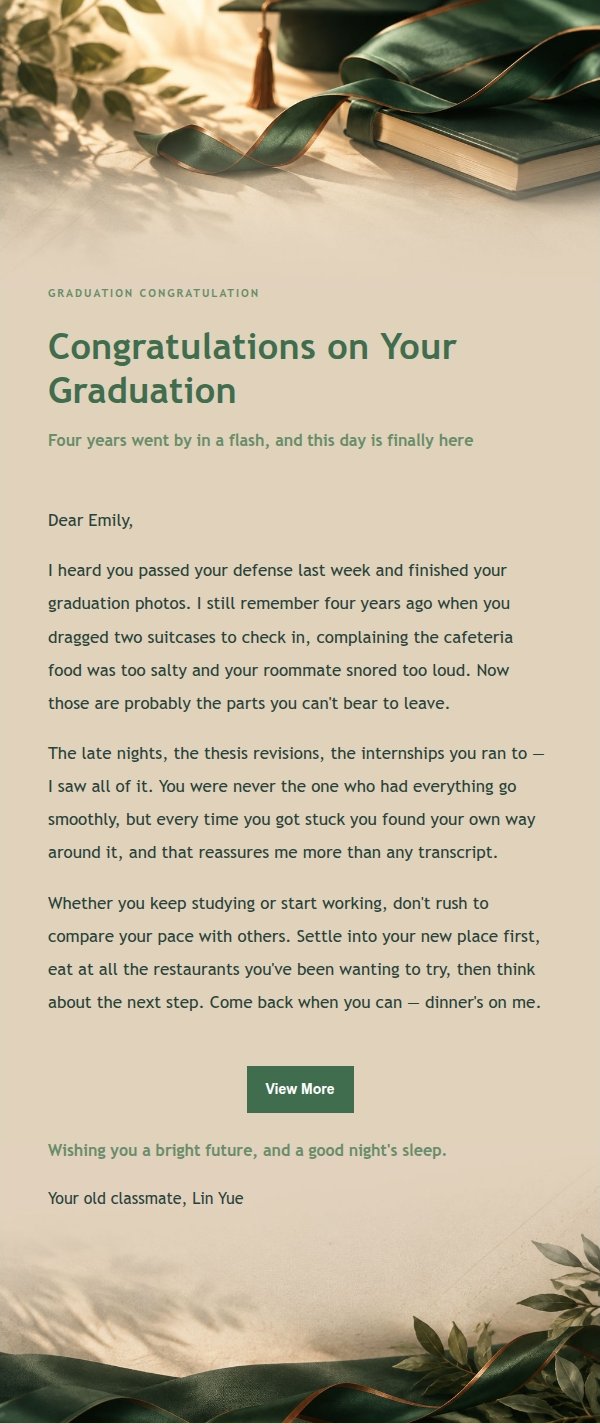
Email previews
2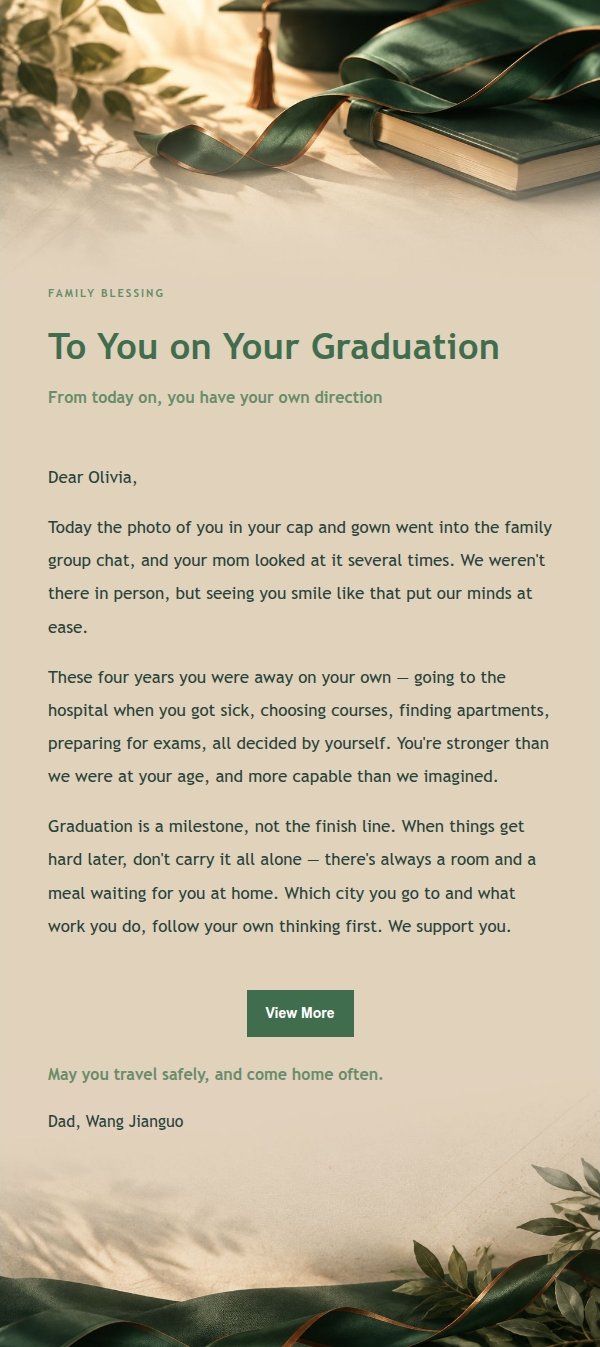
Use this template in three steps
No downloads and no HTML editing. After you sign in, this template opens automatically; just tell AI who the email is for and why you are writing.
- 1
Open this template
Click the button and sign in or create a free account. The writing screen opens with this template already selected.
- 2
Tell AI the essentials
In your own words, share the recipient, purpose, and tone. If dates, locations, links, or other details are missing, AI asks for them.
- 3
Preview, revise, and send
Review the complete email and ask AI for changes. Then enter the recipient and choose to send now or schedule it.
Version history
- v1.0First Created
Turn this template into your own email
Create a free account and this template opens automatically. Tell AI who you are writing to, why, and what matters; then preview the complete email, revise it, and decide how to send it.