
Forest Copper Project Status Update Email
This is a professional business email template designed for project status reporting scenarios, featuring a forest copper visual style with a #e7eee8 base tone, low-contrast gradients, fine borders, and paper-like whitespace to create a composed and dignified reading atmosphere. For corporate clients, managers, consultants, and professional service practitioners, it can be used for post-meeting follow-ups, collaboration confirmations, project reports, thank-you notes, referrals, reminders, rejections, apologies, and proposal submissions. The content strategy first explains the reason for writing, then covers background, impact, and next steps, and finally retains a replaceable closing blessing, allowing recipients to quickly grasp key points while feeling the sender's sincerity and respect. Mobile-first structure with desktop media queries enhancing font size, whitespace, and button layout, with dynamic link styles pre-defined for stable delivery after backend inlining.
This template was made for EasyAImail with AI assistance and was not copied from a third-party template library. No separate template license is required, and it may be used in commercial email under our Terms of Service.
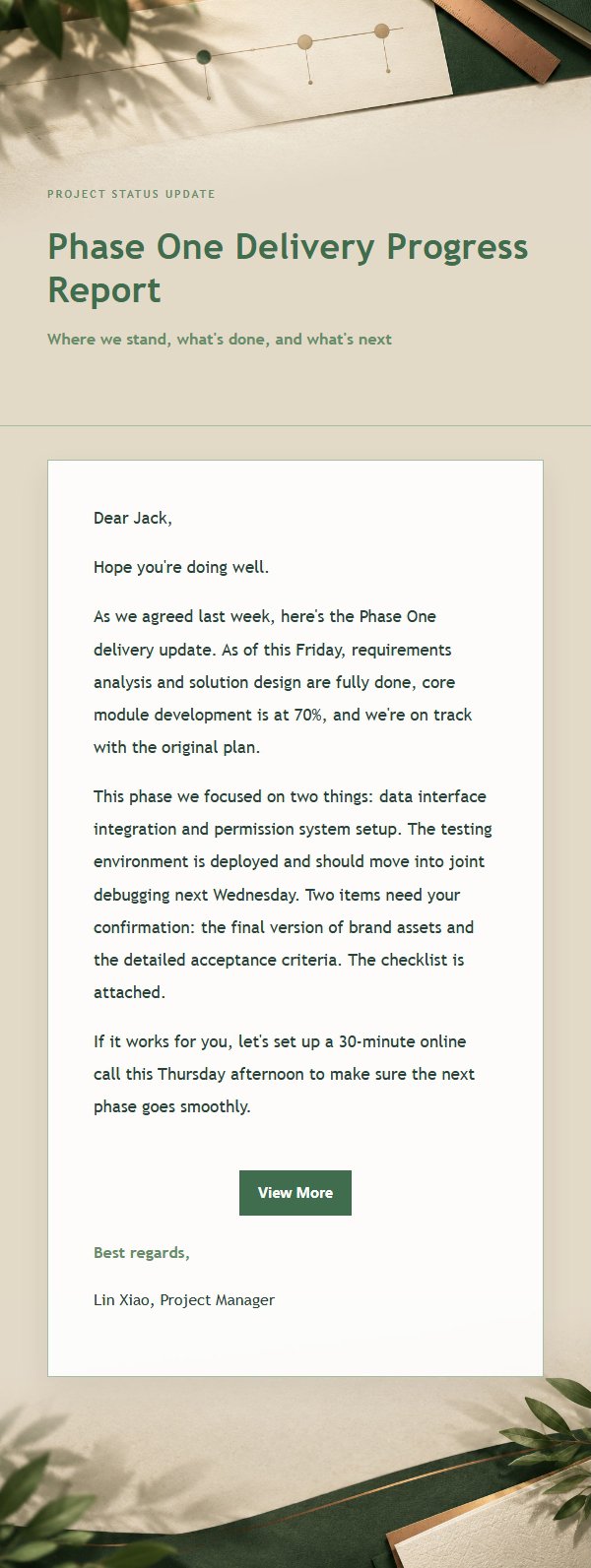
Email previews
2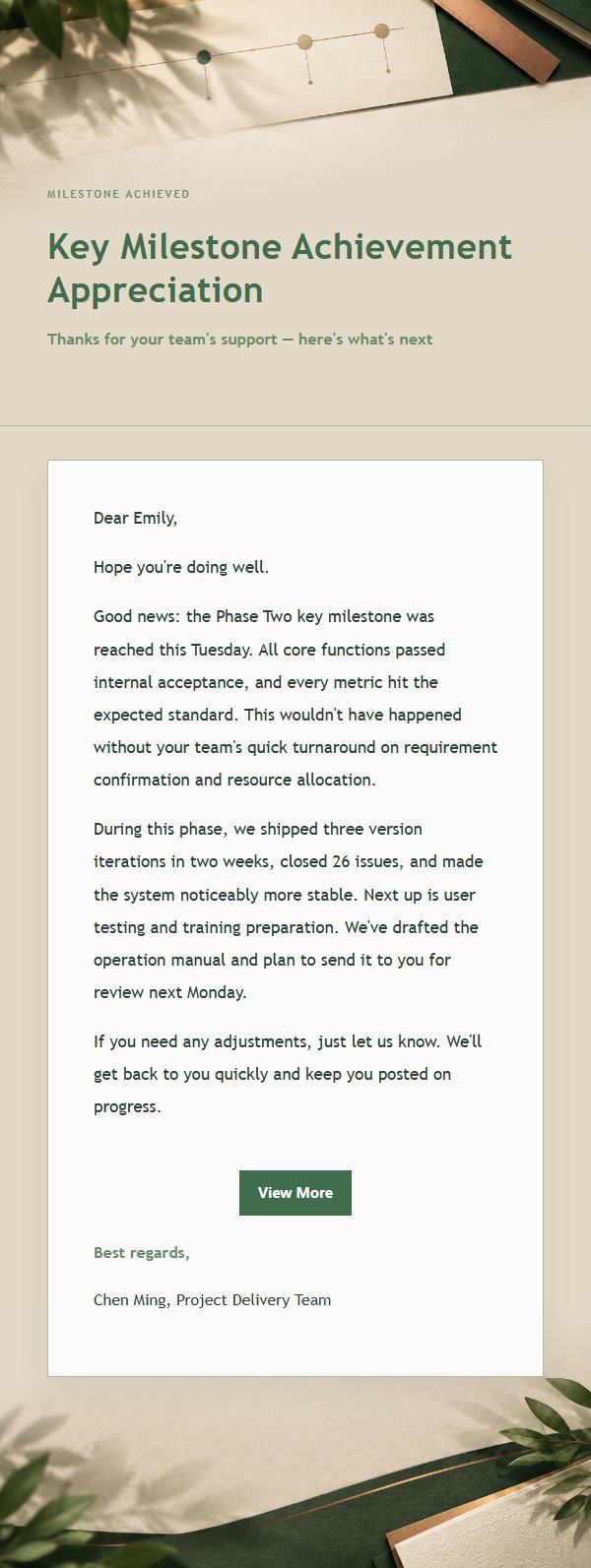
Use this template in three steps
No downloads and no HTML editing. After you sign in, this template opens automatically; just tell AI who the email is for and why you are writing.
- 1
Open this template
Click the button and sign in or create a free account. The writing screen opens with this template already selected.
- 2
Tell AI the essentials
In your own words, share the recipient, purpose, and tone. If dates, locations, links, or other details are missing, AI asks for them.
- 3
Preview, revise, and send
Review the complete email and ask AI for changes. Then enter the recipient and choose to send now or schedule it.
Version history
- v1.0First Created
Turn this template into your own email
Create a free account and this template opens automatically. Tell AI who you are writing to, why, and what matters; then preview the complete email, revise it, and decide how to send it.