
Garden Green Halloween Greeting Email
A Halloween greeting email template for reaching out to friends, colleagues, or clients around October 31st. The top visual pairs a carved pumpkin, crescent moon, tiny bats, candy wrappers, and velvet ribbons so the holiday theme reads at a glance. The palette leans garden-green with pumpkin orange, charcoal black, plum violet, candy pink, and soft cream, finished with botanical accents and a paper texture that feels gentle and feminine rather than spooky. The body opens with why you're writing, moves into thanks, wishes, or a party invite, and closes with a low-pressure button, so it reads like a real letter between people. Mobile-first, with larger type and spacing on desktop.
This template was made for EasyAImail with AI assistance and was not copied from a third-party template library. No separate template license is required, and it may be used in commercial email under our Terms of Service.
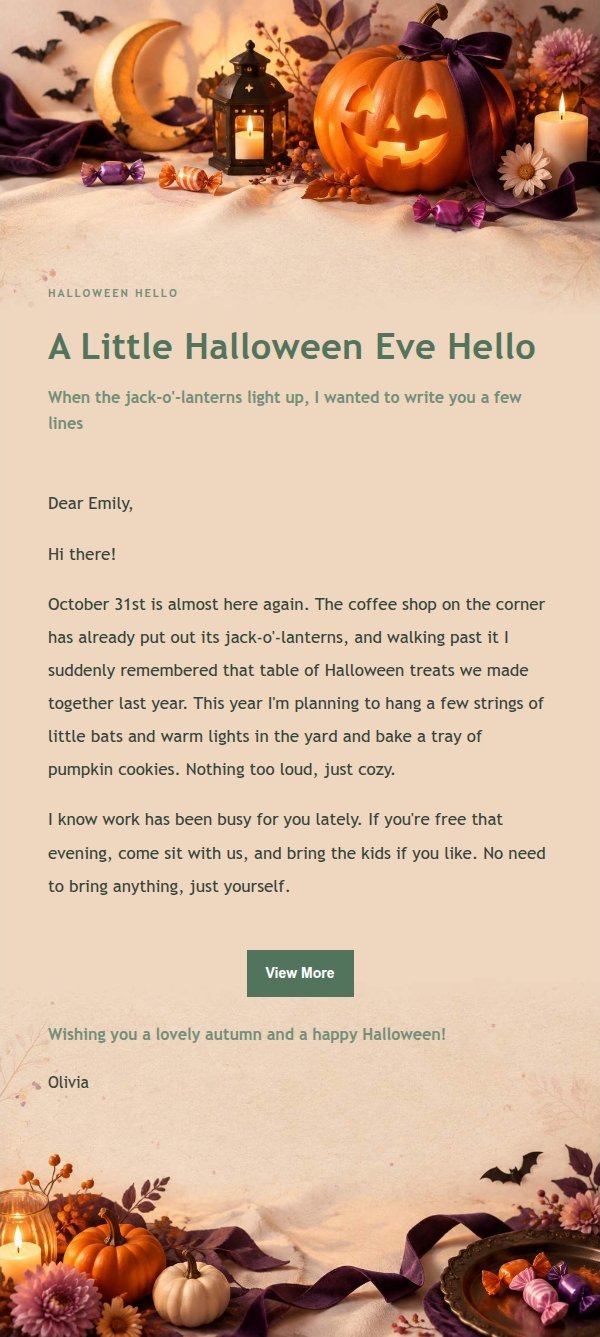
Email previews
2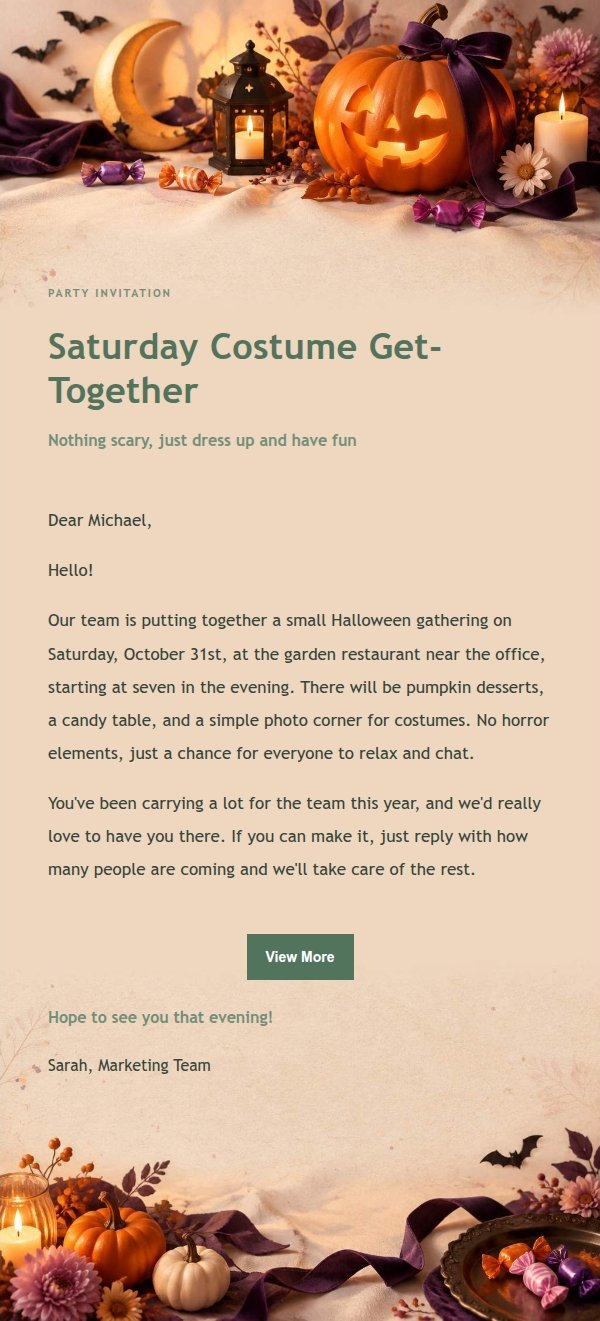
Use this template in three steps
No downloads and no HTML editing. After you sign in, this template opens automatically; just tell AI who the email is for and why you are writing.
- 1
Open this template
Click the button and sign in or create a free account. The writing screen opens with this template already selected.
- 2
Tell AI the essentials
In your own words, share the recipient, purpose, and tone. If dates, locations, links, or other details are missing, AI asks for them.
- 3
Preview, revise, and send
Review the complete email and ask AI for changes. Then enter the recipient and choose to send now or schedule it.
Version history
- v1.0First Created
Turn this template into your own email
Create a free account and this template opens automatically. Tell AI who you are writing to, why, and what matters; then preview the complete email, revise it, and decide how to send it.