
Garden Green New Year Greeting Email
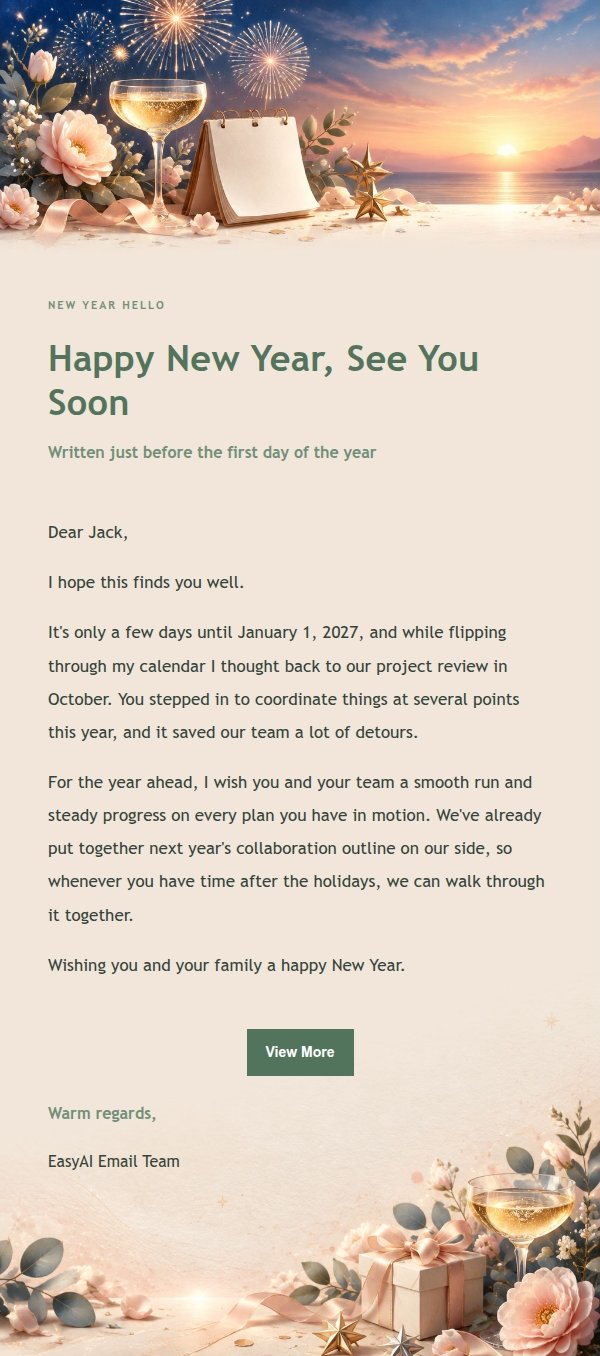
Want to send a New Year email that doesn't read like a mass blast? This garden green template sets the mood with fireworks, champagne coupes, and a dawn horizon, so it feels like a real letter.
Create a free account and this template opens in the writing screen. Tell AI who the email is for and why you are writing; it asks for the missing details and creates your complete email.
About this template
A New Year greeting email template for the days around January 1st, built for sending to friends, colleagues, or clients. The top sets a New Year's Eve mood with midnight fireworks, champagne coupes, blank calendar pages, metallic stars, and soft confetti, while the bottom closes on a calm dawn horizon. The palette runs garden green with champagne gold, midnight blue, silver, blush coral, and ivory, softened by botanical accents and a light paper texture. The body opens with a reason for the greeting, moves into thanks, wishes, or a personal note, and ends with a low-pressure button that never pushes for a reply.
Email previews
2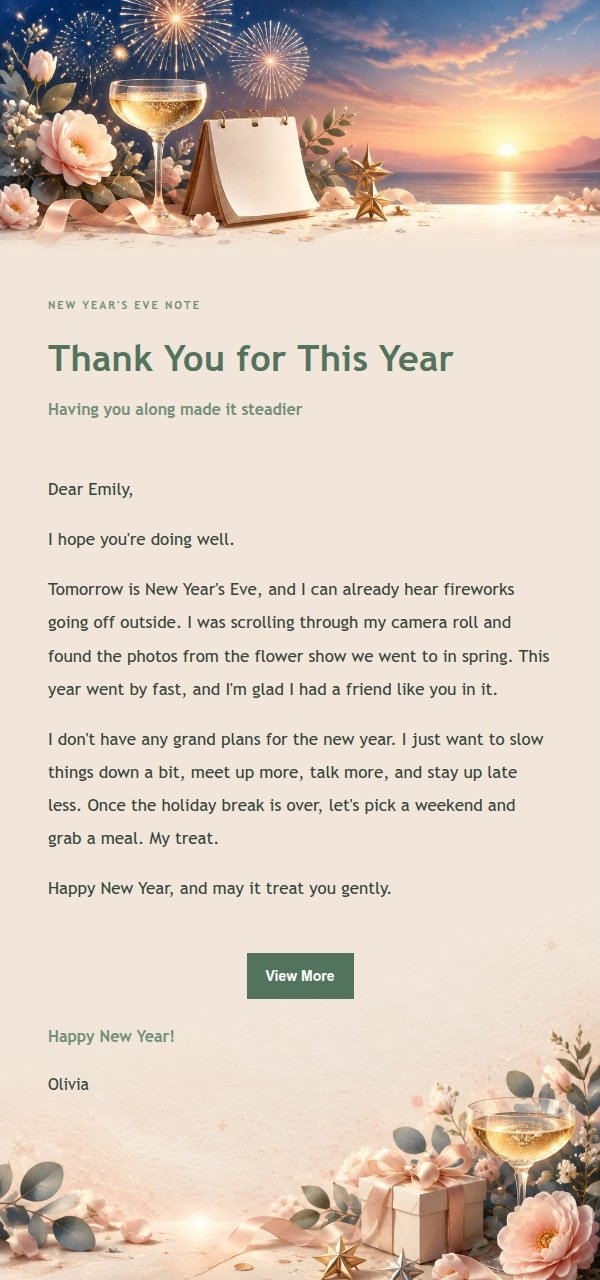
Use this template in three steps
No downloads and no HTML editing. After you sign in, this template opens automatically; just tell AI who the email is for and why you are writing.
- 1
Open this template
Click the button and sign in or create a free account. The writing screen opens with this template already selected.
- 2
Tell AI the essentials
In your own words, share the recipient, purpose, and tone. If dates, locations, links, or other details are missing, AI asks for them.
- 3
Preview, revise, and send
Review the complete email and ask AI for changes. Then enter the recipient and choose to send now or schedule it.
Version history
- v1.0First Created
Turn this template into your own email
Create a free account and this template opens automatically. Tell AI who you are writing to, why, and what matters; then preview the complete email, revise it, and decide how to send it.