
Indigo Schedule Notice Email Template
This is a formal schedule notification email template featuring indigo as its primary color, blending annual report cover and monthly calendar visual elements for a composed, professional look. It is great for internal team scenarios such as duty rosters, financial closing, leave notices, and project handovers. Built on a 600-pixel email canvas, the top establishes a clear reading entry through an eyebrow, main title, and subtitle, while the middle section carries content with stable font sizes and line heights. The bottom places the closing greeting, signature, and external link button in sequence. The overall palette of indigo, silver gray, ice blue, and warm white keeps long-form content visually continuous through vertical background extension, helping recipients quickly grasp key points and complete the next step.
This template was made for EasyAImail with AI assistance and was not copied from a third-party template library. No separate template license is required, and it may be used in commercial email under our Terms of Service.
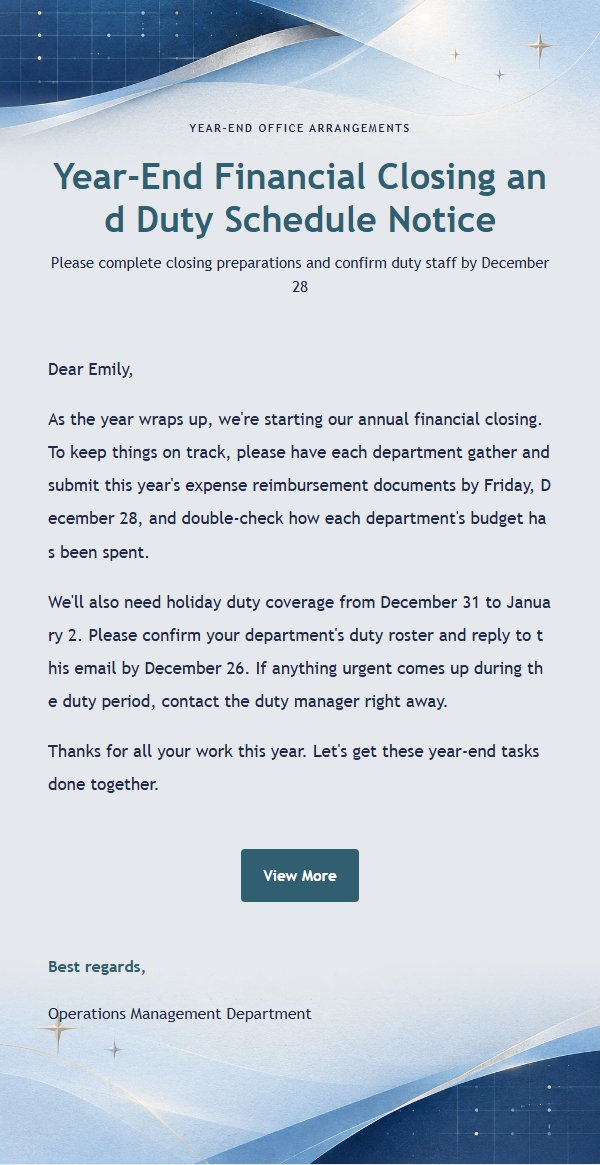
Email previews
2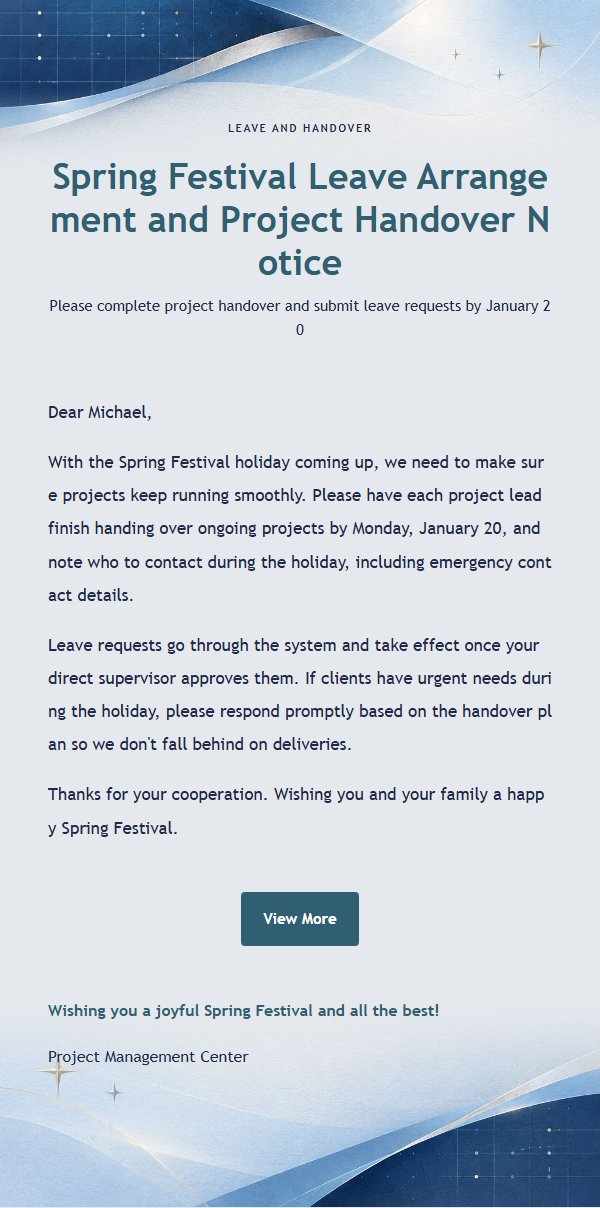
Use this template in three steps
No downloads and no HTML editing. After you sign in, this template opens automatically; just tell AI who the email is for and why you are writing.
- 1
Open this template
Click the button and sign in or create a free account. The writing screen opens with this template already selected.
- 2
Tell AI the essentials
In your own words, share the recipient, purpose, and tone. If dates, locations, links, or other details are missing, AI asks for them.
- 3
Preview, revise, and send
Review the complete email and ask AI for changes. Then enter the recipient and choose to send now or schedule it.
Version history
- v1.0First Created
Turn this template into your own email
Create a free account and this template opens automatically. Tell AI who you are writing to, why, and what matters; then preview the complete email, revise it, and decide how to send it.