
Ink-Toned Children's Day Greeting Email
A Children's Day greeting template for writing to family, colleagues, or clients around June 1st. The top of the email builds a sunny playground out of paper kites, colorful balloons, crayons, wooden blocks, a paper crown, and confetti — no faces, no words, so the holiday reads at a glance. The look is ink-toned and refined: sky blue, sunshine yellow, tomato red, grass green, and bubblegum pink on a paper-white base, with a hand-crafted paper texture and deeper ink contrast, laid out like a fine holiday picture book. The copy first explains why you thought of the recipient, then moves into thanks, wishes, or a shared memory, and closes with a low-pressure button — it reads like a letter from a person, not a system notice. Mobile-first, with larger type and more whitespace on desktop.
This template was made for EasyAImail with AI assistance and was not copied from a third-party template library. No separate template license is required, and it may be used in commercial email under our Terms of Service.
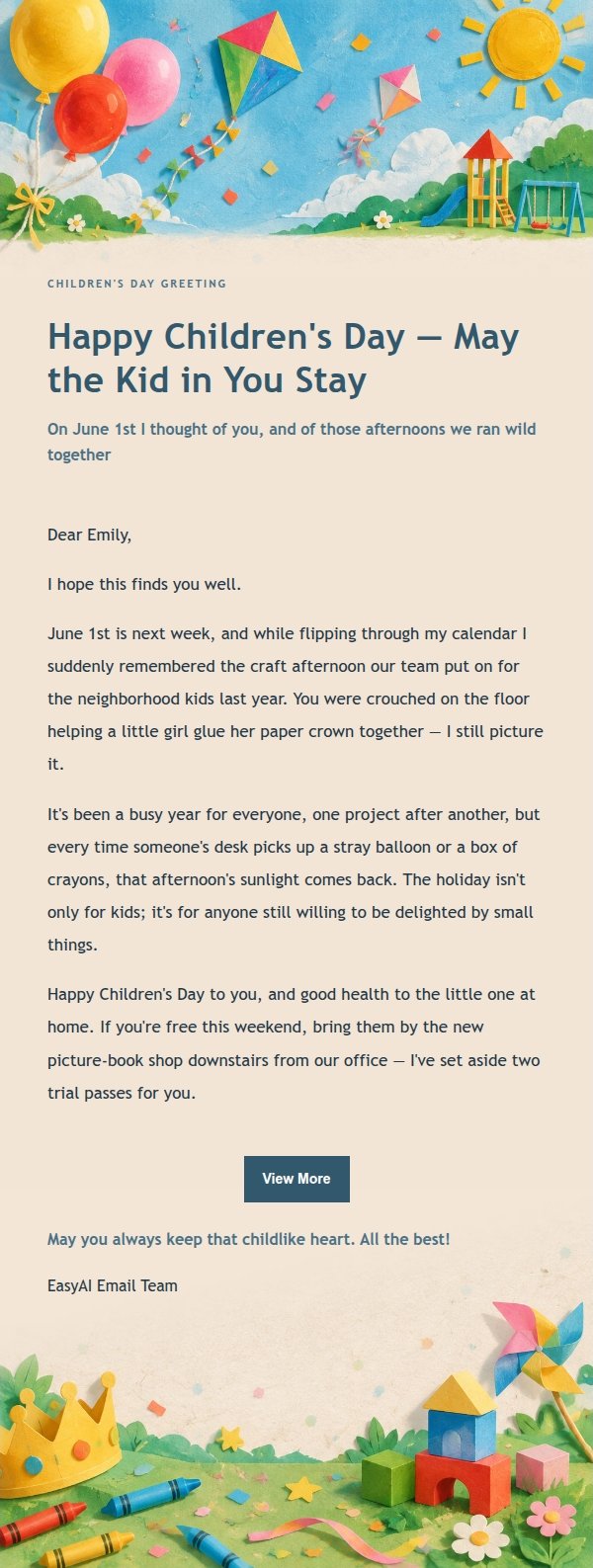
Email previews
2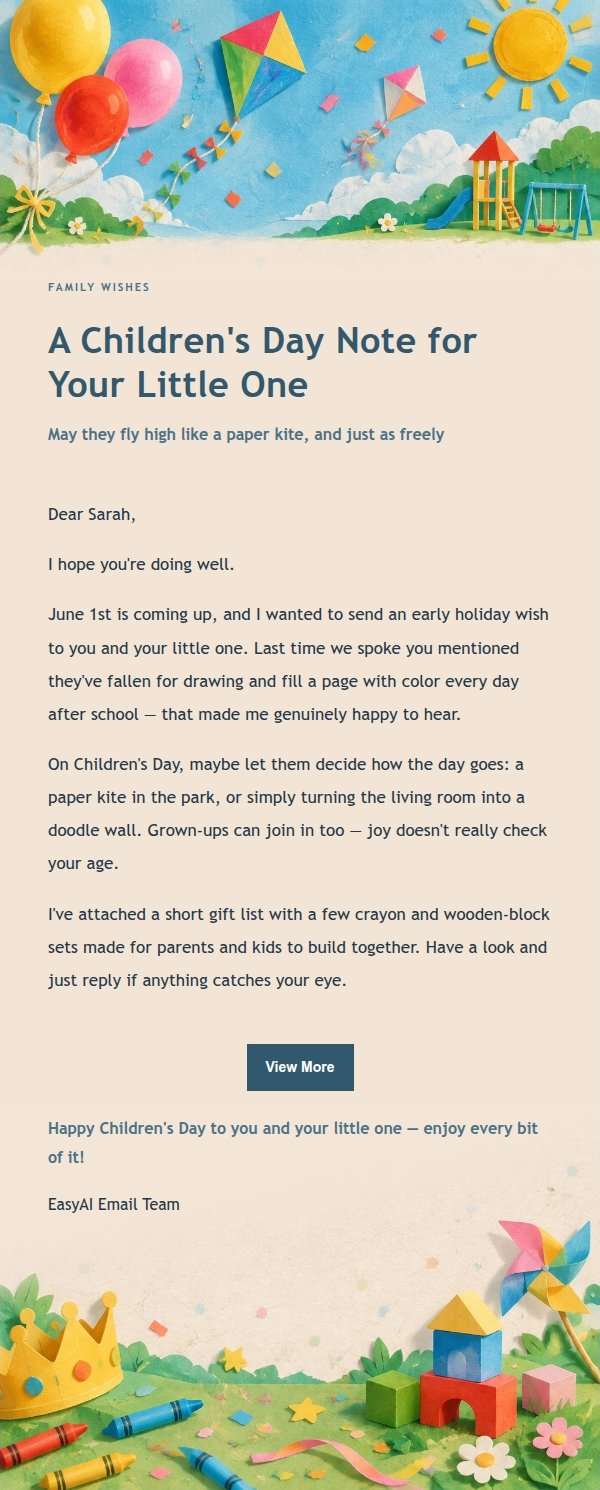
Use this template in three steps
No downloads and no HTML editing. After you sign in, this template opens automatically; just tell AI who the email is for and why you are writing.
- 1
Open this template
Click the button and sign in or create a free account. The writing screen opens with this template already selected.
- 2
Tell AI the essentials
In your own words, share the recipient, purpose, and tone. If dates, locations, links, or other details are missing, AI asks for them.
- 3
Preview, revise, and send
Review the complete email and ask AI for changes. Then enter the recipient and choose to send now or schedule it.
Version history
- v1.0First Created
Turn this template into your own email
Create a free account and this template opens automatically. Tell AI who you are writing to, why, and what matters; then preview the complete email, revise it, and decide how to send it.