
Lilac Ink Project Celebration Invite
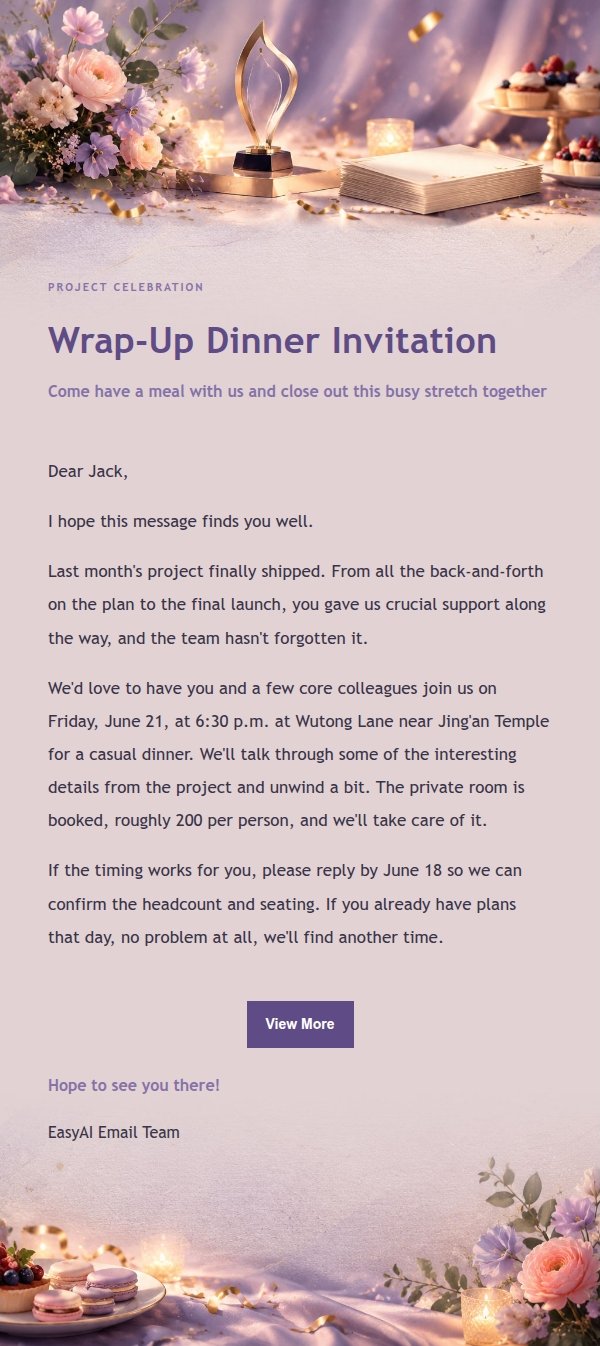
Wrapping up a project and want to treat the team to dinner? This lilac ink celebration invite lays out the reason, time, place and what to confirm clearly and without pressure. Generate it with AI, give it a quick review, then send.
Create a free account and this template opens in the writing screen. Tell AI who the email is for and why you are writing; it asks for the missing details and creates your complete email.
About this template
An invitation email template built for project wrap-up celebrations. The design pairs lilac ink with champagne gold and a soft coral accent: a pale lilac stage glow, a small abstract trophy, champagne-colored confetti and stacked blank project cards set the mood up top, while warm dinner light, flowers and dessert plates carry it through the bottom. The copy opens with why you want to invite them, then covers the type of gathering, time, place and what needs confirming, in a relaxed tone that never pressures the reader. Works for team celebrations, client thank-yous or a casual get-together among colleagues.
Email previews
2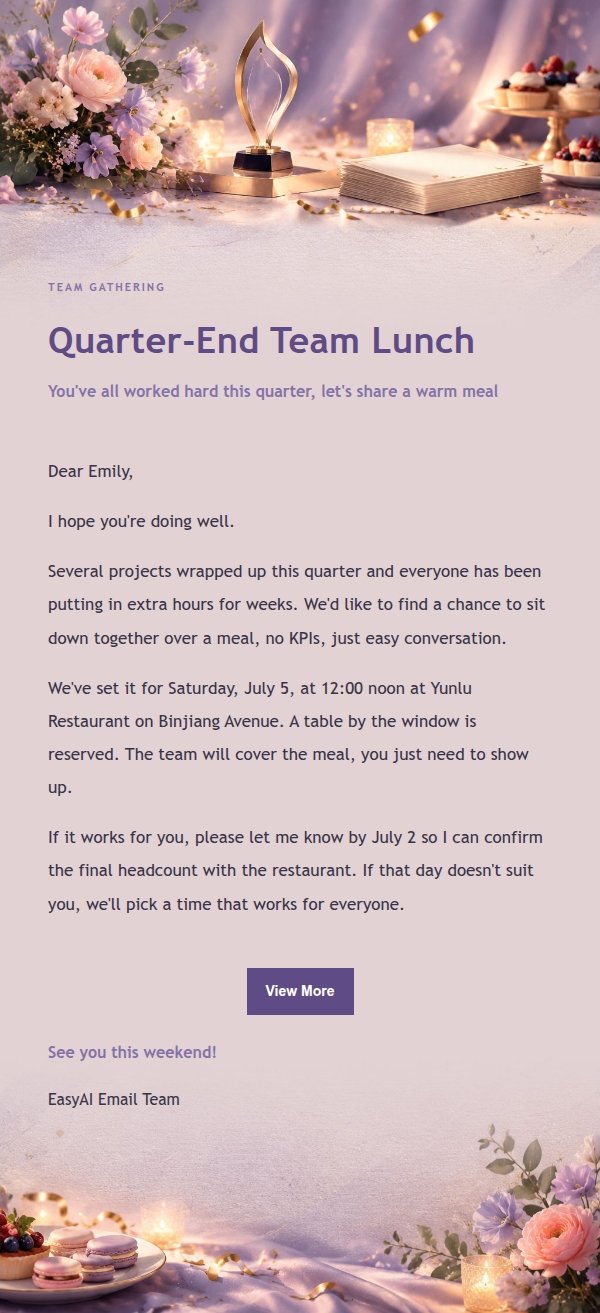
Use this template in three steps
No downloads and no HTML editing. After you sign in, this template opens automatically; just tell AI who the email is for and why you are writing.
- 1
Open this template
Click the button and sign in or create a free account. The writing screen opens with this template already selected.
- 2
Tell AI the essentials
In your own words, share the recipient, purpose, and tone. If dates, locations, links, or other details are missing, AI asks for them.
- 3
Preview, revise, and send
Review the complete email and ask AI for changes. Then enter the recipient and choose to send now or schedule it.
Version history
- v1.0First Created
Turn this template into your own email
Create a free account and this template opens automatically. Tell AI who you are writing to, why, and what matters; then preview the complete email, revise it, and decide how to send it.