
Lilac Ink Wedding Blessing Letter
A wedding blessing email template with a lilac-ink visual tone, designed for expressing emotions at life's most important moments. It uses paper, fabric, window light, and low-contrast decorations to create a gentle atmosphere, avoiding loud poster-style expression so blessings feel sincere rather than perfunctory. The structure is clear: an eyebrow and title set the emotional entry point, the body carries specific heartfelt wishes, then a greeting and signature create breathing space, and finally a lightweight external link button closes the message. For wedding congratulations, newlywed blessings, and lifelong happiness scenarios, as well as senders who value ceremony and are good at expressing feelings through words. Mobile-first, with desktop automatically enhancing font size and whitespace; dynamic links include basic compatible styles for stable sending after backend inline conversion.
This template was made for EasyAImail with AI assistance and was not copied from a third-party template library. No separate template license is required, and it may be used in commercial email under our Terms of Service.
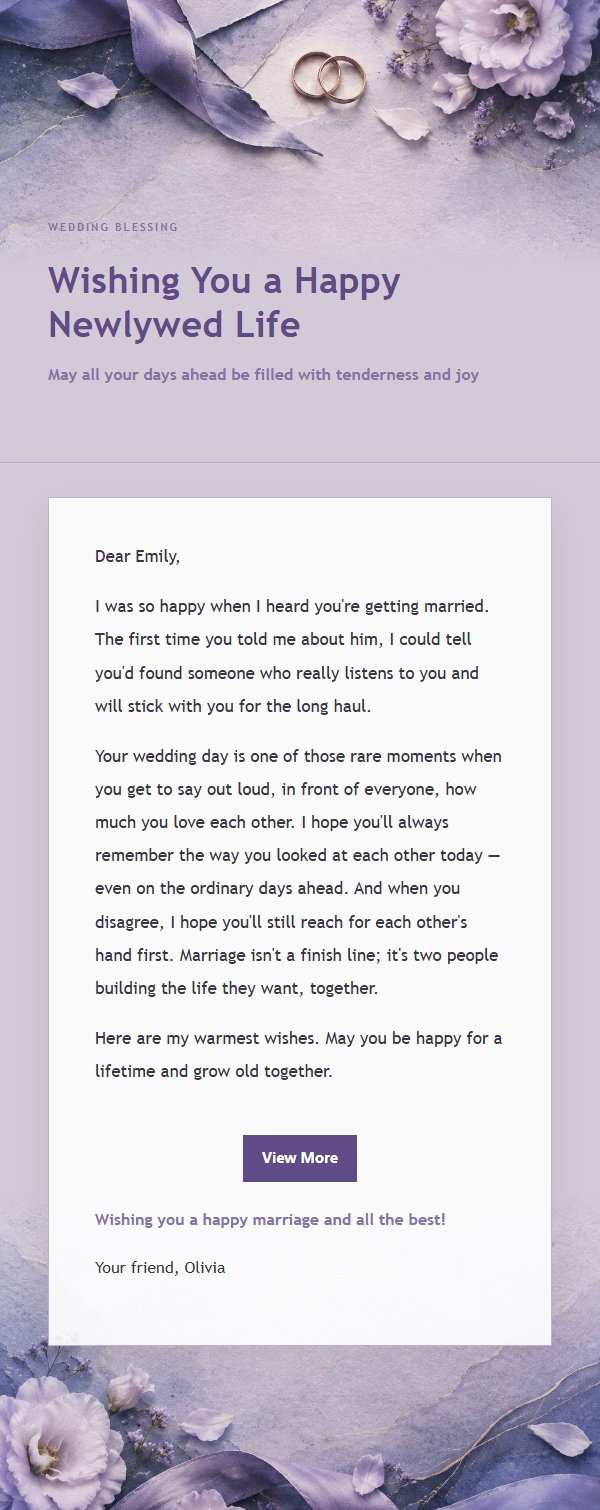
Email previews
2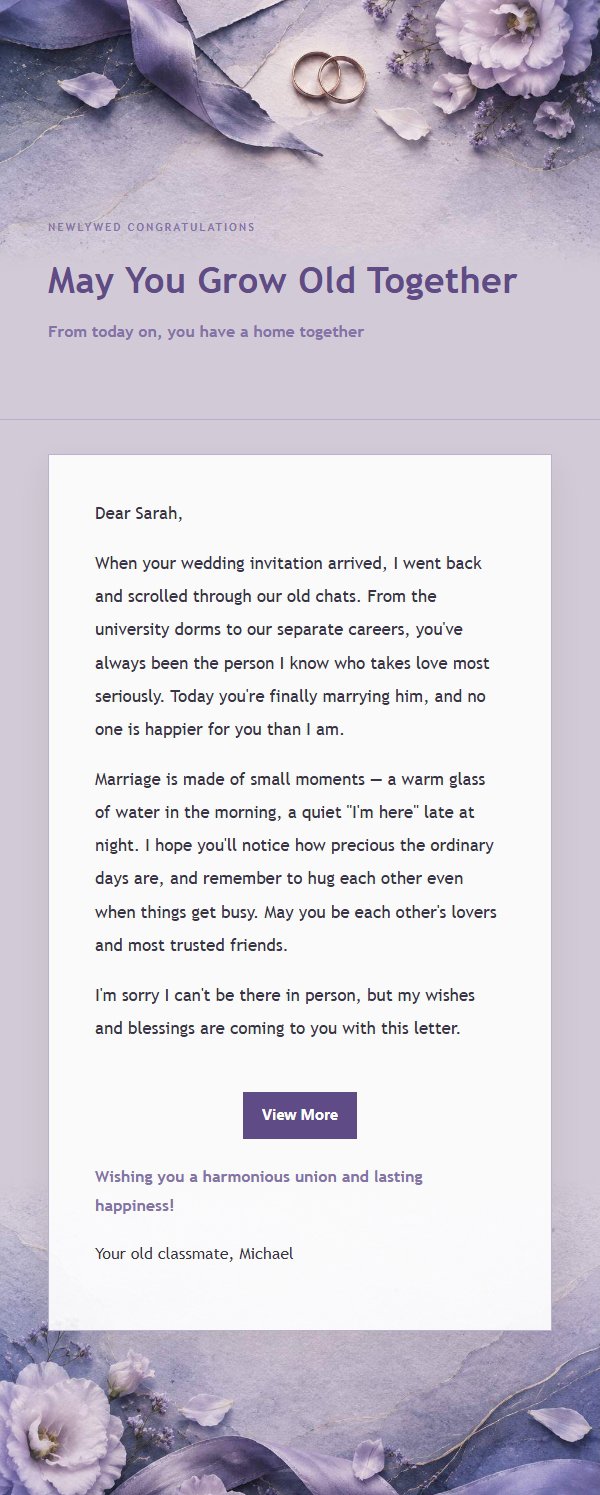
Use this template in three steps
No downloads and no HTML editing. After you sign in, this template opens automatically; just tell AI who the email is for and why you are writing.
- 1
Open this template
Click the button and sign in or create a free account. The writing screen opens with this template already selected.
- 2
Tell AI the essentials
In your own words, share the recipient, purpose, and tone. If dates, locations, links, or other details are missing, AI asks for them.
- 3
Preview, revise, and send
Review the complete email and ask AI for changes. Then enter the recipient and choose to send now or schedule it.
Version history
- v1.0First Created
Turn this template into your own email
Create a free account and this template opens automatically. Tell AI who you are writing to, why, and what matters; then preview the complete email, revise it, and decide how to send it.