
Lilac Paper Formal Request Email
Asking a professor or manager for something is hard to get right. This lilac paper template lays out the background first, then dates, actions, and alternatives. AI drafts it, you review and send.
Create a free account and this template opens in the writing screen. Tell AI who the email is for and why you are writing; it asks for the missing details and creates your complete email.
About this template
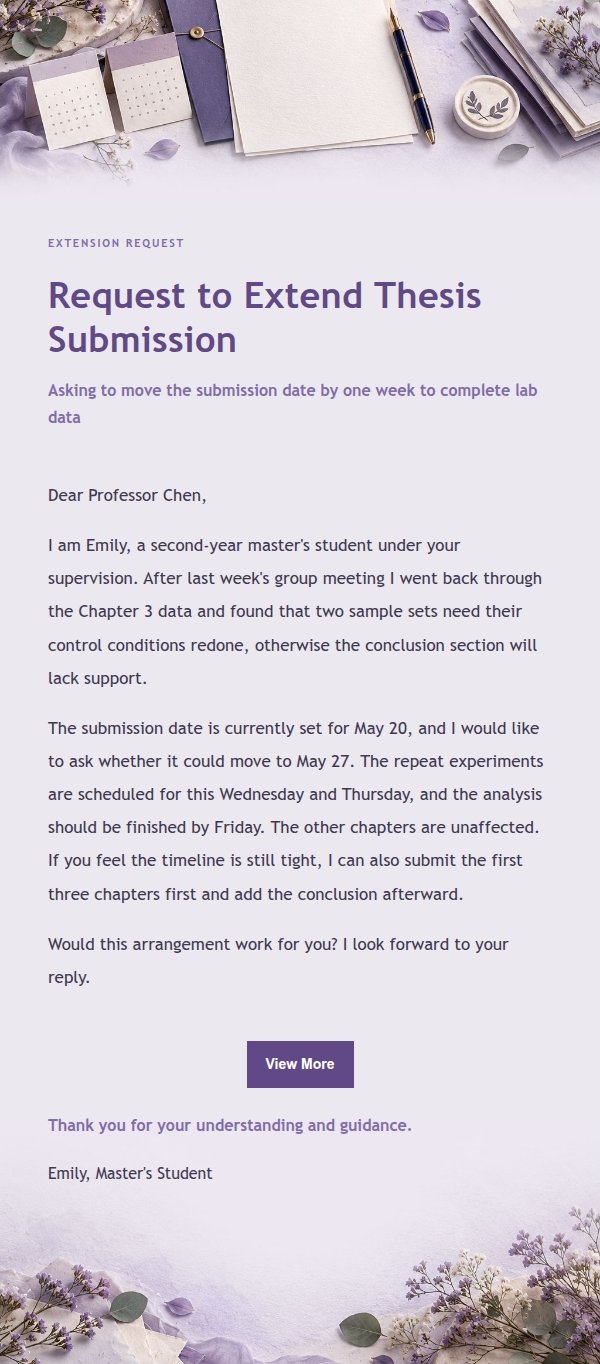
A formal request email template for students and professionals who need to ask a professor, advisor, supervisor, or manager for a deadline extension, approval, resource coordination, special arrangement, or decision timeline. It opens with the relationship and the real situation, then uses specific dates, concrete actions, and alternatives to lower the reader's effort in deciding. The visual style is lilac paper goods, built on lavender, smoky violet, ivory, and ink blue with paper collage and pressed botanical edges. The top and bottom hold request letterhead, an original-versus-proposed schedule calendar, supporting materials, and decision markers. Mobile-first, with media queries enhancing type size and spacing on desktop.
Email previews
2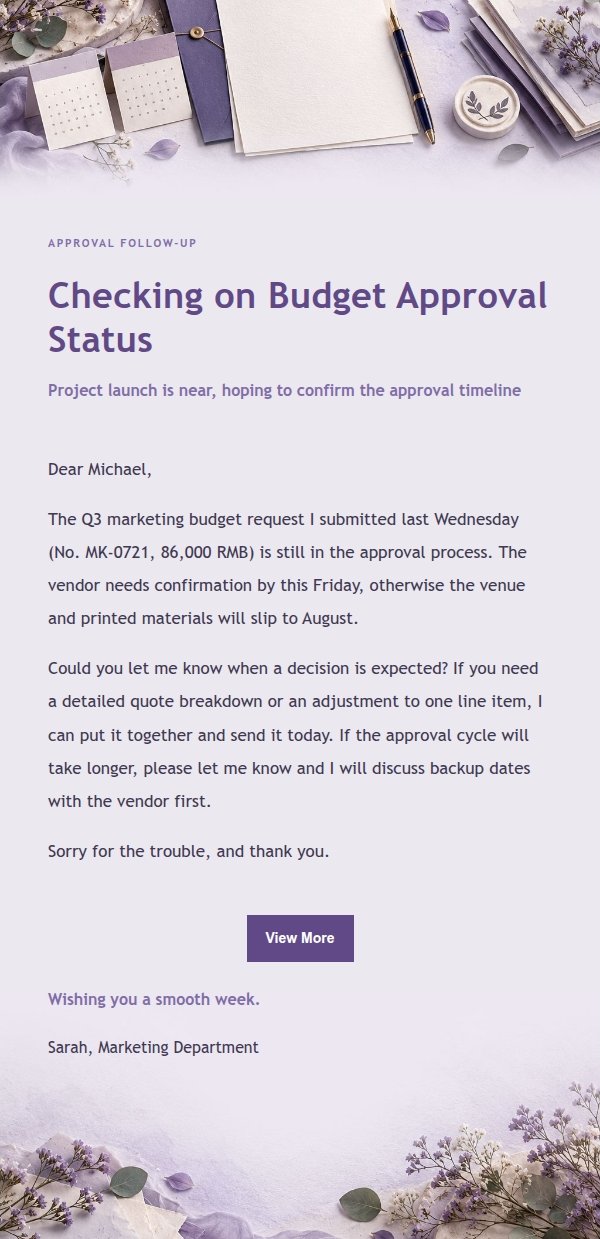
Use this template in three steps
No downloads and no HTML editing. After you sign in, this template opens automatically; just tell AI who the email is for and why you are writing.
- 1
Open this template
Click the button and sign in or create a free account. The writing screen opens with this template already selected.
- 2
Tell AI the essentials
In your own words, share the recipient, purpose, and tone. If dates, locations, links, or other details are missing, AI asks for them.
- 3
Preview, revise, and send
Review the complete email and ask AI for changes. Then enter the recipient and choose to send now or schedule it.
Version history
- v1.0First Created
Turn this template into your own email
Create a free account and this template opens automatically. Tell AI who you are writing to, why, and what matters; then preview the complete email, revise it, and decide how to send it.