
Lilac Paper Priority Conflict Email
A formal email template for employees who need to flag a priority conflict to their manager before the deadline hits. It opens with a progress update, then lays out the capacity clash between two high-priority tasks, proposes a revised delivery date, and offers two trade-off options for the manager to choose from. The design uses a lilac paper aesthetic with lavender, smoky violet, ivory, and ink blue, plus soft paper collage and pressed botanical edges. Progress cards, task folders, and capacity scales sit at the top and bottom so the purpose is clear at a glance.
This template was made for EasyAImail with AI assistance and was not copied from a third-party template library. No separate template license is required, and it may be used in commercial email under our Terms of Service.
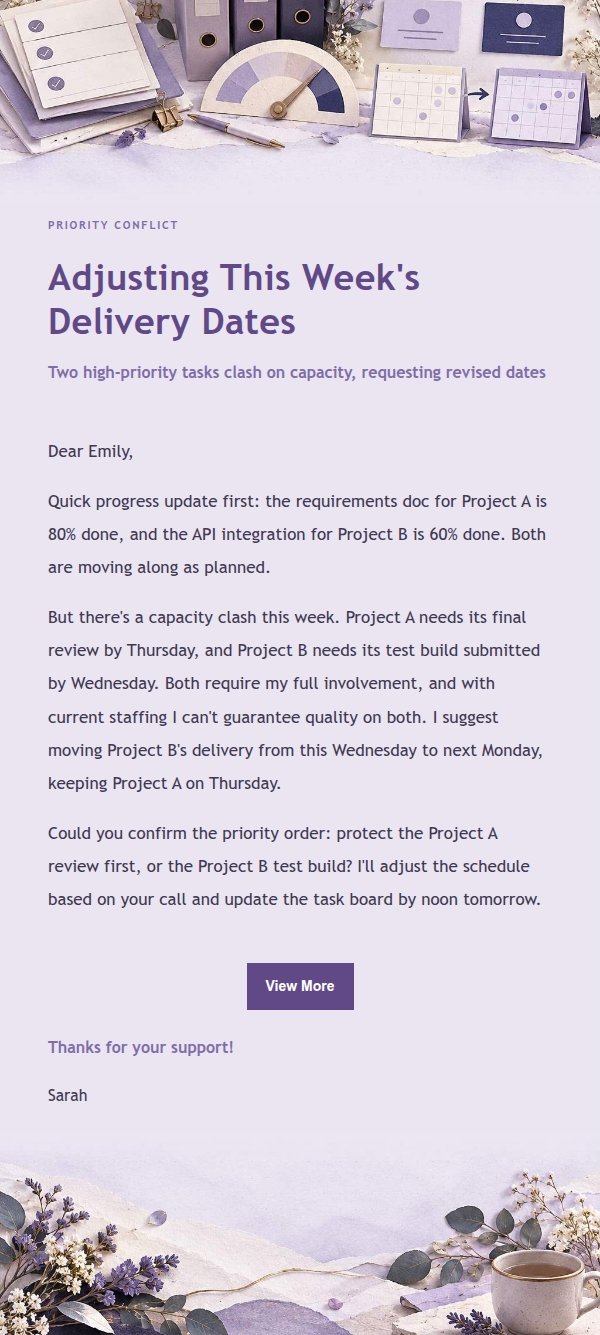
Email previews
2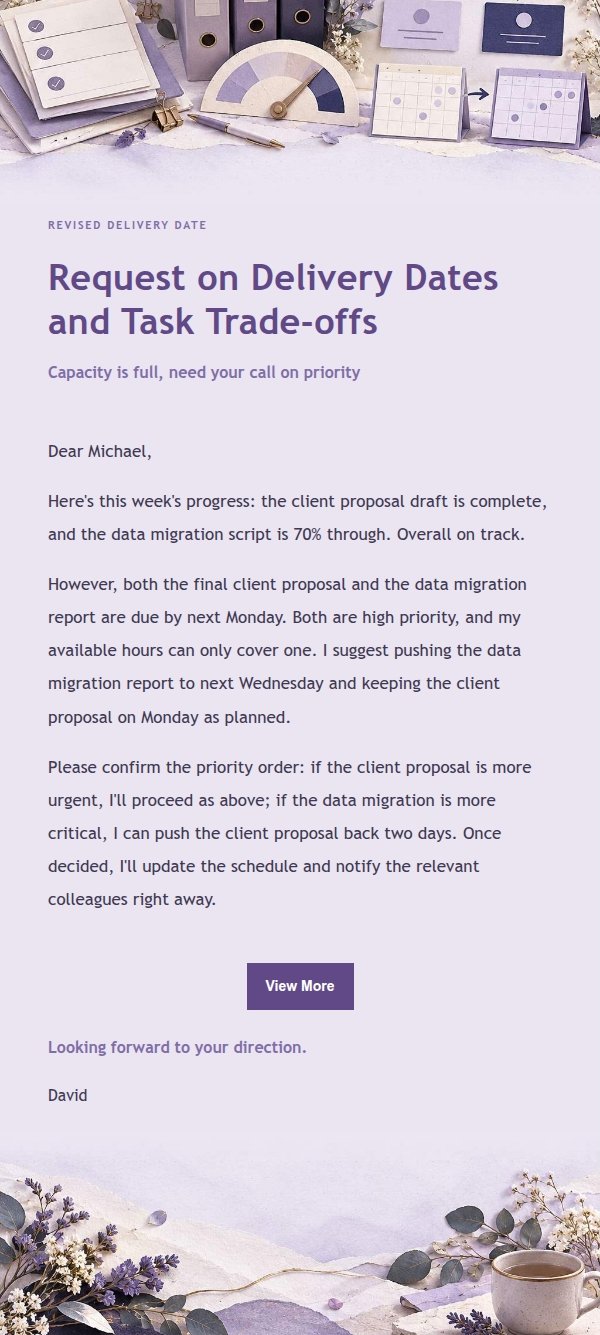
Use this template in three steps
No downloads and no HTML editing. After you sign in, this template opens automatically; just tell AI who the email is for and why you are writing.
- 1
Open this template
Click the button and sign in or create a free account. The writing screen opens with this template already selected.
- 2
Tell AI the essentials
In your own words, share the recipient, purpose, and tone. If dates, locations, links, or other details are missing, AI asks for them.
- 3
Preview, revise, and send
Review the complete email and ask AI for changes. Then enter the recipient and choose to send now or schedule it.
Version history
- v1.0First Created
Turn this template into your own email
Create a free account and this template opens automatically. Tell AI who you are writing to, why, and what matters; then preview the complete email, revise it, and decide how to send it.