
Lilac Paper Referral Request Email
A referral request letter that doesn't rush or pressure. Lilac paper style with lavender and ink blue, writing trust and natural sharing onto the page. Generated by AI, ready to review and send.
Create a free account and this template opens in the writing screen. Tell AI who the email is for and why you are writing; it asks for the missing details and creates your complete email.
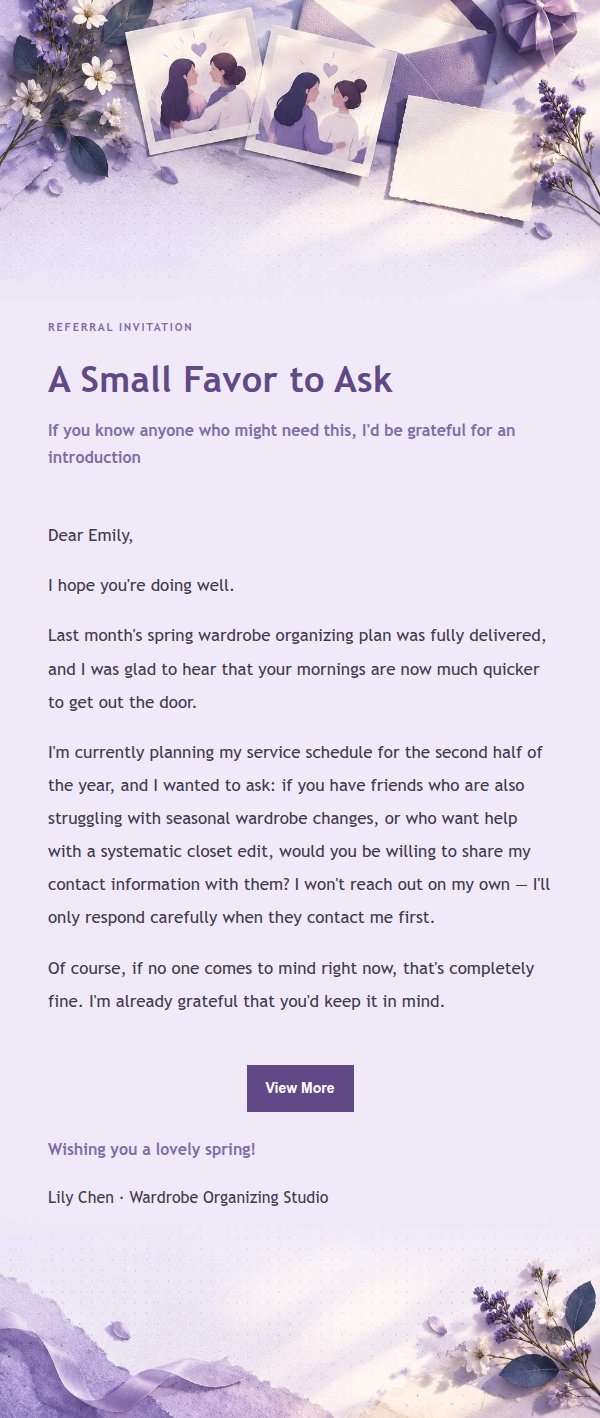
About this template
A client relationship email template for asking existing customers for referrals, built for female freelancers, lifestyle brand founders, and service providers who value warm relationships. The lilac paper aesthetic uses lavender, smoky violet, ivory, and ink blue with refined paper collage and pressed botanical accents, creating a quiet feminine editorial mood. The body area uses low-distraction paper texture, card layering, and generous white space, suitable for longer client notes, feedback context, or forwarding prompts. Top identification elements help recipients understand the email's intent at a glance. Mobile-first, with media queries increasing font size and reading width on desktop, while preserving stable injection points for dynamic body, greeting, signature, external link button, and compliance footer.
Email previews
2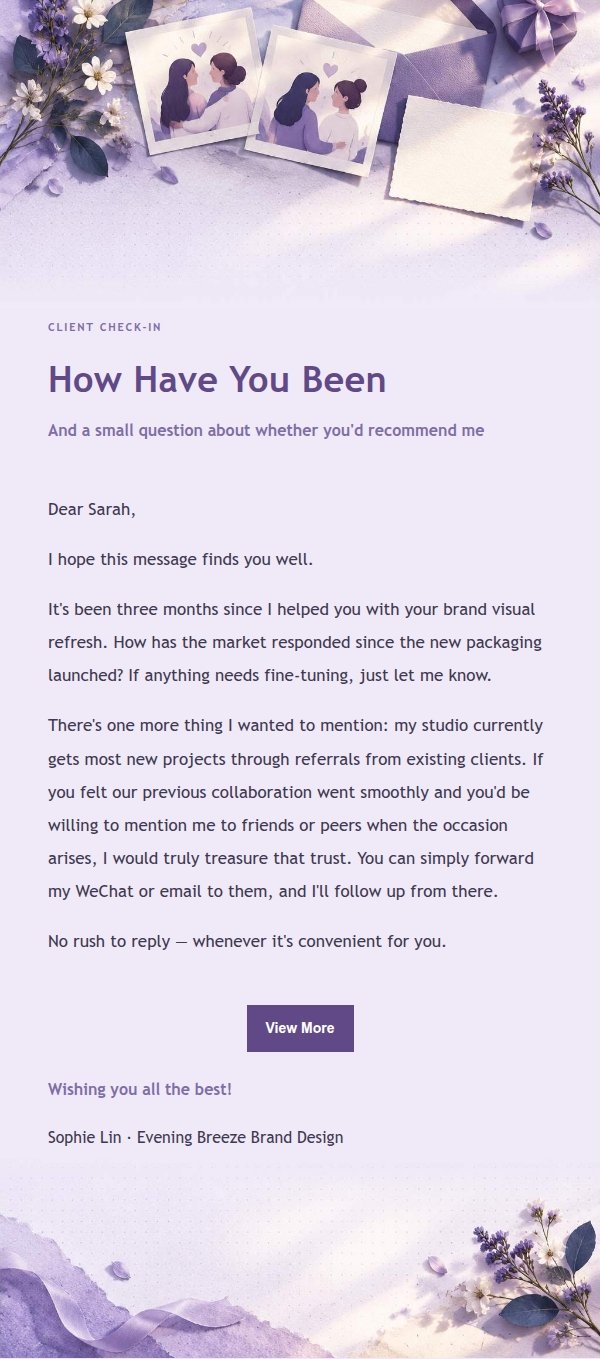
Use this template in three steps
No downloads and no HTML editing. After you sign in, this template opens automatically; just tell AI who the email is for and why you are writing.
- 1
Open this template
Click the button and sign in or create a free account. The writing screen opens with this template already selected.
- 2
Tell AI the essentials
In your own words, share the recipient, purpose, and tone. If dates, locations, links, or other details are missing, AI asks for them.
- 3
Preview, revise, and send
Review the complete email and ask AI for changes. Then enter the recipient and choose to send now or schedule it.
Version history
- v1.0First Created
Turn this template into your own email
Create a free account and this template opens automatically. Tell AI who you are writing to, why, and what matters; then preview the complete email, revise it, and decide how to send it.