
Matcha Apricot Cafe New Arrival Email
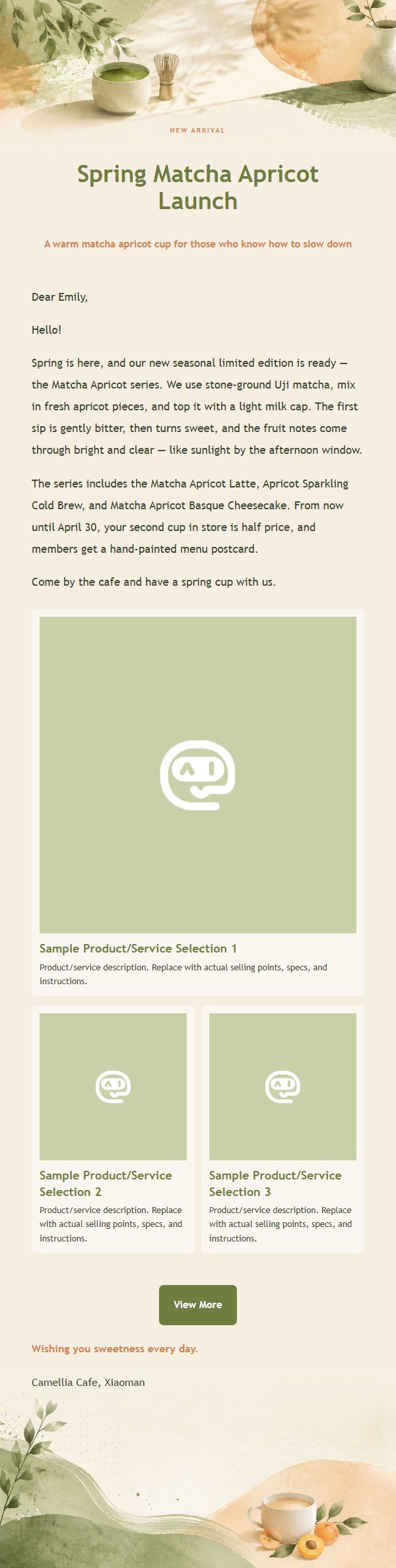
A cafe new arrival email template woven with matcha green and apricot orange, featuring warm whitespace, ceramic cup silhouettes, and hand-painted menu elements that make feminine aesthetics part of the brand's quality.
Create a free account and this template opens in the writing screen. Tell AI who the email is for and why you are writing; it asks for the missing details and creates your complete email.
About this template
A female-friendly marketing email template designed for coffee and tea brands, built on a warm and elegant palette of matcha green, apricot orange, cream white, and deep brown. The top and bottom hero sections feature ceramic cup silhouettes and hand-painted menu elements, while the middle keeps a low-contrast, vertically repeatable background band that accommodates body copy of varying lengths. It supports new product launches, service bookings, class sign-ups, member perks, holiday gifting, and repurchase communication. The dynamic product area holds up to four items or services, with a single-column primary card and secondary cards shown two per row on desktop and stacked on mobile. The overall design emphasizes texture, whitespace, and clear heading hierarchy, making feminine aesthetics part of the brand's quality.
Email previews
2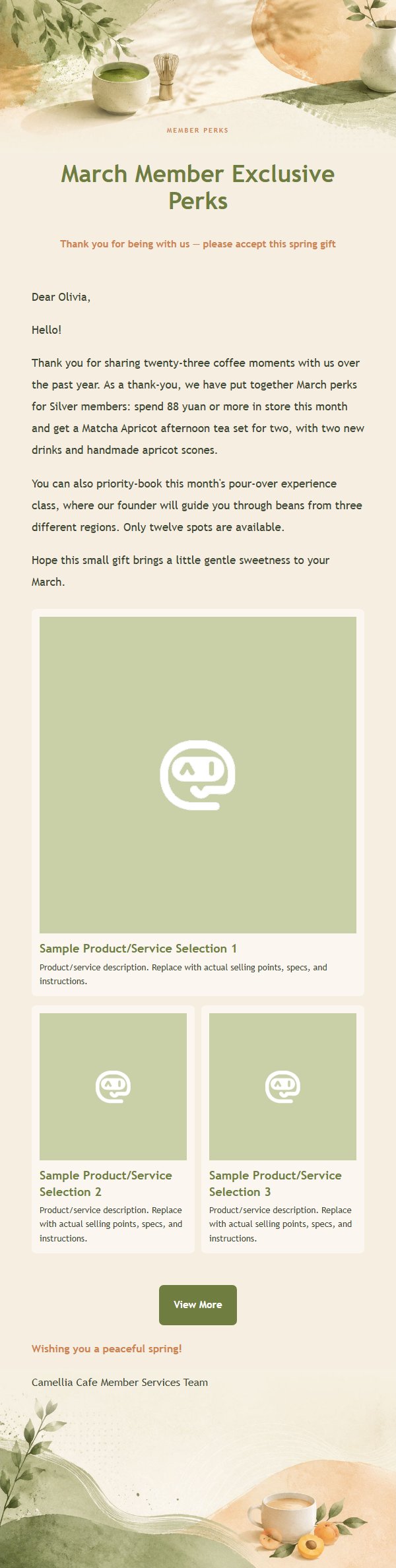
Use this template in three steps
No downloads and no HTML editing. After you sign in, this template opens automatically; just tell AI who the email is for and why you are writing.
- 1
Open this template
Click the button and sign in or create a free account. The writing screen opens with this template already selected.
- 2
Tell AI the essentials
In your own words, share the recipient, purpose, and tone. If dates, locations, links, or other details are missing, AI asks for them.
- 3
Preview, revise, and send
Review the complete email and ask AI for changes. Then enter the recipient and choose to send now or schedule it.
Version history
- v1.0First Created
Turn this template into your own email
Create a free account and this template opens automatically. Tell AI who you are writing to, why, and what matters; then preview the complete email, revise it, and decide how to send it.