
Mint Peach New Tool Rollout Guide
An internal email template for rolling out a new tool, migrating workflows, and introducing automation features. The design borrows from SaaS launch pages and light service design handbooks, using mint green, peach, mist white, and deep green to create a clean, rhythmic feel. The top section features an abstract window and soft glow, while the middle uses low-contrast grids and continuous color bands to support long-form reading. The structure first explains the real problem the tool solves, then walks through login, migration, and support in three steps, and finally states when the old process stops. Suitable for IT, operations, design, marketing, and HR teams sending together, and for organizations looking to reduce new-tool learning anxiety.
This template was made for EasyAImail with AI assistance and was not copied from a third-party template library. No separate template license is required, and it may be used in commercial email under our Terms of Service.
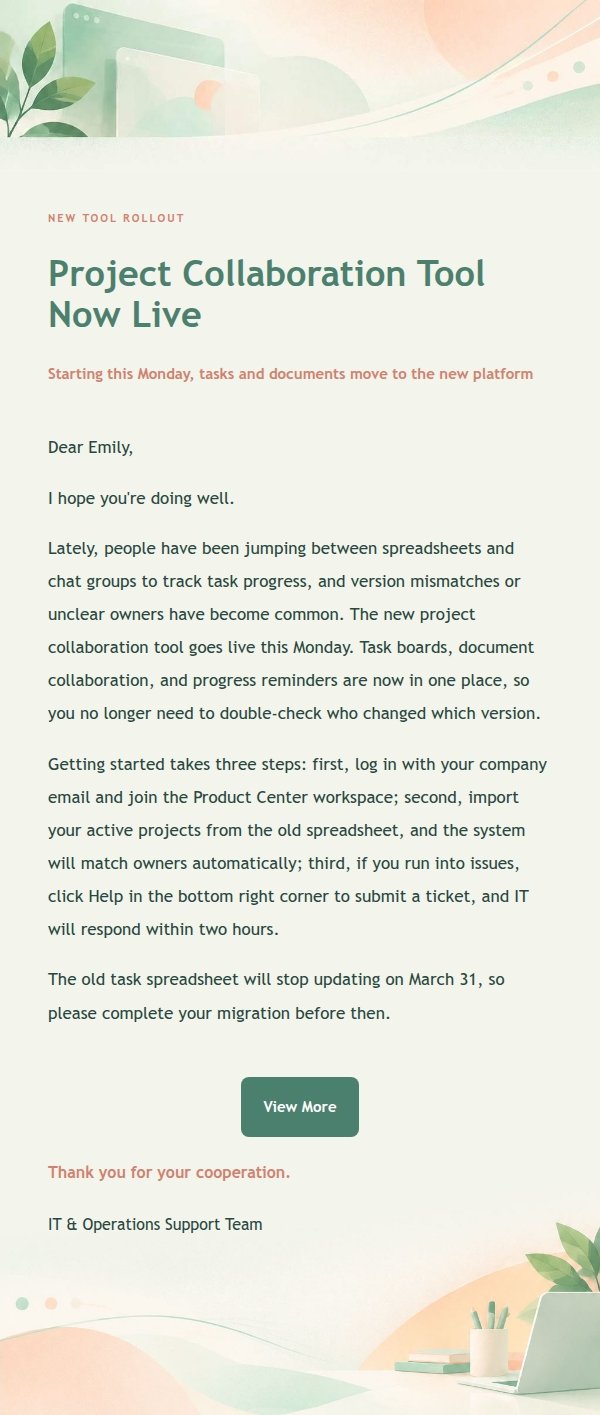
Email previews
2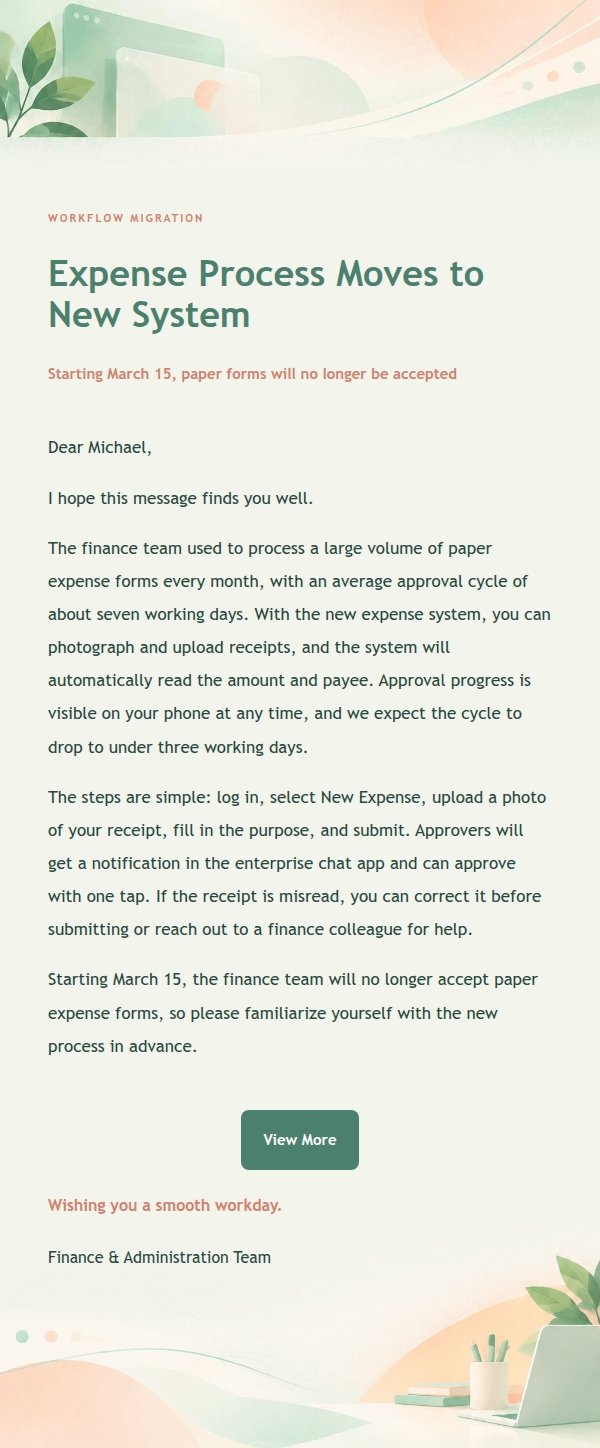
Use this template in three steps
No downloads and no HTML editing. After you sign in, this template opens automatically; just tell AI who the email is for and why you are writing.
- 1
Open this template
Click the button and sign in or create a free account. The writing screen opens with this template already selected.
- 2
Tell AI the essentials
In your own words, share the recipient, purpose, and tone. If dates, locations, links, or other details are missing, AI asks for them.
- 3
Preview, revise, and send
Review the complete email and ask AI for changes. Then enter the recipient and choose to send now or schedule it.
Version history
- v1.0First Created
Turn this template into your own email
Create a free account and this template opens automatically. Tell AI who you are writing to, why, and what matters; then preview the complete email, revise it, and decide how to send it.