
Navy Ledger Satisfaction Survey Email
A customer relationship email template built for satisfaction surveys and feedback collection, designed for freelancers, service providers, and small businesses to gather client input after a job is done. The visual style follows a navy ledger aesthetic with deep navy, pale blue, white, and brass tones, featuring ledger lines, parcel labels, and a clear document hierarchy. A survey identifier sits at the top so recipients immediately understand the purpose. The body uses a low-distraction paper texture with card layers and generous whitespace, making it easy to insert longer feedback context or service notes. Mobile-first, with media queries that increase font size and reading width on desktop. Dynamic body, greeting, signature, external link button, and compliance footer all have stable injection points.
This template was made for EasyAImail with AI assistance and was not copied from a third-party template library. No separate template license is required, and it may be used in commercial email under our Terms of Service.
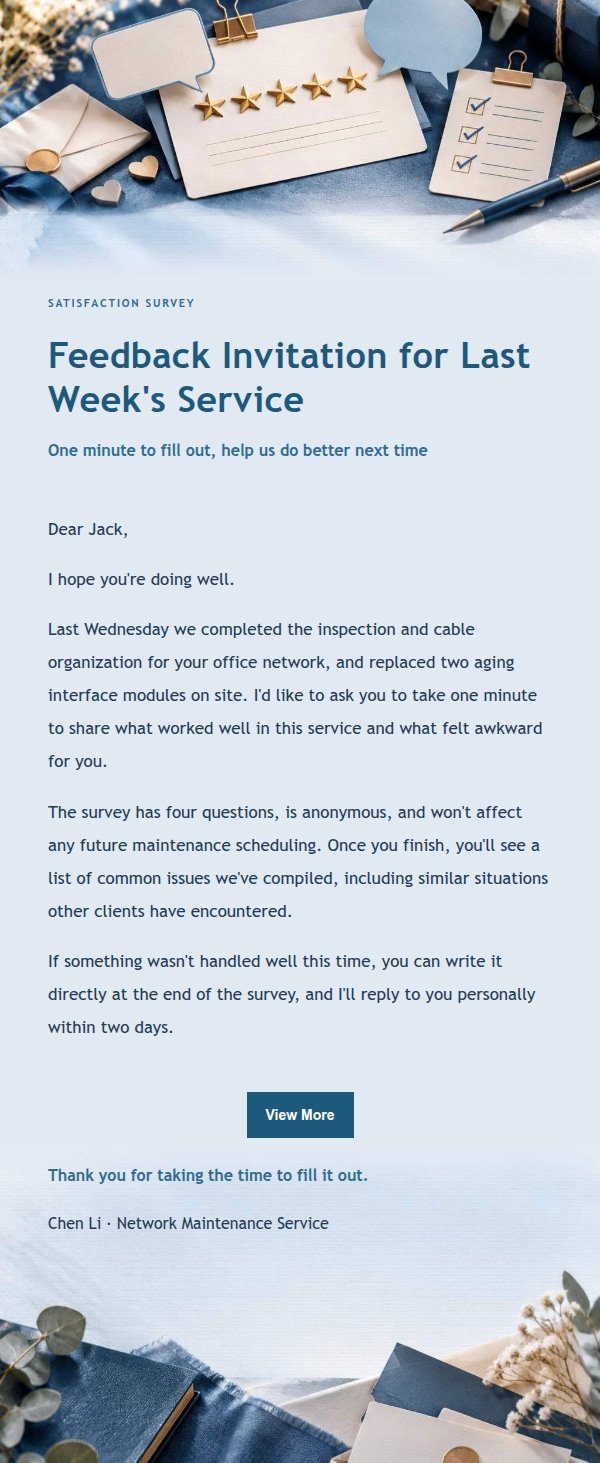
Email previews
2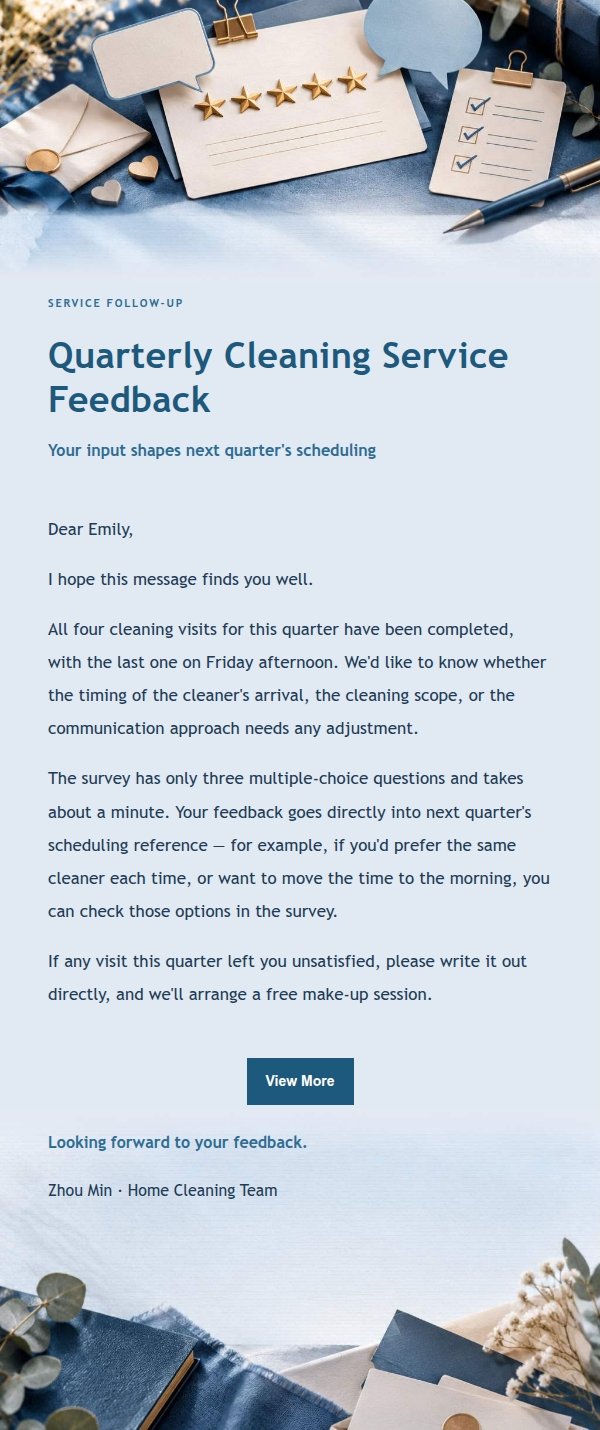
Use this template in three steps
No downloads and no HTML editing. After you sign in, this template opens automatically; just tell AI who the email is for and why you are writing.
- 1
Open this template
Click the button and sign in or create a free account. The writing screen opens with this template already selected.
- 2
Tell AI the essentials
In your own words, share the recipient, purpose, and tone. If dates, locations, links, or other details are missing, AI asks for them.
- 3
Preview, revise, and send
Review the complete email and ask AI for changes. Then enter the recipient and choose to send now or schedule it.
Version history
- v1.0First Created
Turn this template into your own email
Create a free account and this template opens automatically. Tell AI who you are writing to, why, and what matters; then preview the complete email, revise it, and decide how to send it.