
Rose Editorial Birthday Wish Email
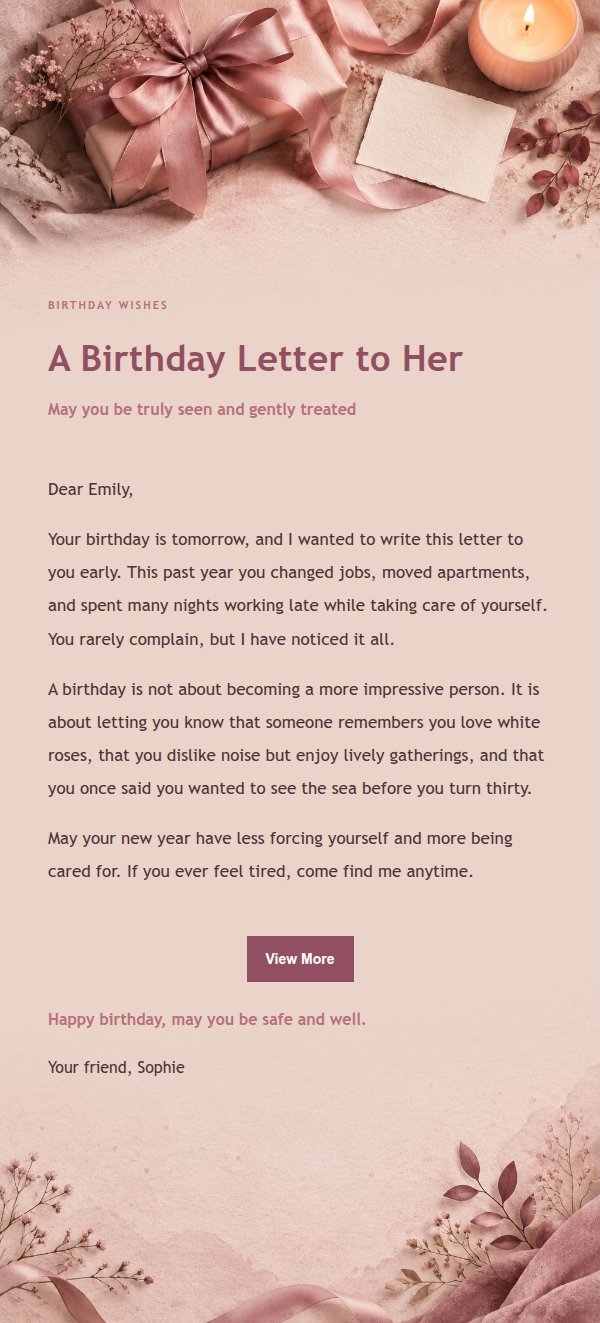
Rose editorial birthday wish email template, turning a birthday, anniversary or unsaid words into a letter that is neither perfunctory nor pressuring. Generated by AI, ready to review and send.
Create a free account and this template opens in the writing screen. Tell AI who the email is for and why you are writing; it asks for the missing details and creates your complete email.
About this template
A birthday email template in a rose editorial style, using paper, fabric, window light and low-contrast decoration to create a quiet emotional atmosphere. It treats a birthday not as a loud poster but as a letter written with care. Suitable for women, people who value ritual, and senders who express feelings through words. Works for birthdays, graduations, weddings, new babies, housewarmings, promotions, retirements, farewells, condolences, encouragement, confessions, proposals and anniversaries. Visual focus is on the emotional entry of the title, scene tags, breathing room in the body, and the distance between greeting and signature. Content strategy: first explain why you are writing, then acknowledge what is precious in the recipient's experience or relationship, then give specific wishes, and finally keep a replaceable closing blessing. Mobile-first, with desktop media queries enhancing font size, whitespace and button layout.
Email previews
2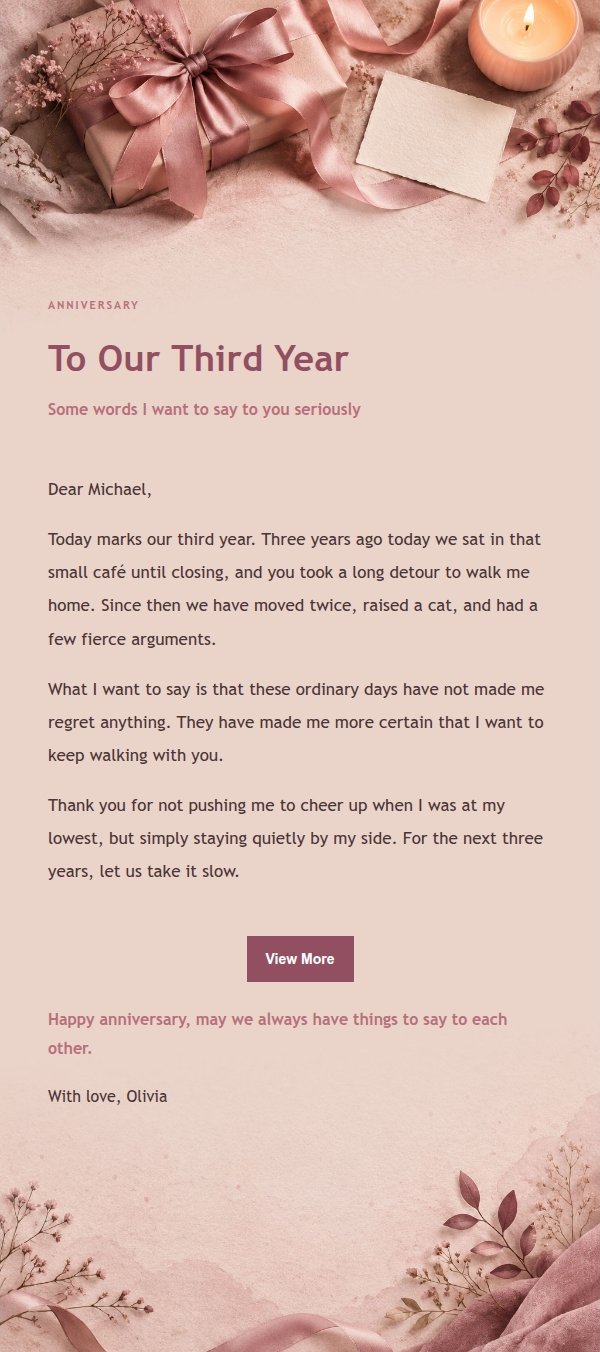
Use this template in three steps
No downloads and no HTML editing. After you sign in, this template opens automatically; just tell AI who the email is for and why you are writing.
- 1
Open this template
Click the button and sign in or create a free account. The writing screen opens with this template already selected.
- 2
Tell AI the essentials
In your own words, share the recipient, purpose, and tone. If dates, locations, links, or other details are missing, AI asks for them.
- 3
Preview, revise, and send
Review the complete email and ask AI for changes. Then enter the recipient and choose to send now or schedule it.
Version history
- v1.0First Created
Turn this template into your own email
Create a free account and this template opens automatically. Tell AI who you are writing to, why, and what matters; then preview the complete email, revise it, and decide how to send it.