
Rose Editorial Return-to-Work Request Email
A return-to-work request email template built around a rose editorial style, designed for reconnecting with a former employer about returning to a previous role or team. Soft coral, champagne cream, warm clay and muted olive tones with subtle rose accents create a gentle, ceremonial workplace letter feel. The top and bottom use portfolio folders, an old office key, bridge-like paper lines and morning window light as scene cues, while the middle section uses a low-contrast background band to carry longer body text. Mobile-first, with desktop media queries that enhance font size and spacing. The body structure explains the reason for writing, then background and feelings, followed by a specific request or next step, with the closing greeting placed after the body and before the signature.
This template was made for EasyAImail with AI assistance and was not copied from a third-party template library. No separate template license is required, and it may be used in commercial email under our Terms of Service.
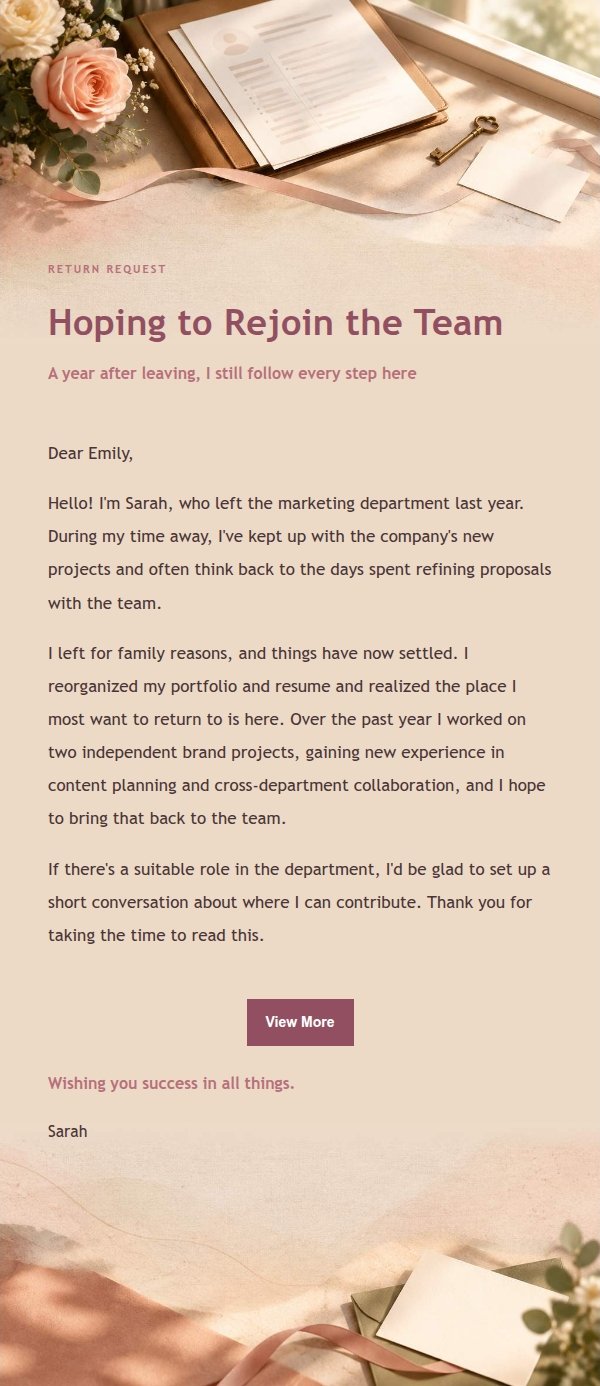
Email previews
2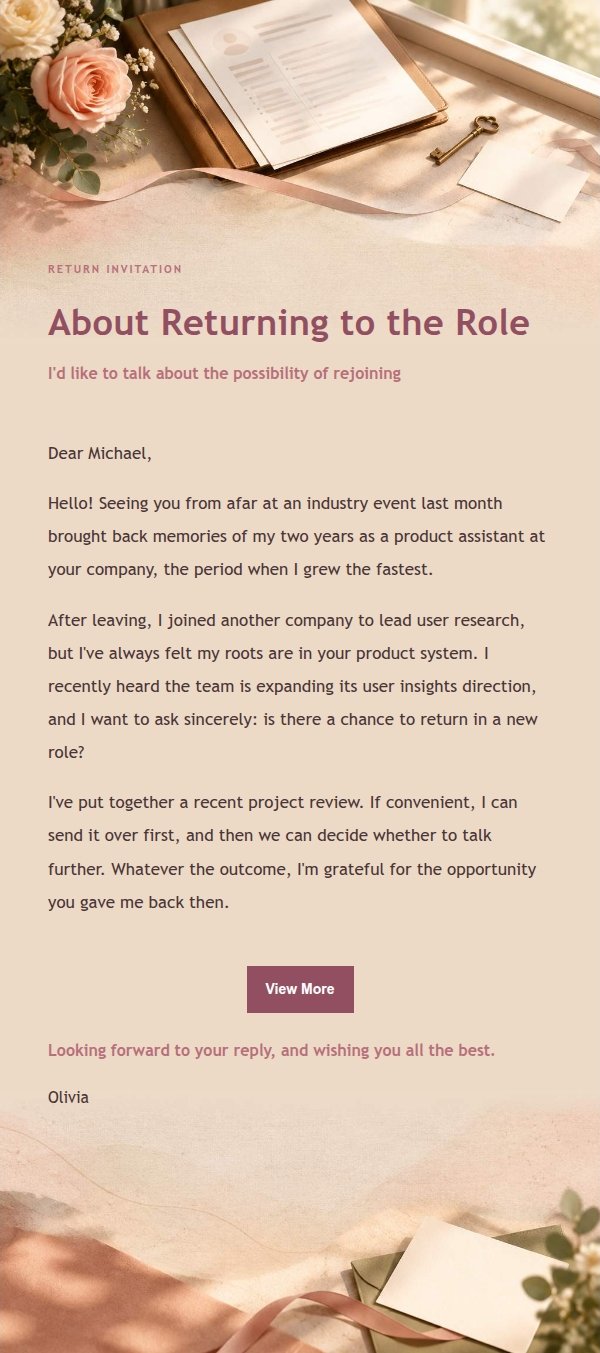
Use this template in three steps
No downloads and no HTML editing. After you sign in, this template opens automatically; just tell AI who the email is for and why you are writing.
- 1
Open this template
Click the button and sign in or create a free account. The writing screen opens with this template already selected.
- 2
Tell AI the essentials
In your own words, share the recipient, purpose, and tone. If dates, locations, links, or other details are missing, AI asks for them.
- 3
Preview, revise, and send
Review the complete email and ask AI for changes. Then enter the recipient and choose to send now or schedule it.
Version history
- v1.0First Created
Turn this template into your own email
Create a free account and this template opens automatically. Tell AI who you are writing to, why, and what matters; then preview the complete email, revise it, and decide how to send it.