
Rose & Ink Growth Review Cycle Email
An internal email template for performance reviews, goal retrospectives and growth conversations. The design draws on the annual review sections of high-end publications, women's career coaching services and the People handbooks of mature organizations, using rose, ink black, warm ivory and soft gold to create a visual weight that feels substantial without being oppressive. A fixed abstract timeline, page edges and fine gold lines sit at the top, while low-contrast paper grain and continuous tick marks fill the middle, ready to carry evaluation notes, preparation questions, feedback principles and next steps. The content treats the review as a two-way conversation rather than a one-sided scorecard: it first sets the time and place, then explains how to prepare facts, how to ask for support, and how to write the next phase's goals so they are actionable. Suitable for HR, People Partners, managers and women's employee development programs, and can be adapted for quarterly goal reviews or probation reviews.
This template was made for EasyAImail with AI assistance and was not copied from a third-party template library. No separate template license is required, and it may be used in commercial email under our Terms of Service.
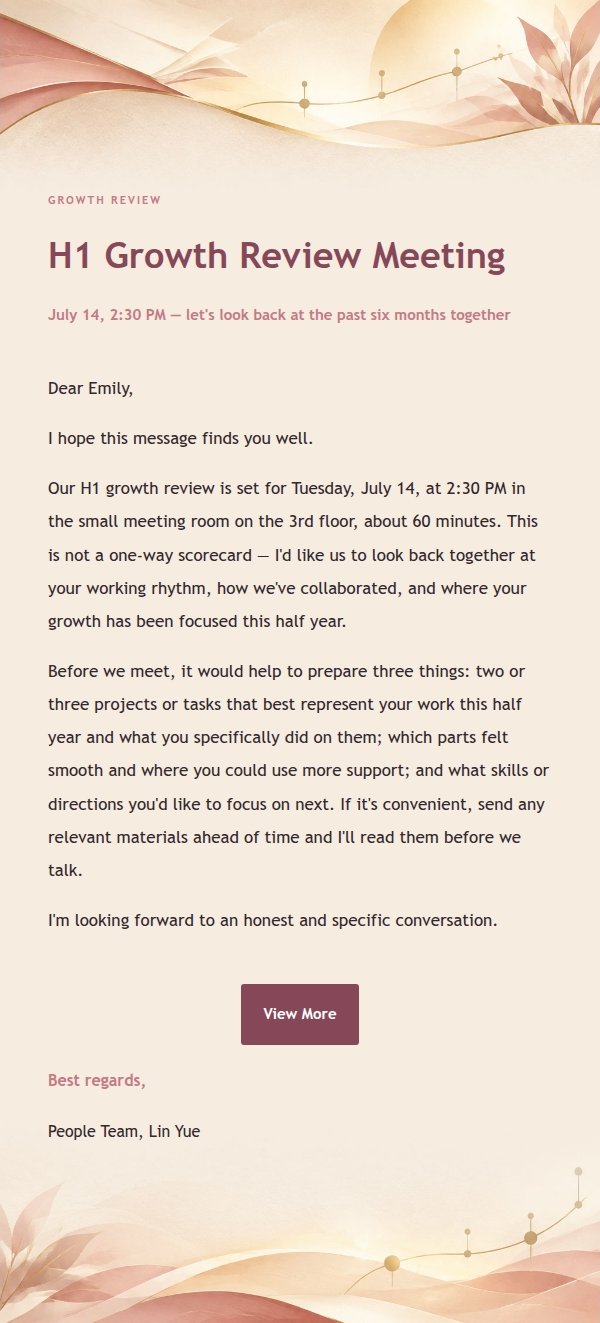
Email previews
2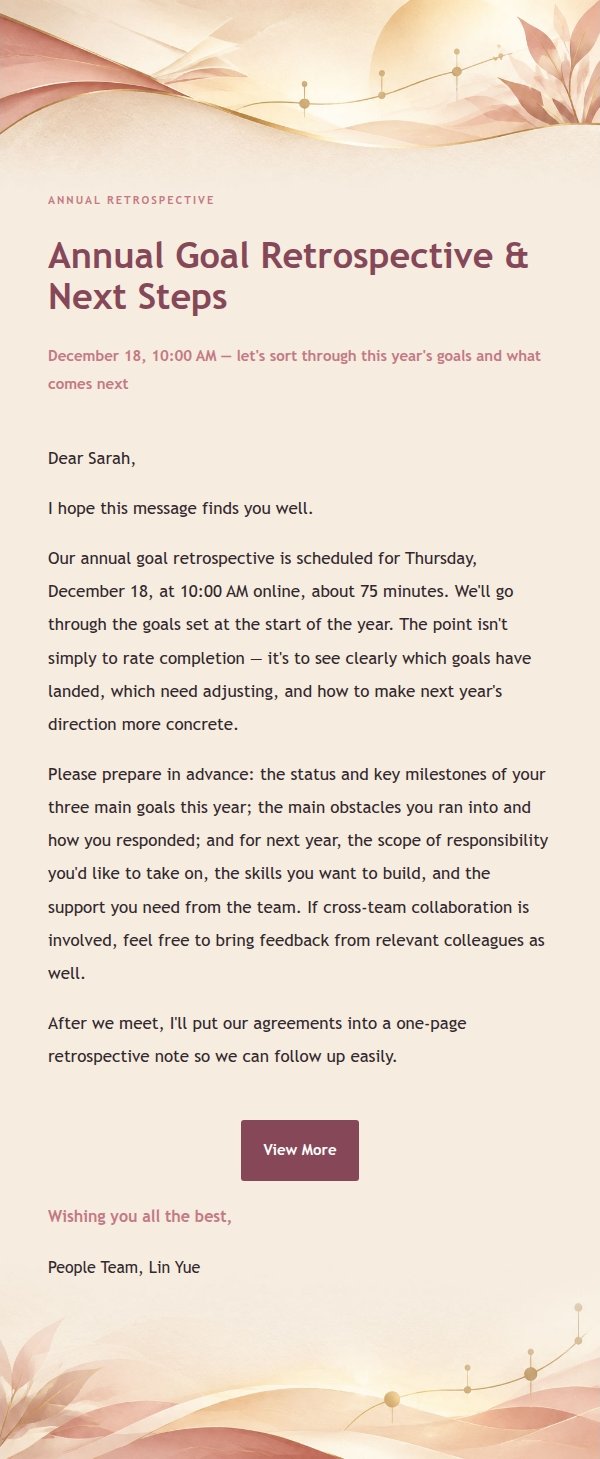
Use this template in three steps
No downloads and no HTML editing. After you sign in, this template opens automatically; just tell AI who the email is for and why you are writing.
- 1
Open this template
Click the button and sign in or create a free account. The writing screen opens with this template already selected.
- 2
Tell AI the essentials
In your own words, share the recipient, purpose, and tone. If dates, locations, links, or other details are missing, AI asks for them.
- 3
Preview, revise, and send
Review the complete email and ask AI for changes. Then enter the recipient and choose to send now or schedule it.
Version history
- v1.0First Created
Turn this template into your own email
Create a free account and this template opens automatically. Tell AI who you are writing to, why, and what matters; then preview the complete email, revise it, and decide how to send it.