
Rose Violet Women's Charity Campaign Email
A women-friendly marketing email template designed for community and nonprofit campaigns. Built around rose, violet, ivory, and deep plum tones, it transforms abstract linked hands, paper circles, and warm editorial light into fixed top and bottom hero visuals sized for a 600px email canvas, with a low-contrast, vertically repeatable background band in between to accommodate body copy of varying lengths. Great for audiences who value community connection, charitable participation, and concrete action. For event registration, volunteer recruitment, donation drives, service bookings, course enrollment, membership perks, holiday gifting, and repurchase communication. The content strategy first explains why the recipient matters, then follows with clear benefits, scenarios, and recommendations that lead into product or service cards, and finally guides readers to view details, book, or purchase through an external link button. The dynamic product area supports a single-column primary card, two secondary cards per row on desktop, and vertical stacking on mobile, with up to four products or services appended. The overall design emphasizes texture, whitespace, clear heading hierarchy, and a gentle yet clear call to action, making feminine aesthetics part of the brand's quality rather than an added decorative label.
This template was made for EasyAImail with AI assistance and was not copied from a third-party template library. No separate template license is required, and it may be used in commercial email under our Terms of Service.
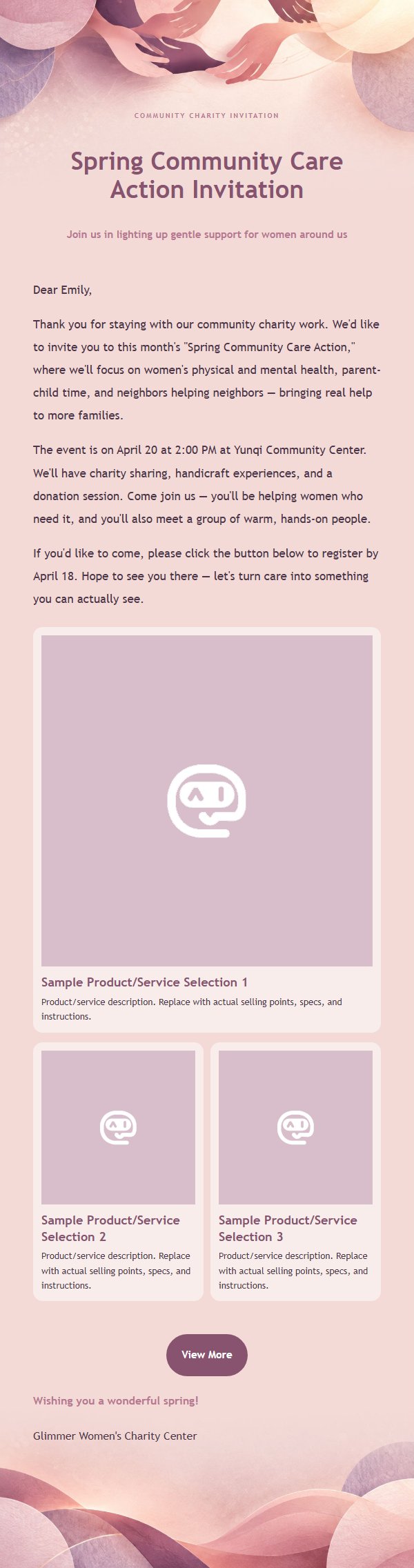
Email previews
2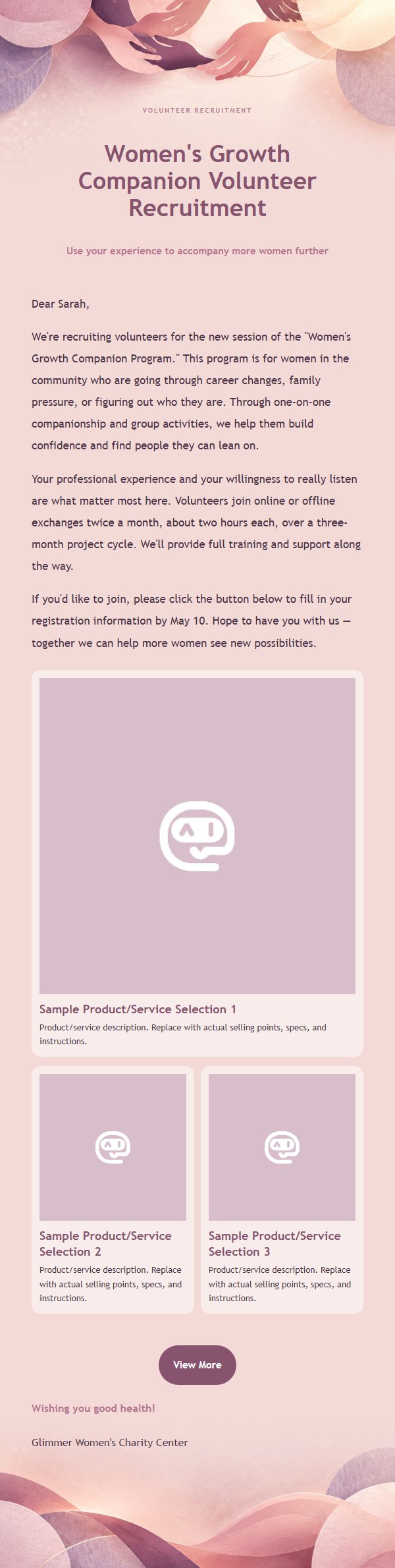
Use this template in three steps
No downloads and no HTML editing. After you sign in, this template opens automatically; just tell AI who the email is for and why you are writing.
- 1
Open this template
Click the button and sign in or create a free account. The writing screen opens with this template already selected.
- 2
Tell AI the essentials
In your own words, share the recipient, purpose, and tone. If dates, locations, links, or other details are missing, AI asks for them.
- 3
Preview, revise, and send
Review the complete email and ask AI for changes. Then enter the recipient and choose to send now or schedule it.
Version history
- v1.0First Created
Turn this template into your own email
Create a free account and this template opens automatically. Tell AI who you are writing to, why, and what matters; then preview the complete email, revise it, and decide how to send it.