
Sage Studio Order Confirmation Email
A transactional email template for order confirmations, built for independent makers, freelancers, and small shops that want clear, human communication. Instead of a cold system notice, it organizes order details, next steps, and a personal tone into an email that's easy to read and worth keeping. The sage studio visual style uses sage green, ivory, muted eucalyptus, and warm wood, like a quiet handmade workbench. The top area carries order-related identifiers so recipients instantly know the purpose; the body uses paper texture, card layers, and generous whitespace for longer order, amount, date, shipping, or service notes. Mobile-first reading, with desktop media queries scaling up type, spacing, and visual proportions. Dynamic body, signature, external link buttons, and theme footer all have stable containers, keeping the friendly small-shop feel while supporting professional transaction communication.
This template was made for EasyAImail with AI assistance and was not copied from a third-party template library. No separate template license is required, and it may be used in commercial email under our Terms of Service.
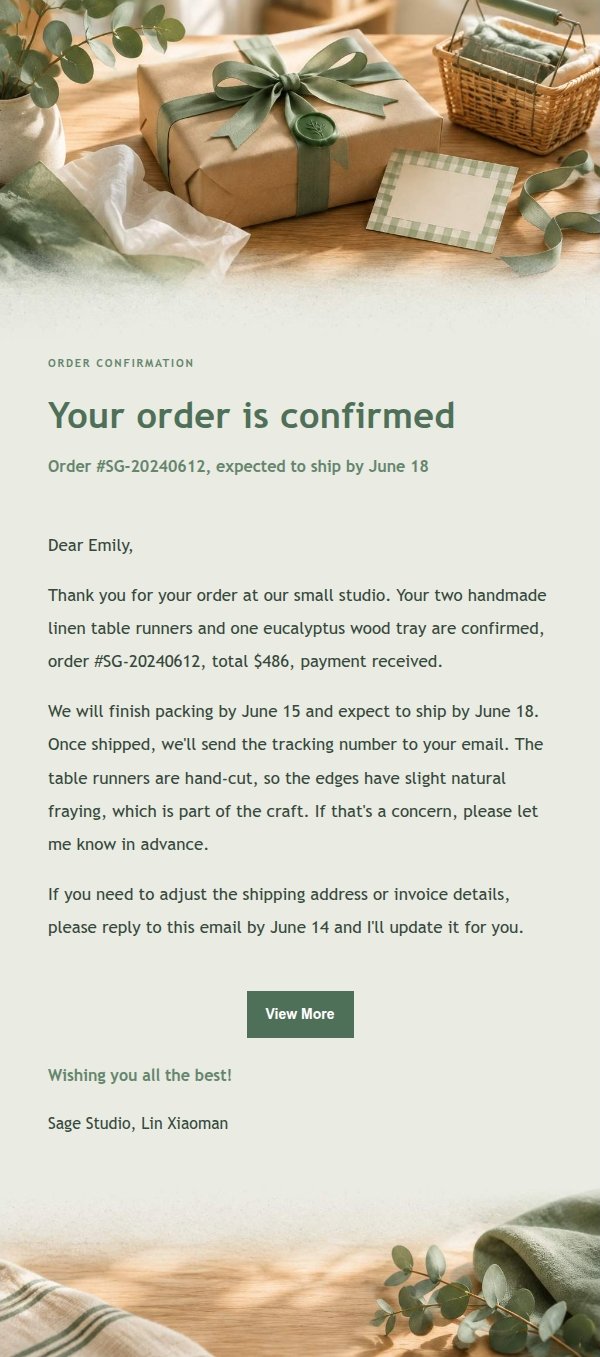
Email previews
2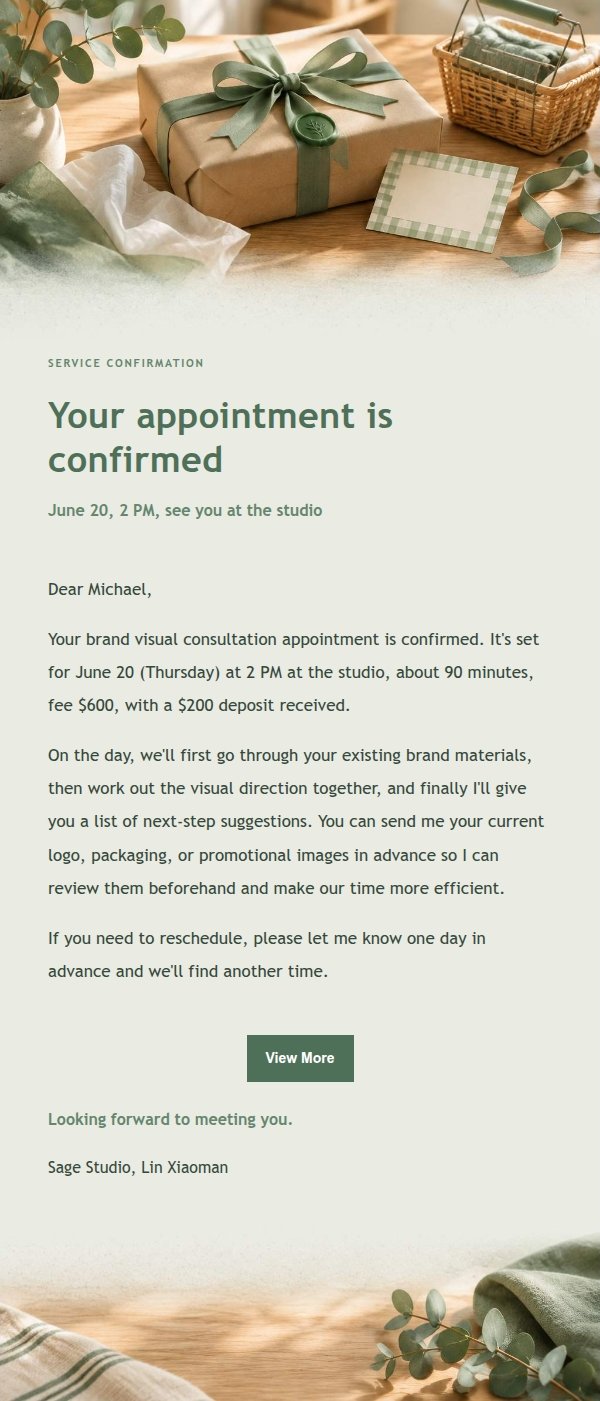
Use this template in three steps
No downloads and no HTML editing. After you sign in, this template opens automatically; just tell AI who the email is for and why you are writing.
- 1
Open this template
Click the button and sign in or create a free account. The writing screen opens with this template already selected.
- 2
Tell AI the essentials
In your own words, share the recipient, purpose, and tone. If dates, locations, links, or other details are missing, AI asks for them.
- 3
Preview, revise, and send
Review the complete email and ask AI for changes. Then enter the recipient and choose to send now or schedule it.
Version history
- v1.0First Created
Turn this template into your own email
Create a free account and this template opens automatically. Tell AI who you are writing to, why, and what matters; then preview the complete email, revise it, and decide how to send it.