
Sage Studio Priority Conflict Notice
A sage-studio style email template for employees who need to flag a priority conflict and propose a revised delivery date before the deadline. The fixed top and bottom sections show completed progress cards, stacked high-priority task folders, a capacity gauge, the original due date and the revised date, plus a clear routing path for the manager to choose. The middle section uses a low-distraction paper and fabric texture that holds long checklists, dates, handover notes and priority options without stretching. Mobile-first, with desktop media queries for larger type and spacing.
This template was made for EasyAImail with AI assistance and was not copied from a third-party template library. No separate template license is required, and it may be used in commercial email under our Terms of Service.
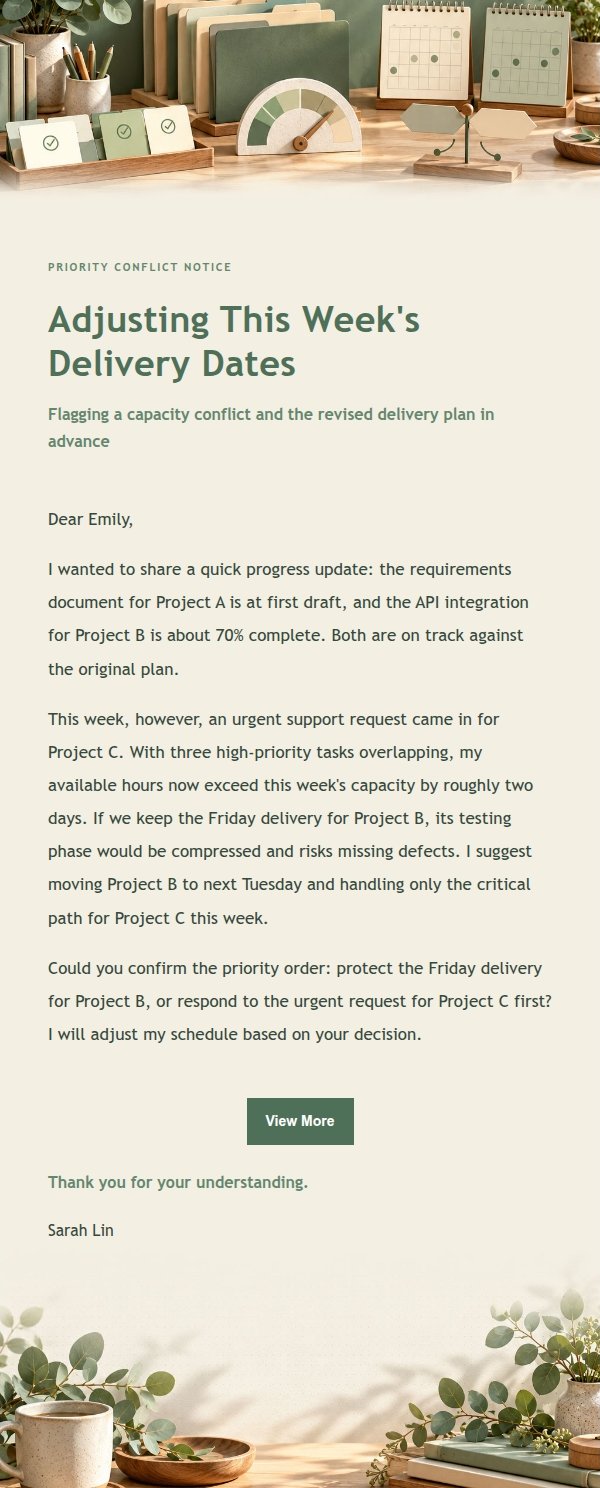
Email previews
2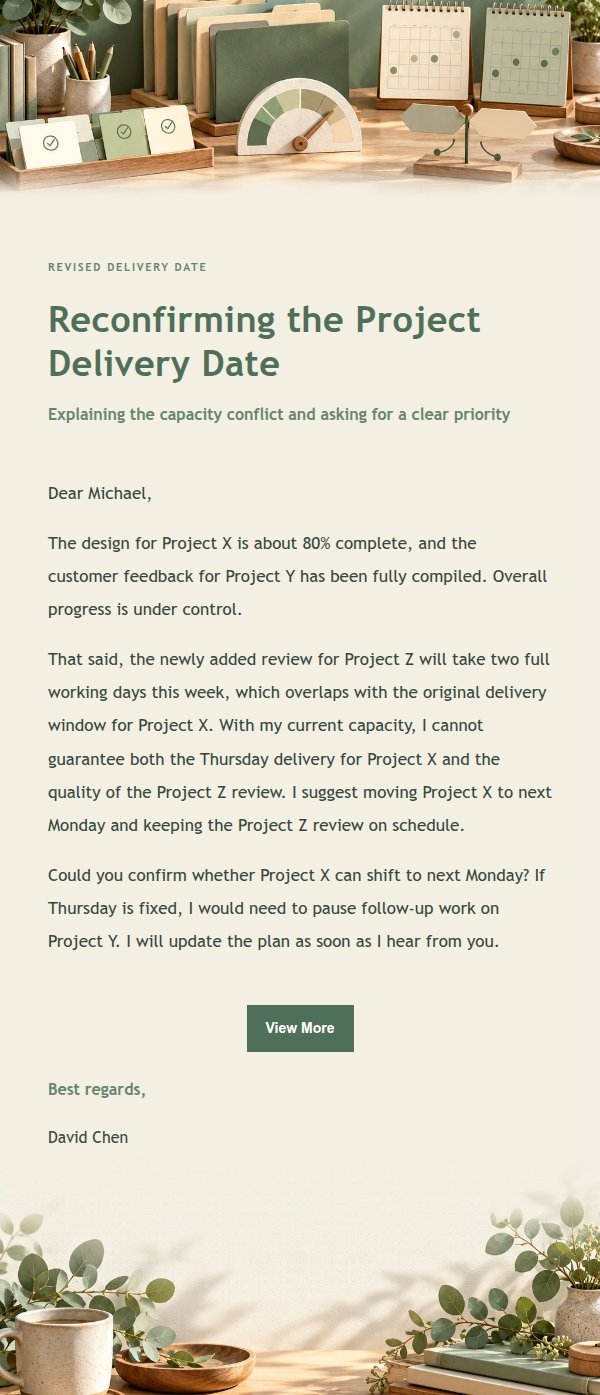
Use this template in three steps
No downloads and no HTML editing. After you sign in, this template opens automatically; just tell AI who the email is for and why you are writing.
- 1
Open this template
Click the button and sign in or create a free account. The writing screen opens with this template already selected.
- 2
Tell AI the essentials
In your own words, share the recipient, purpose, and tone. If dates, locations, links, or other details are missing, AI asks for them.
- 3
Preview, revise, and send
Review the complete email and ask AI for changes. Then enter the recipient and choose to send now or schedule it.
Version history
- v1.0First Created
Turn this template into your own email
Create a free account and this template opens automatically. Tell AI who you are writing to, why, and what matters; then preview the complete email, revise it, and decide how to send it.