
Terracotta Cream Newborn Blessing Email
A heartfelt email template designed for newborn blessing occasions, featuring a terracotta cream aesthetic that uses paper textures, soft fabrics, window light, and low-contrast decorations to create a gentle atmosphere. Great for expressing sincere congratulations on a baby's birth, full-month celebration, or the joy of a new addition to the family. The design emphasizes an emotional headline entry, scenario hint labels, breathing room in the body text, and thoughtful spacing between blessings and signature. The content strategy first explains the reason for writing, then acknowledges the preciousness of the recipient's experience, followed by specific yet moderate wishes, and finally leaves a replaceable closing blessing, making the recipient feel truly seen. Mobile-first structure with desktop enhancements through media queries for font size and whitespace, great for female users and senders who value ceremonial moments.
This template was made for EasyAImail with AI assistance and was not copied from a third-party template library. No separate template license is required, and it may be used in commercial email under our Terms of Service.
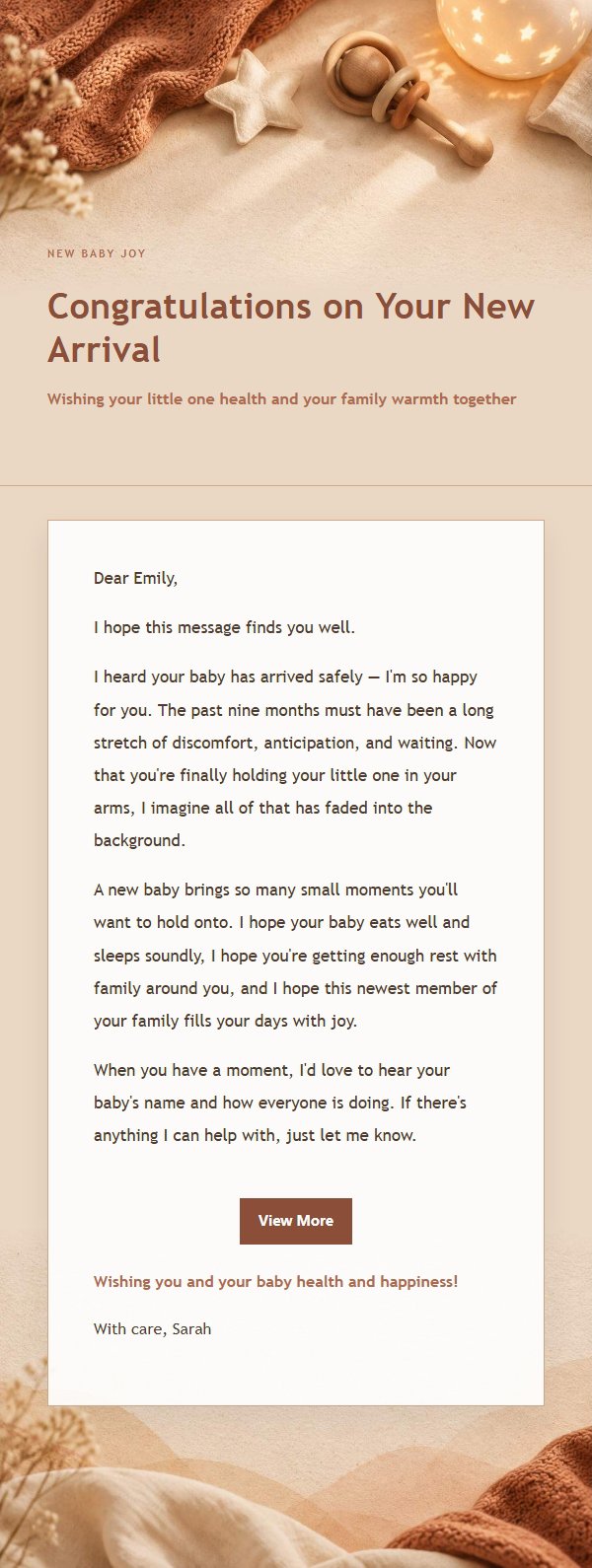
Email previews
2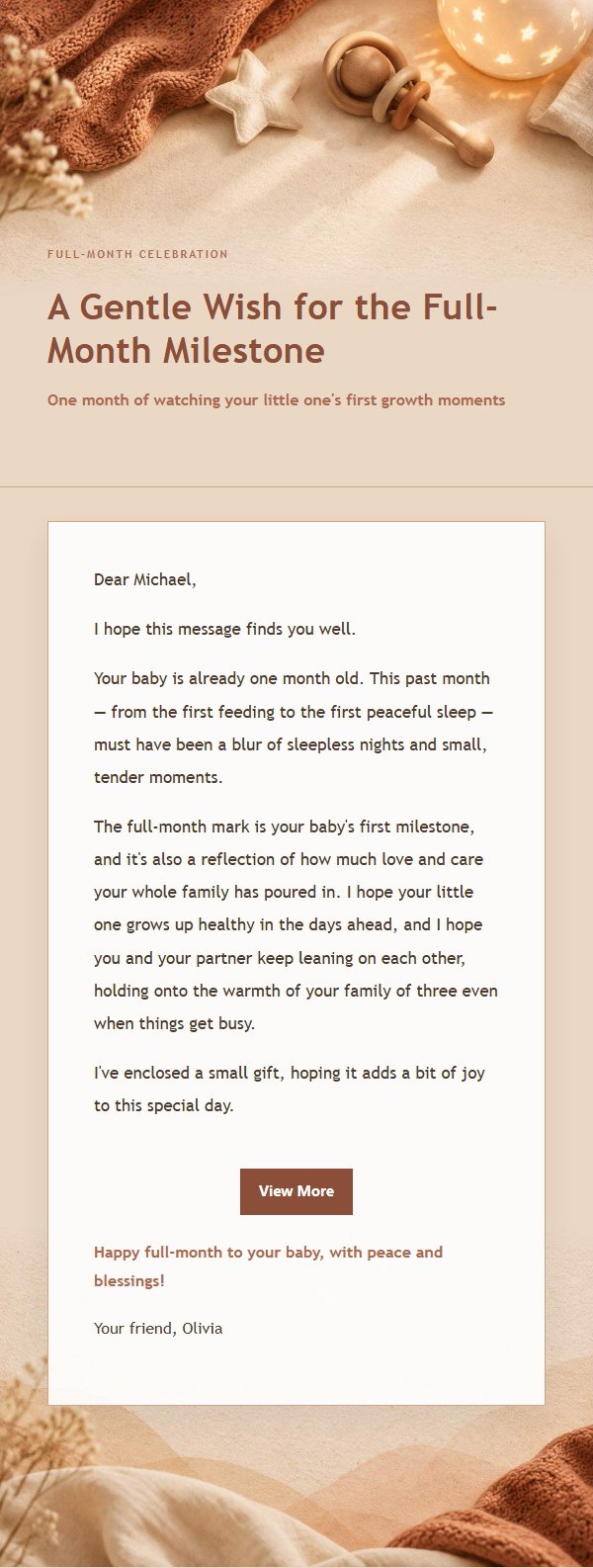
Use this template in three steps
No downloads and no HTML editing. After you sign in, this template opens automatically; just tell AI who the email is for and why you are writing.
- 1
Open this template
Click the button and sign in or create a free account. The writing screen opens with this template already selected.
- 2
Tell AI the essentials
In your own words, share the recipient, purpose, and tone. If dates, locations, links, or other details are missing, AI asks for them.
- 3
Preview, revise, and send
Review the complete email and ask AI for changes. Then enter the recipient and choose to send now or schedule it.
Version history
- v1.0First Created
Turn this template into your own email
Create a free account and this template opens automatically. Tell AI who you are writing to, why, and what matters; then preview the complete email, revise it, and decide how to send it.